39
Note: For more details on the Jremote control program for JRMC you can go their help website:
http://www.jremote.net/
Step 2. Open the JRemote App and Setup
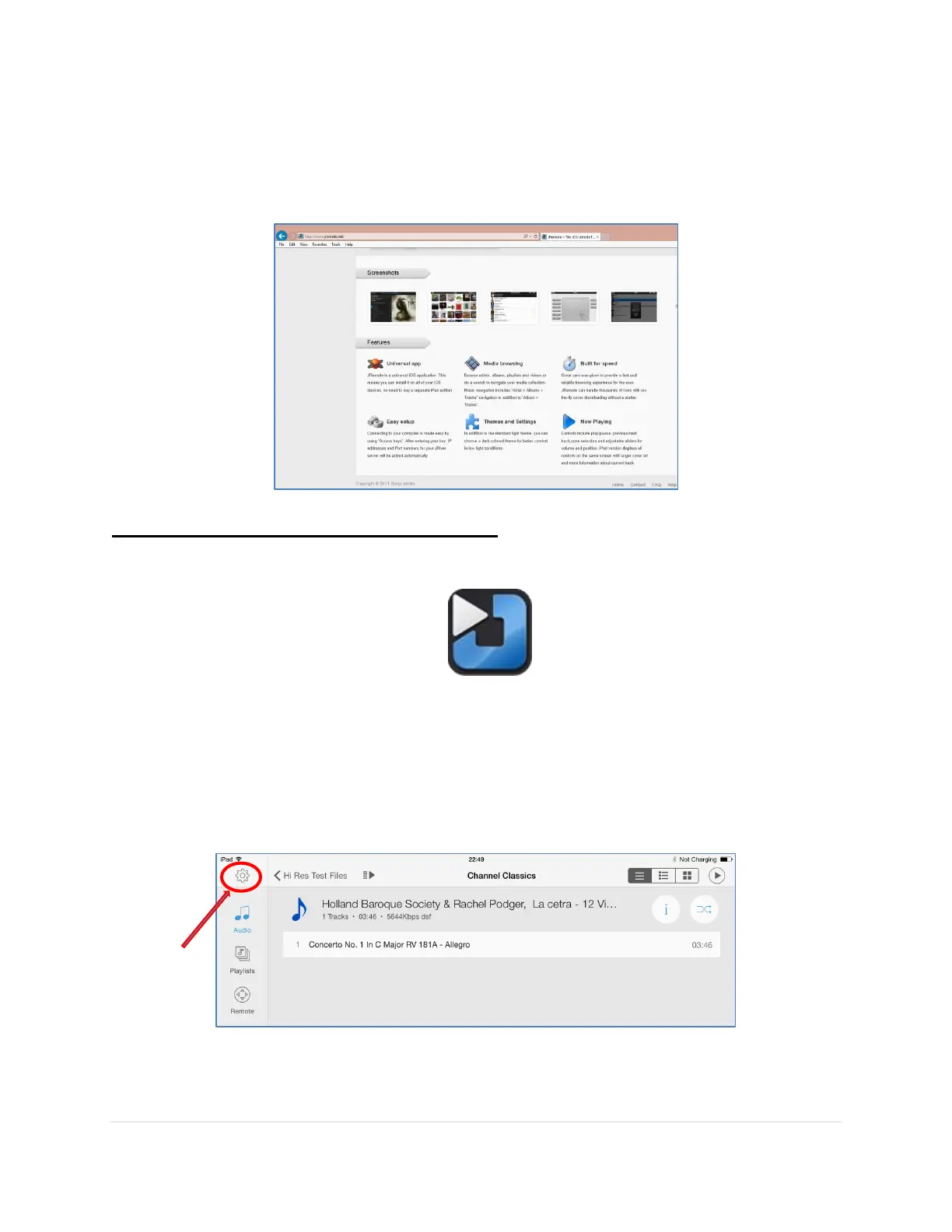
1. Open the Jremote app on the iPad
Note
: Make sure your DAC is turned on, JRMC is running and sees the MSB Renderer
before starting
2. Tap on the Settings button in the top left hand corner



 To Next Page