38
6.5 Jremote Installation
For the remote control we will be using the
Jremote
application on the iPad, which is an
excellent way to access and command your music library. Important to note is that Jremote is not
an UPnP Controller but it is purely a remote control program for Jriver Media Center only.
JRMC can function as the UPnP Media Server and UPnP Controller at the same time, and it is
because of this that gapless and playlist playback with JRMC and Jremote is so smooth.
It is not free, and you can of course use any of the other free UPnP Controller applications with
Jriver Media Center, but Jremote is tailor-made for JRMC and will be much more user-friendly
and stable.
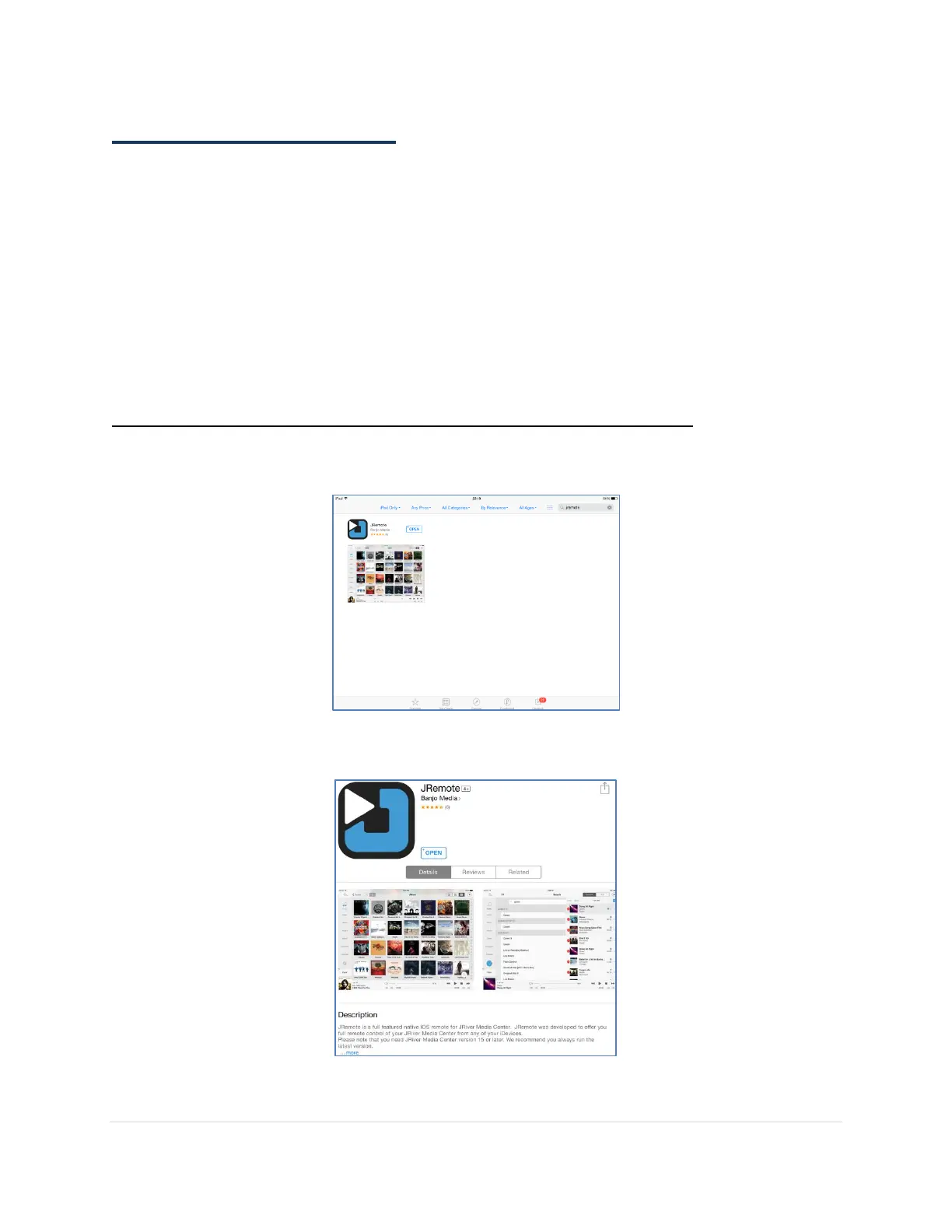
Step 1. Purchase and Install Jremote Application on your iPad
On your iPad open the App Store and search for
Jremote
.
Click on
INSTALL
and follow the instructions to purchase the App.



 To Next Page