13
3. Module Installation
The installation of the MSB Network Renderer can be done by your dealer or, since it is quite
simple to do, with a few steps shown below and a screwdriver you can complete it within 5-10
minutes.
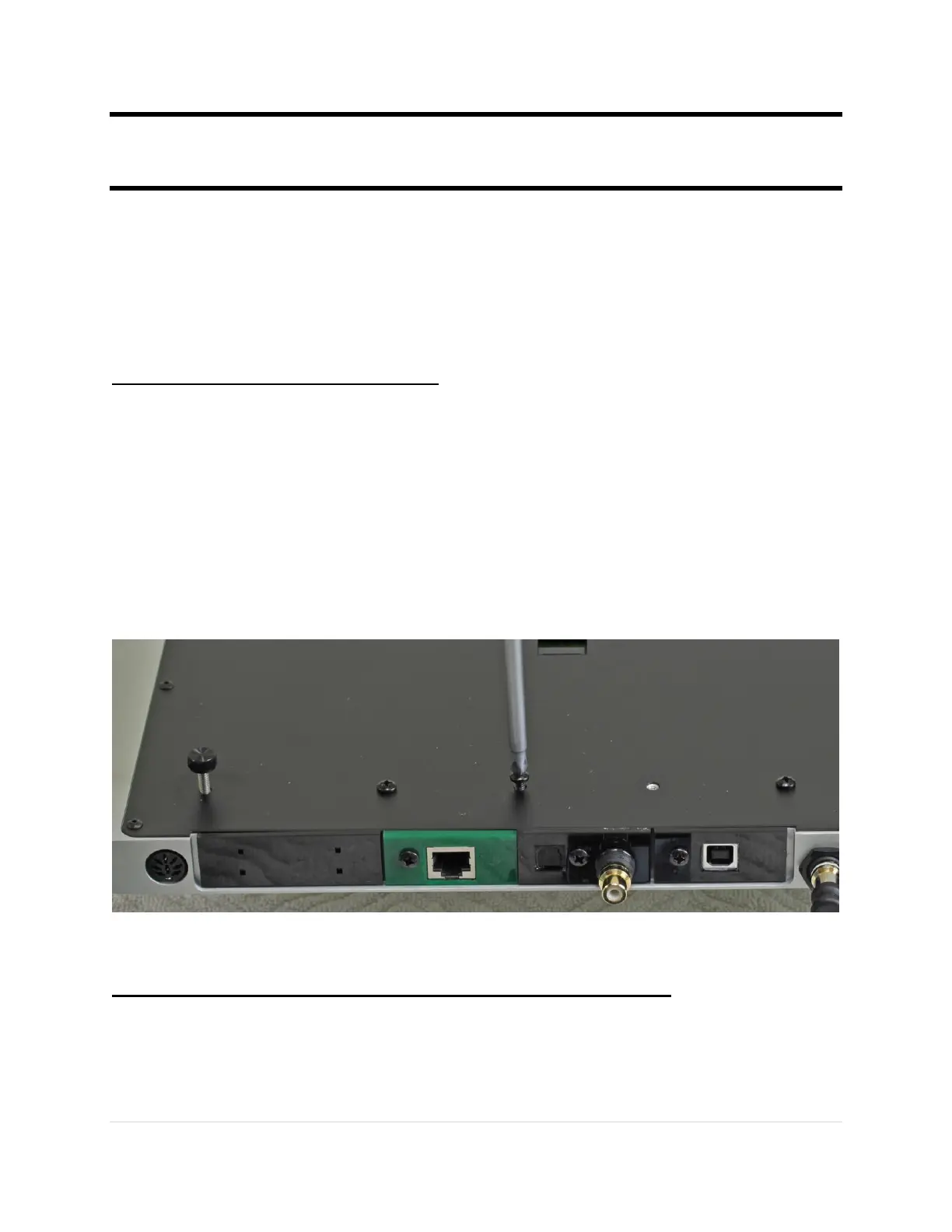
The modules are designed to be easily installed or replaced. Please follow these instructions.
Step 1: Determine which slot to use
The order of the modules determines the priority of input selection in the auto-select mode. The
highest priority input will always interrupt the lower priority. So if you have a source that is
always on, it should be set as the lowest priority so any other source can interrupt it. The highest
priority input is closest to the analog outputs.
There is no sonic difference in which slot you use for the Network Renderer module.
Please note: Do not use the slightly larger looking slot adjacent to the power input.
Step 2: Disconnect the DAC from any power or audio cables
Make sure you do not ha connected to the DAC, especially power.
Turn the DAC over and place it on a soft surface like a towel.



 To Next Page