78
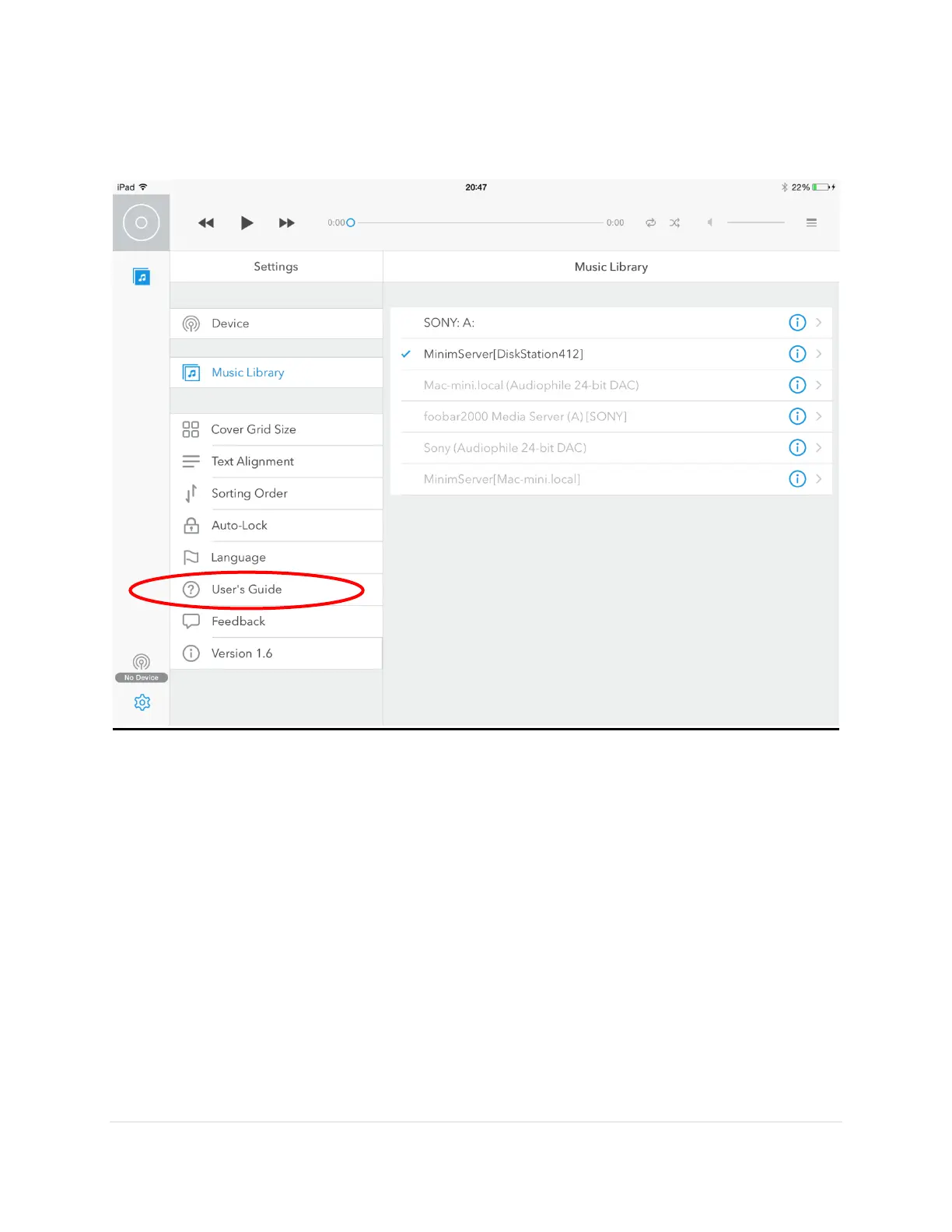
5. There are more setting changes you can make to personalize your experience. There is
also a link to the User Guide from within the Settings screen.
6. You are now ready to enjoy your music library by accessing it remotely using the
Lightning DS application on the iPad as the remote control. Refer to the Lightning DS
User Guide for helpful details.
Please keep in mind with any UPnP controller, when you select and album or playlist for
playback, do not navigate away from the Controller or the music will stop playing after
the current song.
It is recommended to completely reboot the iPad after the initial library load and
whenever you run into responsiveness issues as the memory on the iPad might run low.



 To Next Page