English
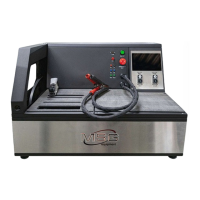
Tester MS016
30
С – LIN 1.3 bus;
E – LIN 2.1 bus;
Err – Bus type is not identified;
6 – Control total. “Err” means “no data displayed”.
6.1. Analyzer Mode
Analyzer Mode is used to read data transmitted via a LIN bus to assess the bus continuity and the
performance of a Master module. In this test mode the tester will save the obtained data.
Data reading and saving:
WARNING! Perform all the operation in the below-described order. Otherwise, a data exchange
via a LIN bus will be interrupted. It will lead to errors in a corresponding control module.
1. Connect cable MS-33501 to the tester.
2. The tester can be powered either by a battery or from an external power supply via a USB. If
powered by a battery, connect red “B+” and black “B-“ clips to the tester. Insert flexible probe
pins (not included) to the LIN bus terminal from the side of the cable.
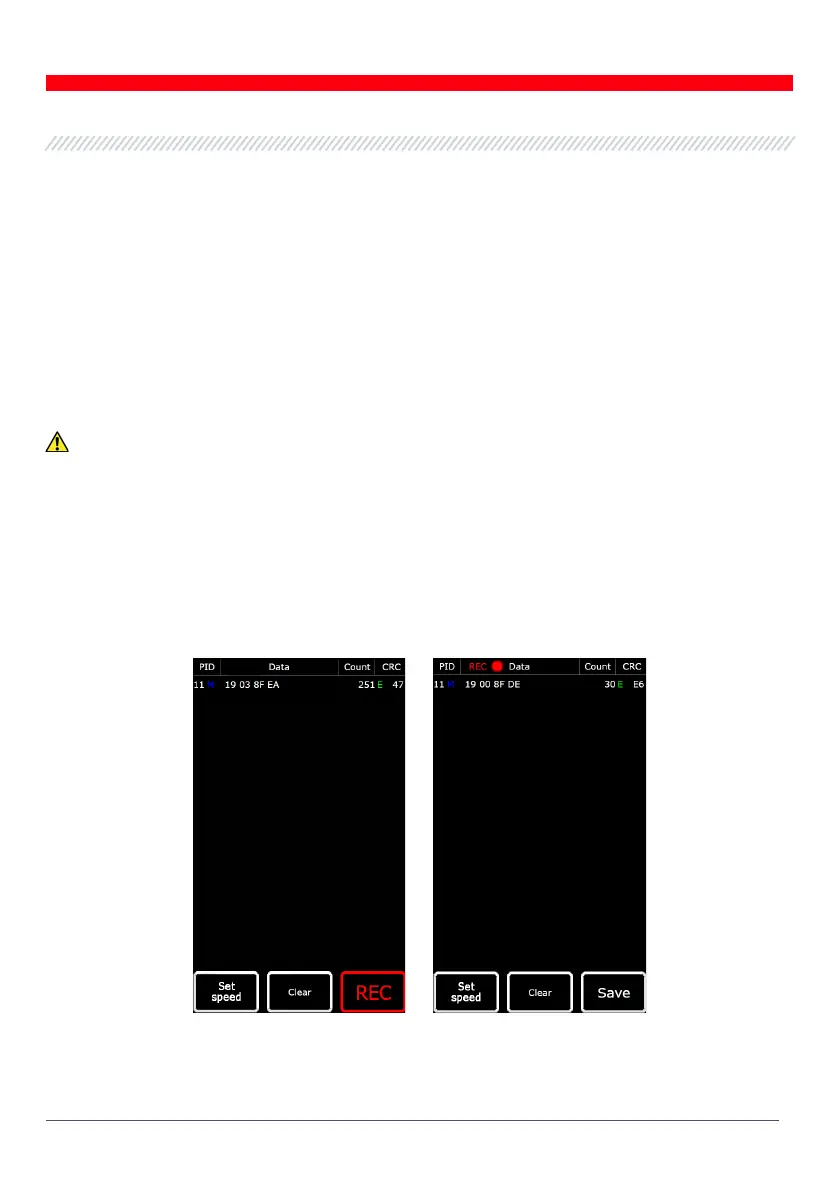
3. In the main menu on the tester screen select “LIN Analyzer” and then “Analyzer” (Fig.25) and the
bus speed. As you push “Ok”, the data transmitted via the LIN bus will appear on the tester screen
(Fig. 27).
Figure 27. Analyzer Mode Screen


 To Next Page