51
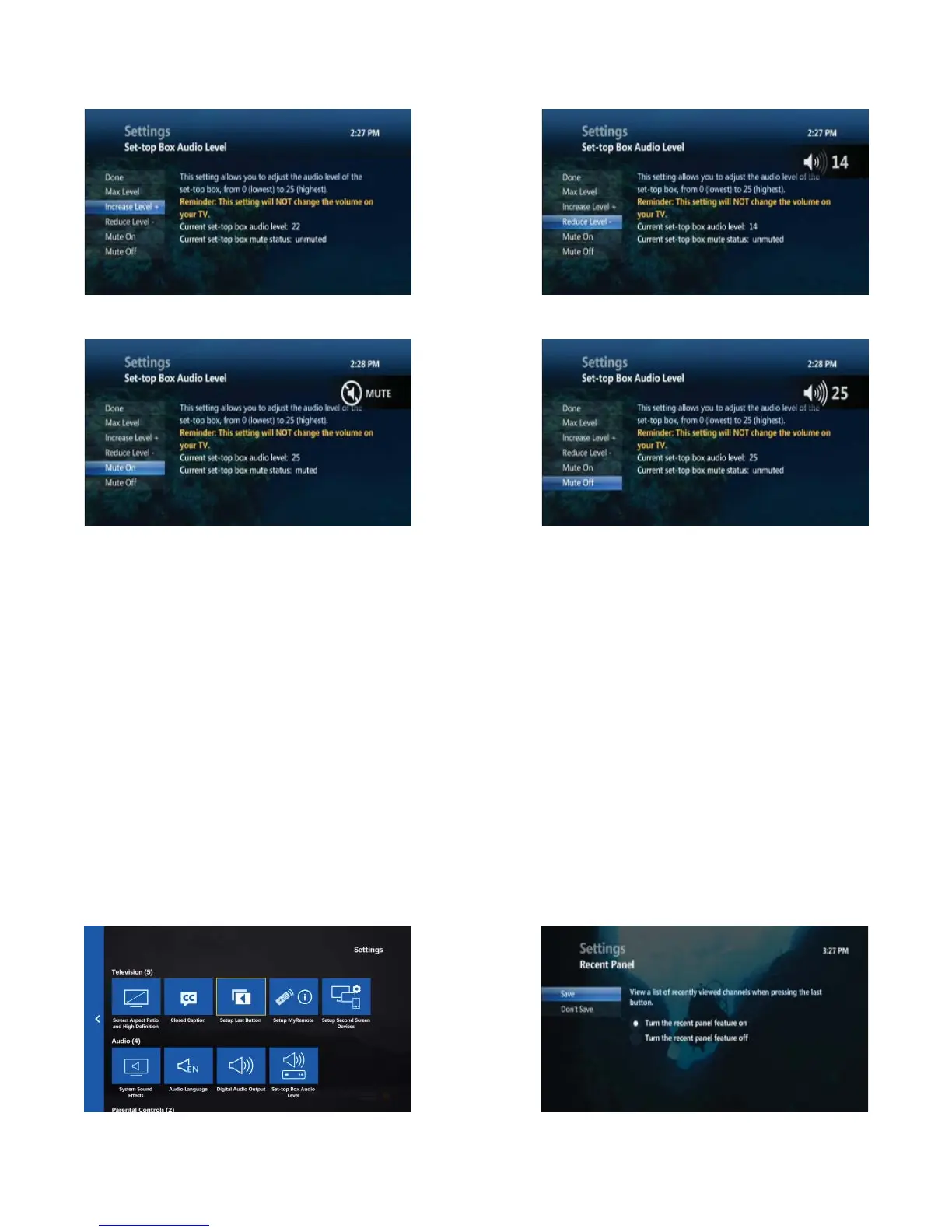
Setup Last button
The LAST button can either show you a list of the last 5 channels you have watched (called the Recent Panel), or
tune you immediately to the last channel you were watching.
The LAST button is defaulted to show you the Recent Panel. The Recent Panel displays a list of the last 5 channels
you have watched, and allows you to tune into any one of them.
If you prefer that the LAST button tune you immediately to the previous channel you have viewed, then you can
choose to turn the Recent Panel feature off .
• Press MENU
• Use the DOWN ARROW to move to SETTINGS, press OK
• Highlight TELEVISION, press OK
• Highlight SETUP LAST BUTTON, press OK
• Select TURN THE RECENT PANEL FEATURE ON, to turn on the Recent Panel
• Select TURN THE RECENT PANEL FEATURE OFF, to turn off the Recent Panel
• Highlight SAVE, press OK
Increase/decrease set-top box volume
Mute/unmute set-top box volume



 To Next Page