Product description
Scope of delivery
3
Product description
Scope of delivery
The following items are included in delivery:
▪ TOUCH800 terminal
▪ VESA holder and screws
▪ Bracket for mounting the terminal
▪ USB memory device
▪ Installation and Operating Instructions
▪ Operating instructions for the ISOBUS-TC application - as a separate document.
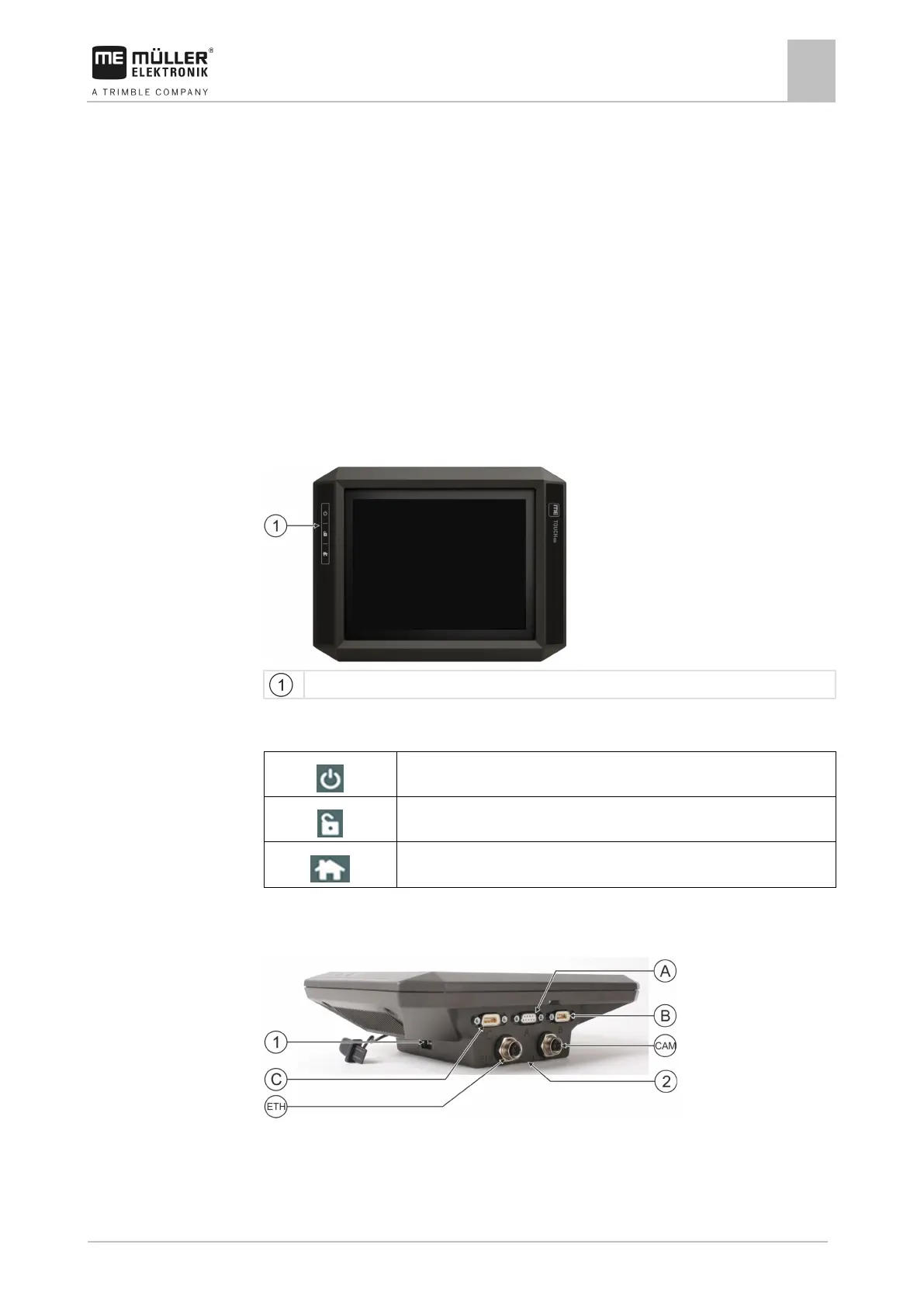
Terminal buttons
You will find a number of buttons on the housing of the terminal that are used to operate the terminal.
Terminal buttons
Function of the buttons
Switches the terminal on and off.
Creates screenshots.
Saves the window layout.
Terminal ports
Terminal ports



 To Next Page