Mounting and installation
Connecting the terminal to the ISOBUS
4
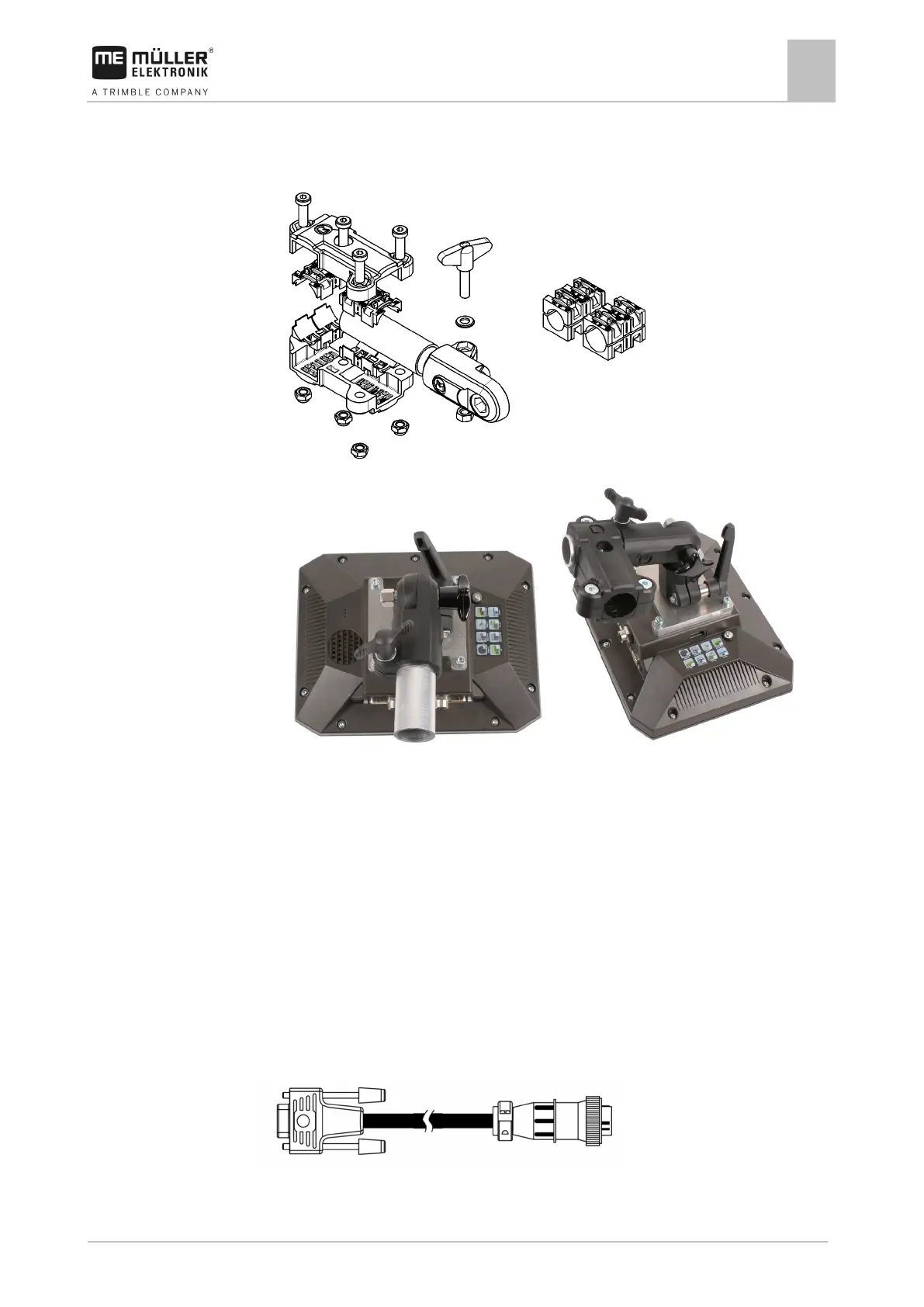
▪ Adapter for round pipe systems, for pipes with a diameter of 20, 25 or 30 mm, item number:
31322508
1. Assemble the adapter together.
2. Connect the adapter with the bracket.
3. Put the bracket and the adapter in the desired position.
4. Check that everything is firmly mounted.
Connecting the terminal to the ISOBUS
Connection to the ISOBUS serves to:
▪ supply the terminal with power,
▪ enable communication with other ISOBUS components.
You will need a different connection cable for this, depending on the model of your tractor.
▪ In tractors that have been retroactively upgraded with an ISOBUS basic vehicle harness
manufactured by Müller-Elektronik, use connector cable A from the ISOBUS basic vehicle
harness.
▪ In tractors that are equipped as standard with ISOBUS and that have an ISOBUS in-cab
connector, you will need the following connector cable:
Connector cable D-Sub <-> CPC Item no. 30322541



 To Next Page