Basic control principles
Switching on the terminal
5
Basic control principles
Switching on the terminal
To switch on the terminal:
The terminal is installed and connected to the ISOBUS basic vehicle harness.
1. Press and hold the
button for approx. 3 seconds.
⇨ The terminal will beep briefly.
⇨ The terminal screen remains dark for approx. 10 seconds until the applications are loaded in
the background.
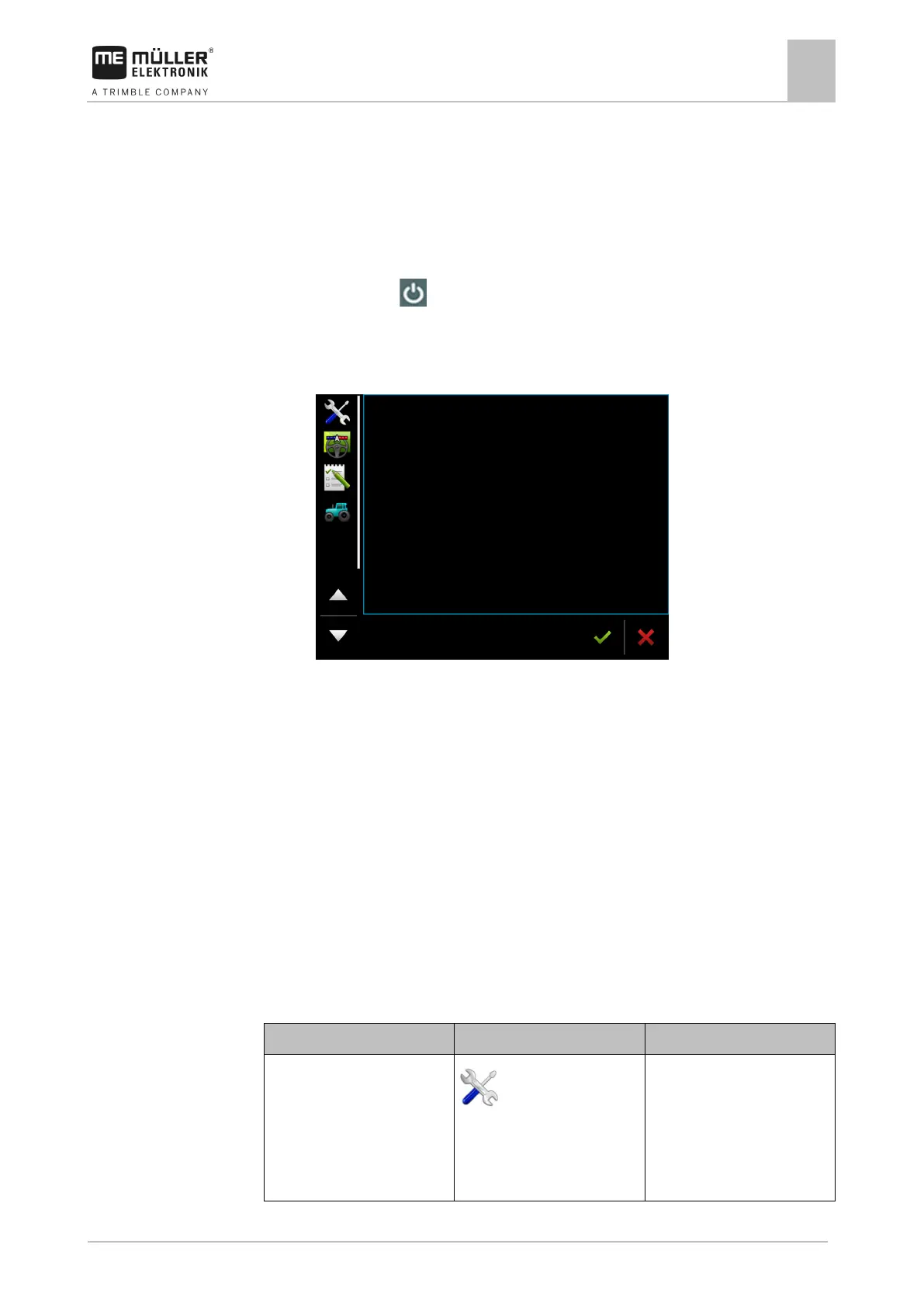
⇨ The Start screen of the terminal appears:
⇨ You have started the terminal.
Initial start-up
The next step to perform after switching on the terminal depends on the purpose of the terminal:
▪ Parallel driving
▪ Operation of ISOBUS implements
▪ Automatic section control
▪ Task management and documentation
These cases will be described in the following sections.
Using the terminal for parallel driving
If you want to use the terminal for parallel driving, TRACK-Leader is the most important app for you.
Most important settings
Select the GPS driver.
/ Driver / GPS [➙ 28]
The standard driver works in
most cases for the receivers
sold by ME. However, to
change the correction signal, a
fitting driver for the GPS
receiver must be activated.



 To Next Page