6
Connecting and configuring external devices
GPS receiver
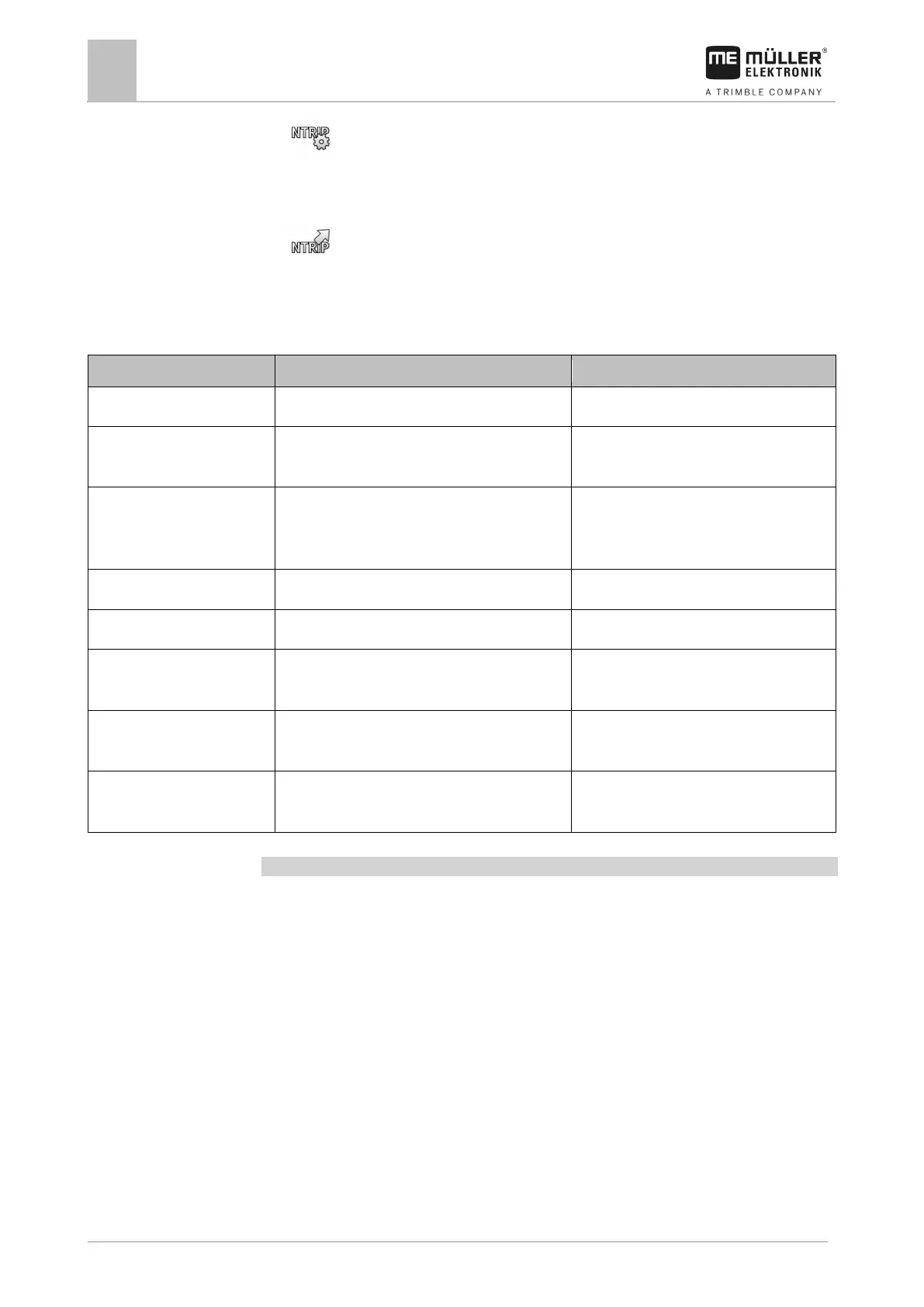
4. - Open the configuration menu.
5. Configure the parameters. The explanations for the individual parameters can be found in the
table at the end of this section.
6.
- Save the changes.
⇨ The following message appears: “Should the data be transmitted to the modem?”
7. “Yes” - to confirm.
⇨ The data is being transmitted to the modem. This will take approx. 30 seconds.
Connection to the provider.
Provider URL or IP address.
User Name for the Internet access. The name is the
same for all users of a provider.
Name that was given by the provider. Some
providers do not require entering a name.
Password Password for the Internet access. The password is
the same for all users of a provider.
Password that was given by the provider.
Some providers do not require entering a
Connection to the correction data server.
Correction data server URL or IP address.
Port at the correction data server.
NTRIP user Name from the correction service to identify the
Letters and numbers. Pay attention to the
use of upper and lower case letters.
NTRIP password Password for the identification name. Letters and numbers. Pay attention to the
use of upper and lower case letters.
Mountpoint Manual entry of a correction data source available
only with GPRS connections.
Name of the correction data source / data
Configuring the GPS receiver for the steering system
To be able to use a GPS receiver with automatic steering, it must previously be configured for this
use. The configuration adjusts the internal settings of the GPS receiver.
You can use the following GPS receivers for the steering system:
▪ A101
▪ AG-STAR
▪ SMART-6L
To configure the GPS receiver for automatic steering:
1. Activate the driver for the respective GPS receiver [➙ 28] to establish a connection between
the terminal and the GPS receiver.
2. Configure the GPS receiver. [➙ 30]
3. Tap “Steering” in the configuration.
4. Select the automatic steering that you are using.



 To Next Page