Tractor-ECU application
Results
8
Results
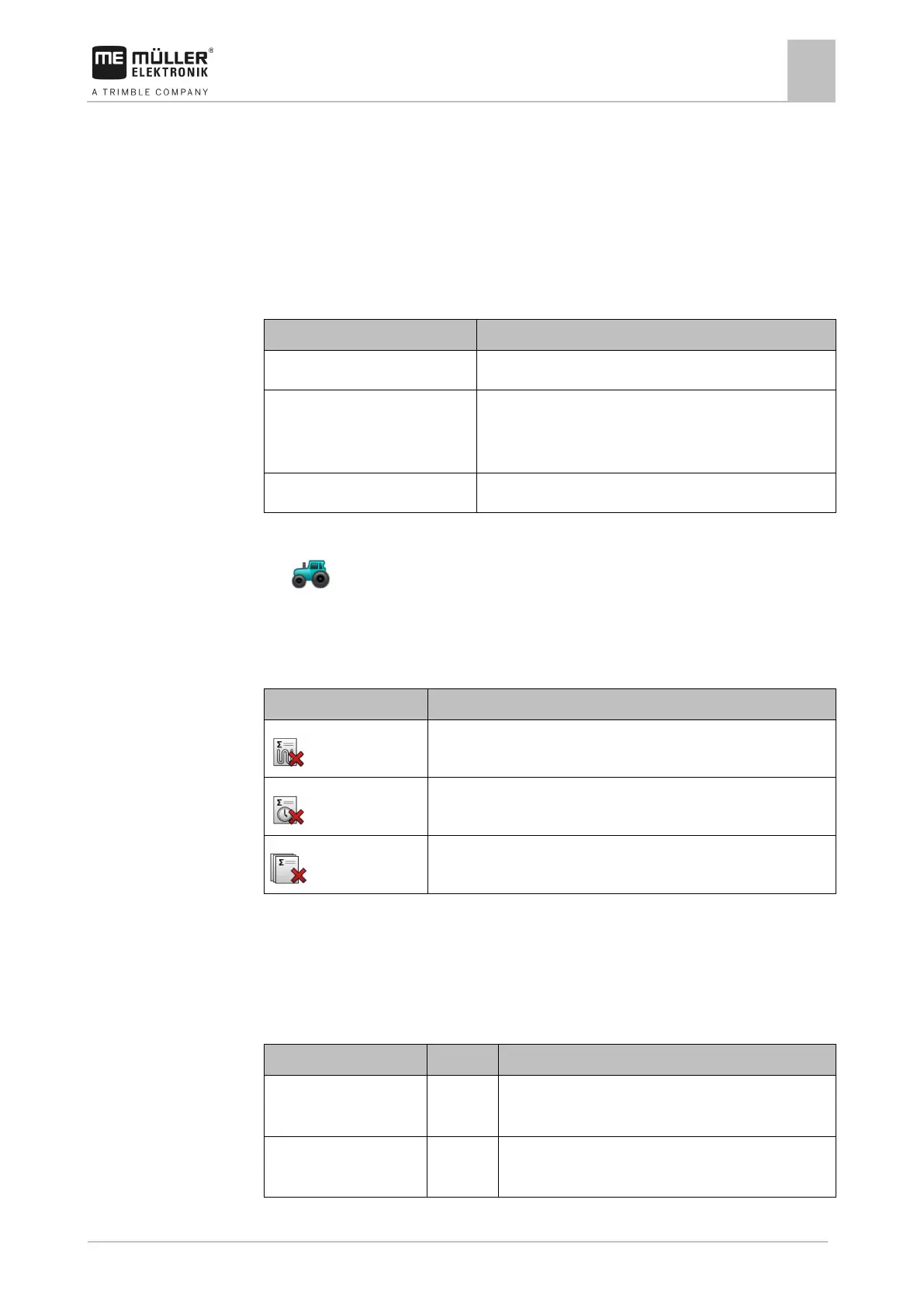
The Tractor ECU application documents the work in two counter groups:
▪ Trip counter
▪ Task-related counter
Trip counter
Distance during which the work position sensor was activated.
Applied area Area during which the work position sensor was activated.
The Tractor ECU application uses the set working width as a
basis for the calculation of the area.
Time during which the work position sensor was activated.
To clear a trip counter:
1.
- Open the Tractor ECU application.
2. Tap “Results”.
⇨ The “Results” screen appears with the trip counters.
3. Tap the function icons to clear the trip counters.
This counter will be erased
Applied distance
Working time
All trip counters
Task-related counter
These counters are transmitted to the ISOBUS-TC app. You can activate the counters in a task, and
they will then appear in the additional window as soon as the ISOBUS-TC App is minimized.
Task-related counter
Distance km Distance during which the work position sensor was
Time in work position h Time during which the work position sensor was



 To Next Page