11
FILE-Server application
FILE-Server application
The FILE-Server application is used to define a save location on the terminal. This save location can
be used by all ISOBUS implements which do not have their own USB interface. This enables the
updating of certain ISOBUS job computers, and also the possibility of saving, for example protocols
or error messages.
A “Fileserver” folder is created for this purpose on the hard disk of the terminal. All ISOBUS
implements can access this folder, and write or read data there.
The folder has a maximum disk space of 5 MB.
If you want to copy files to the terminal, these must be on your USB memory device, in the
“Fileserver” folder.
The “FILE-Server” plug-in is activated.
1.
- Open the FILE-Server application.
⇨ The application start screen appears.
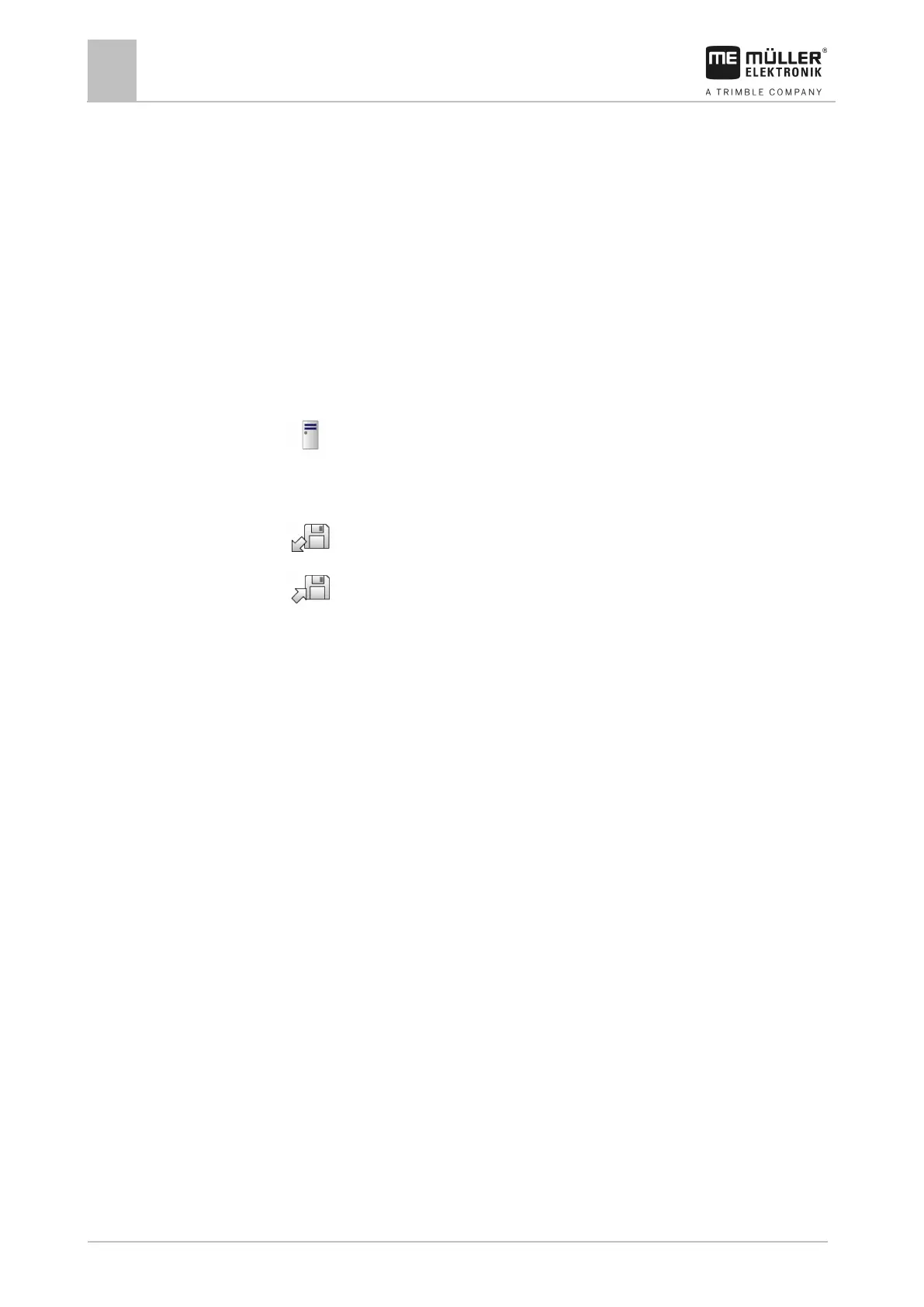
2. Tap “Storage”.
3.
- Copy files from the USB memory device onto the terminal (Import).
4.
- Copy files from the SD card in the terminal to the USB memory device (Export).
⇨ One of the following messages appears: “Start import?” or “Start export?”.
5. To confirm, tap “Yes”.
⇨ The data will be copied.
⇨ Here is an overview of the folders on the USB memory device: Folders on the USB memory
device [➙ 26]
⇨ A report appears.
6. To confirm, tap “OK”.
⇨ You have successfully imported or exported the data.



 To Next Page