EasyManua.ls Logo

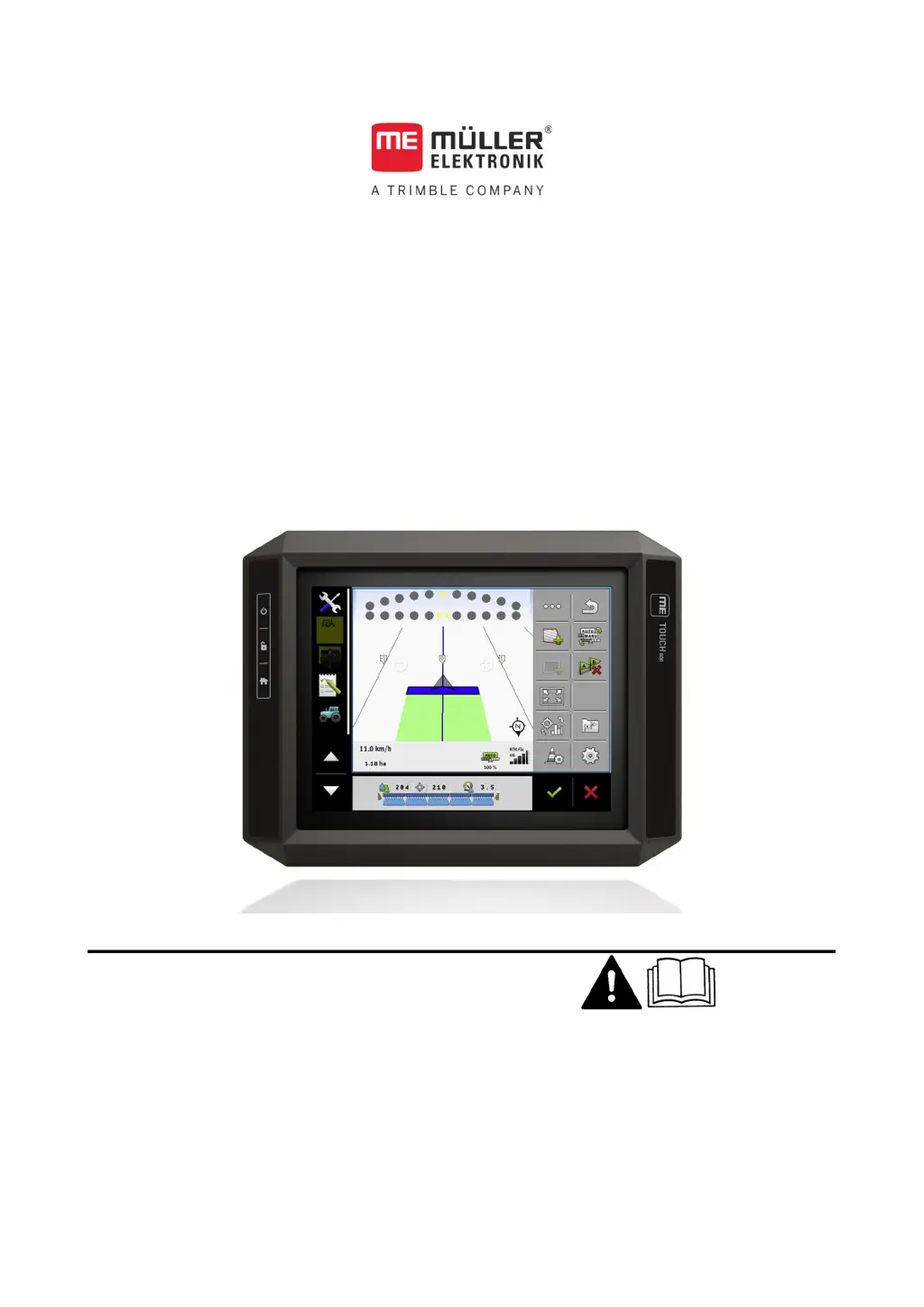
Muller TOUCH800 - User Manual

Muller TOUCH800
85 pages
Print Icon
To Next Page IconTo Next Page
Loading...
Installation and operating instructions
TOUCH80
Version: V9.20191001
30322538-02-EN Read and follow these instructions. Keep these instructions in a
safe place for later reference. Please note that there might be a
more recent version of these instructions on the homepage.

Table of Contents

Questions and Answers

Summary

For Your Safety

Basic Safety Instructions

Provides essential safety guidelines for operating the terminal safely.

Intended Use

Defines the specific applications and purpose for which the terminal is designed.

Product Description

Applications on the Terminal

Overview of the installed applications, including full and test versions.

Mounting and Installation

Mounting the Terminal in the Vehicle Cab

Instructions for securely installing the terminal within the vehicle's cabin.

Connecting the Terminal to the ISOBUS

Steps to establish a connection between the terminal and the vehicle's ISOBUS system.

Basic Control Principles

Using the Terminal for Parallel Driving

Configuration steps for using the terminal for parallel driving applications.

Operating ISOBUS Implement

Steps to connect and operate an ISOBUS implement using the terminal.

Terminal for Automatic Section Control

Key settings for configuring the terminal for automatic section control functionality.

Terminal for Task Management

Instructions for setting up and using the terminal for task management with ISOBUS-TC.

Connecting and Configuring External Devices

GPS Receiver

Information on connecting and configuring an external GPS receiver.

Connecting the GPS Receiver to the Terminal

Procedure for establishing a physical connection between the GPS receiver and the terminal.

Changing the Driver for the GPS Receiver

Instructions on how to select and activate the correct driver for the GPS receiver.

Configuring the GPS Receiver

Detailed steps for configuring the parameters of the GPS receiver via the terminal.

GPS Receiver Parameters Overview

Details on configuring GPS receiver parameters like satellite selection and steering.

RTK or L Band Licence for SMART-6 L

Instructions for activating RTK or L band licenses for the SMART-6L GPS receiver.

Configuring GPS Receiver for Steering System

Steps to configure the GPS receiver for automatic steering system functionality.

Configuring the GPS TILT-Module

Guide to configuring the GPS TILT-Module for tilt measurements and calibration.

Connecting Sensors to the Terminal

Information on connecting various sensors to the terminal's ports.

Camera

Details on connecting and integrating cameras with the terminal.

Activating a Camera

Steps to activate the camera functionality via the 'Camera_ME' plug-in.

External Lightbar

Information about connecting and using an external lightbar for parallel driving.

Activating an External Lightbar

Steps to activate the external lightbar's driver and functionality.

Activating ISO Printer

Steps to activate the ISO printer driver and enable its functionality.

Crop Protection Sensors

Information on connecting and communicating with crop protection sensors.

Configuring the Terminal in Service Application

Unlocking Licenses for Full Versions

Instructions for unlocking trial applications to their full functional versions.

Tractor-ECU Application

Managing Tractor Profiles

How to create, activate, and manage tractor profiles for different vehicles.

Calibrating the Speed Sensor

Procedure for calibrating the speed sensor for accurate speed readings.

Calibrating Analog Work Position Sensor

Steps to calibrate an analog work position sensor for correct implement positioning.

Tractor Geometry

Setting up the tractor's geometric dimensions for accurate implement tracking.

Configuring Tractor Geometry

Detailed procedure for configuring the tractor's geometry parameters.

Virtual ECU Application

Managing Virtual Job Computers

Instructions for creating and managing virtual job computers for implements.

Task Management (ISOBUS-TC)

Configuring ISOBUS-TC

Settings and parameters for configuring the ISOBUS-TC application.

Using Fields and SHP Data

Creating and managing fields, entering properties like name, boundary, and data.

Importing Field Data (*.shp)

Instructions for importing field boundary data in SHP format.

Using Prescription Maps

Overview of using prescription maps for variable rate application.

Importing Shape Prescription Maps

Procedure for importing prescription maps in shape format.

Troubleshooting

General Errors

Common error messages and their possible causes and corrections.

GPS Errors

Troubleshooting specific error messages related to the GPS receiver.

Tractor-ECU Errors

Troubleshooting error messages related to the Tractor-ECU application.

Virtual ECU Errors

Troubleshooting error messages for the Virtual ECU application.

Muller TOUCH800 Specifications

General IconGeneral
BrandMuller
ModelTOUCH800
CategoryTouch terminals
LanguageEnglish