Connecting and configuring external devices
GPS receiver
6
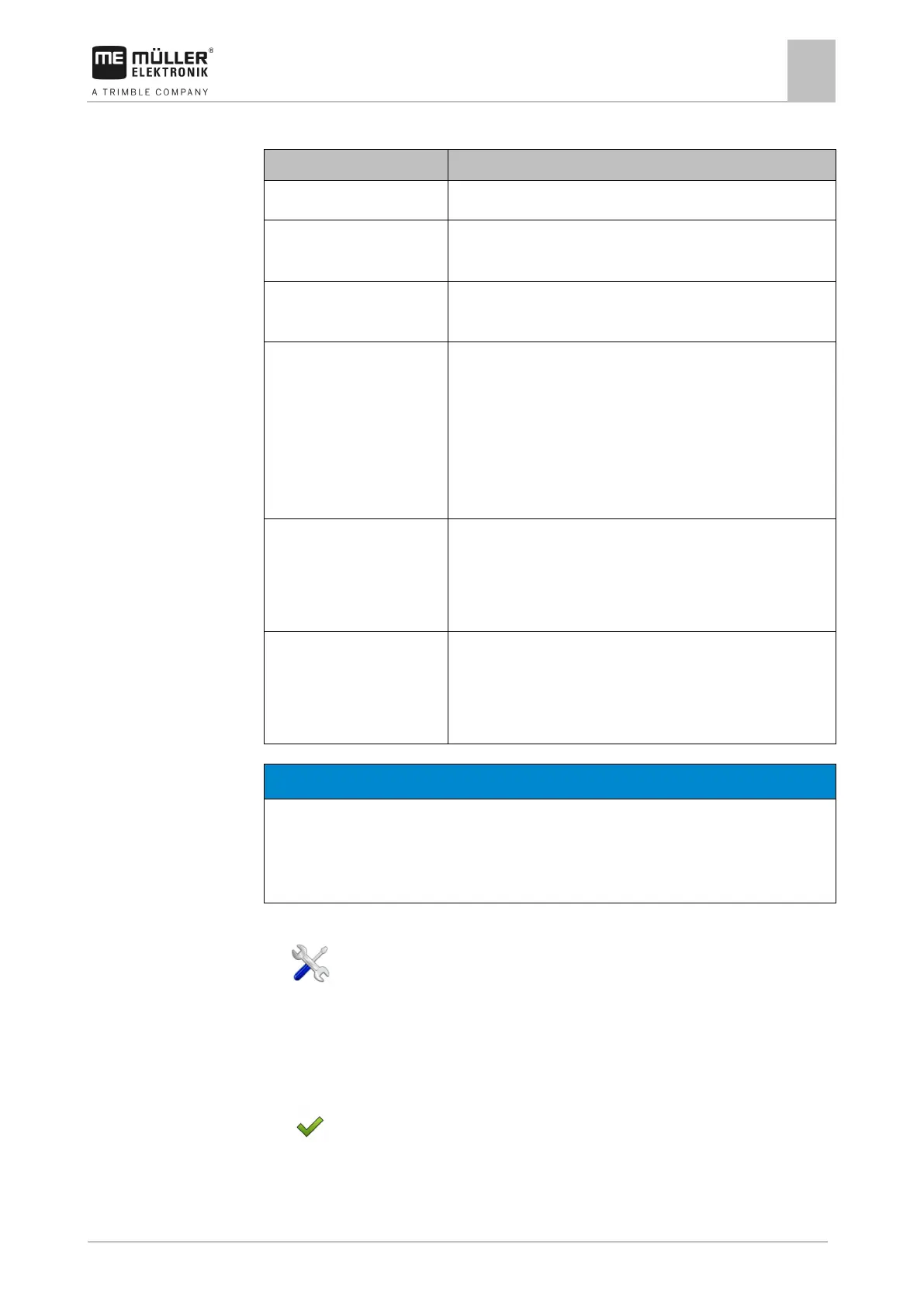
Available drivers
No GPS receiver is connected.
A100, A101 Drivers for the A100 and A101 GPS receivers from Müller-
Elektronik, if they are connected to the serial interface.
AG-STAR, SMART-6L Drivers for the AG-STAR and SMART-6L GPS receivers from
Müller-Elektronik, if they are connected to the serial interface.
PSR CAN Select this driver if the GPS receiver is connected to the PSR
steering job computer. PSR is a steering job computer by the
Reichhardt company. The signals are transmitted to the terminal
through the CAN cable. The receiver will be configured directly in
the PSR application.
Please note that you cannot use this driver together with an
Standard Drivers for unknown GPS receivers, if they are connected to the
serial interface.
This driver is activated by default. The connected GPS receiver
cannot thus be configured.
TRACK-Leader AUTO® Select this driver if a GPS receiver is connected to the TRACK-
Leader AUTO® steering job computer.
Please note that you cannot use this driver together with an
Incorrect driver
Damage to the GPS receiver.
◦ Before connecting a GPS receiver to the terminal, you must always activate the appropriate
To activate the driver:
1.
- Open the “Service” application.
2. Tap "Driver".
3. Tap “GPS”.
⇨ The installed drivers appear.
4. Tap the appropriate driver.
5.
- Confirm.
6. Restart the terminal.



 To Next Page