7
Configuring the terminal in the Service application
Basic terminal settings
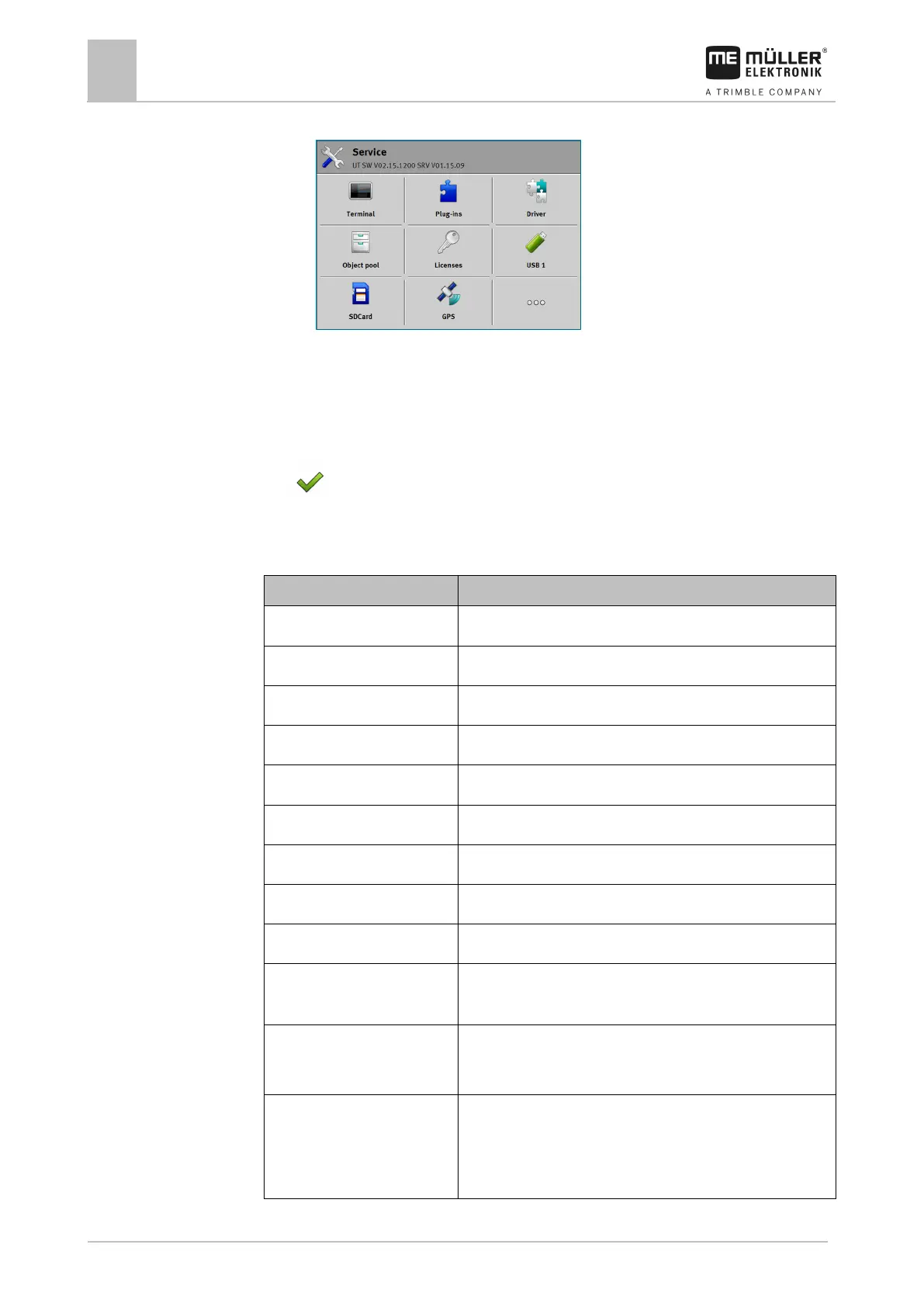
⇨ The application start screen appears:
2. Tap “Terminal”.
⇨ A list of parameters appears. See the table below.
3. To change the value of any of the parameters, tap the desired parameter.
⇨ A window appears, into which you can input the value of the parameter as a number, or
select from a list.
4.
- Confirm.
5. Restart the terminal.
Parameters in the “Terminal” menu
Brightness of the terminal screen during the day.
Brightness of the terminal screen at night.
Time difference in relation to GMT.
Language of the applications on the terminal screen.
Screenshot When this parameter is activated, you can create screenshots on
VT number Parameters from the ISO standard
Number that should be given to the terminal on the ISOBUS.
Login as ISOBUS-VT Activate this parameter if you want the ISOBUS job computer to
be displayed on the terminal. This parameter must be activated in
most instances. On very few self-propelled agricultural machines,
the parameter must be deactivated.



 To Next Page