Video Grabber DGR-1000 User Manual - v. 1.4 (FW 1.9)
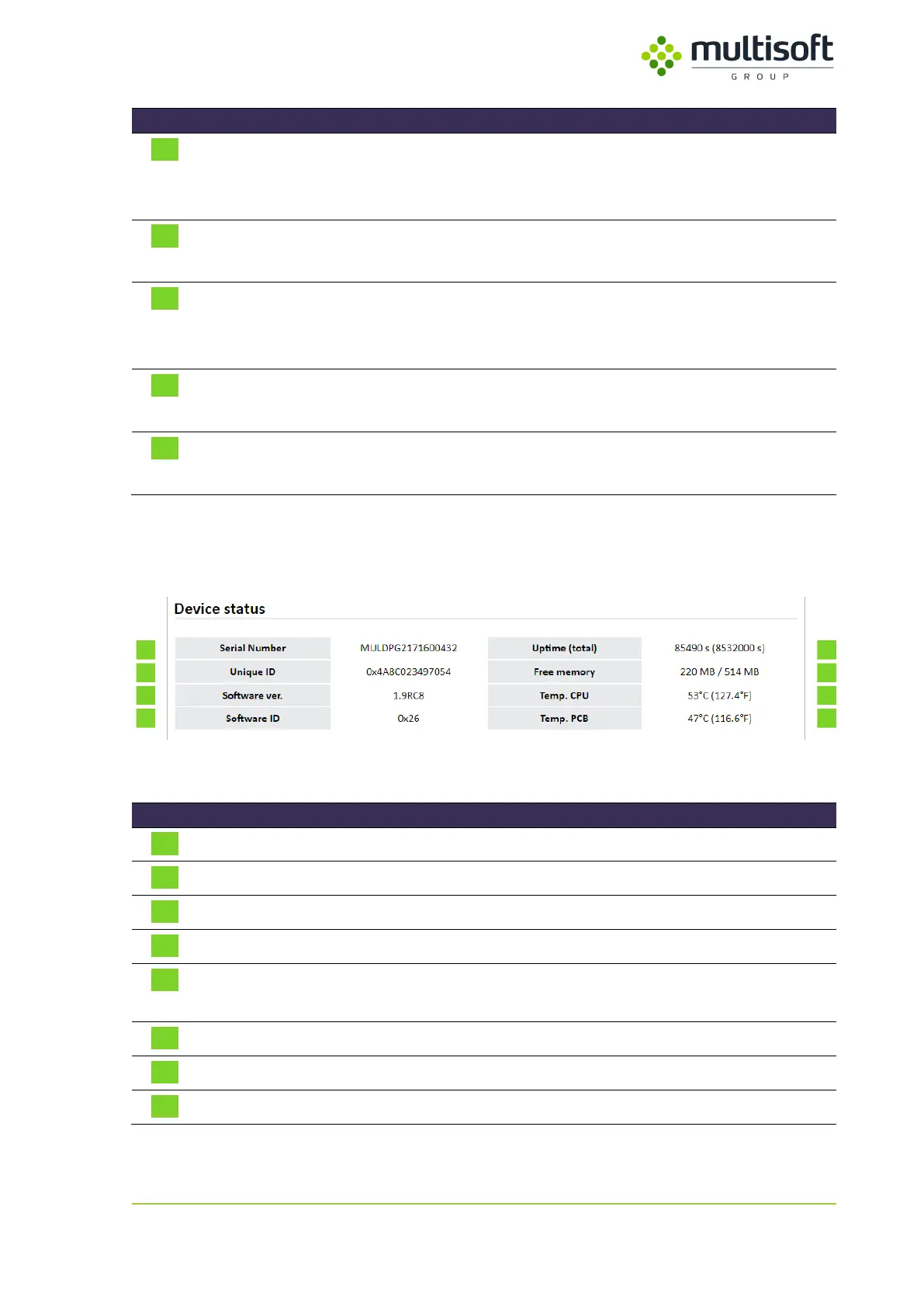
Basic device information like Serial number, installed firmware version,
memory use, temperature etc.
See 4.1.1, p. 15
Power supply status information
See 4.1.2, p. 16
Network interfaces’ status and configuration including current IP
addresses, MAC addresses and link speed.
See 4.1.3, p. 17
Video capture process status information
See 4.1.4, p. 18
Information related to time synchronization
See 4.1.5, p. 22
Table 1: Description of sections within the Status page
4.1.1. Device status
Figure 13: Device status section of the Status page
Unique number that identifies Video Grabber
Identifier of the main chip
Version of software installed on the Video Grabber
Unique identifier of the software installed on the Video Grabber
Time since last restart along with sum of all uptimes (total) since the
device was produced
The amount of free RAM on the device
Temperature measured on the main Printed Circuit Board (PCB)
Table 2: Description of the parameters available in the Device status section of the Status page



 To Next Page