Video Grabber DGR-1000 User Manual - v. 1.4 (FW 1.9)
4.4.1. Status reporting
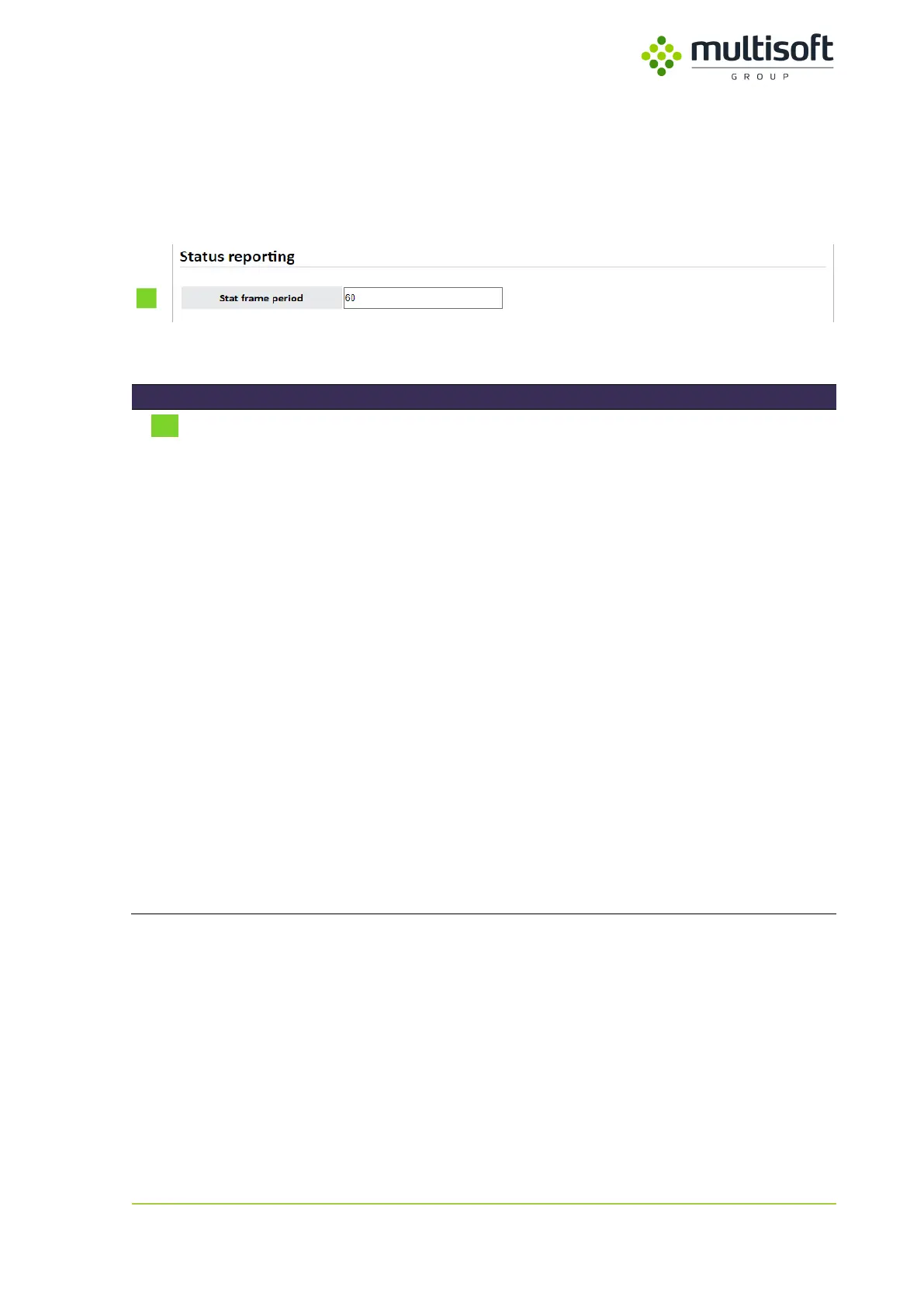
In this section user can decide if Video Grabber should report its status and if yes then how often such
reporting should take place.
Figure 43: Status reporting section of the Administration page
Determines how often Video Grabber will broadcast (on the local
network’s broadcast address) a status frame that contains the
following information:
- Time marker in seconds
- Time marker in microseconds
- Video Grabber’s uptime
- LAN1 link status
- LAN2 link status
- CPU temperature
- PCB temperature
- Power1 status
- Power2 status
- Video Grabber’s software version
- Digital signal status
For the information on the frame structure see Appendix A: Status UDP
frame structure, p. 82.
Allowed values:
Integer <0; 3600>
The value is in seconds so setting it to e.g. 5 will make the Video
Grabber broadcast its status every 5 seconds. Setting it to 0 disables the
reporting.
Table 29: Description of Stat frame parameter on Administration page



 To Next Page