Video Grabber DGR-1000 User Manual - v. 1.4 (FW 1.9)
4.4.2. WWW access
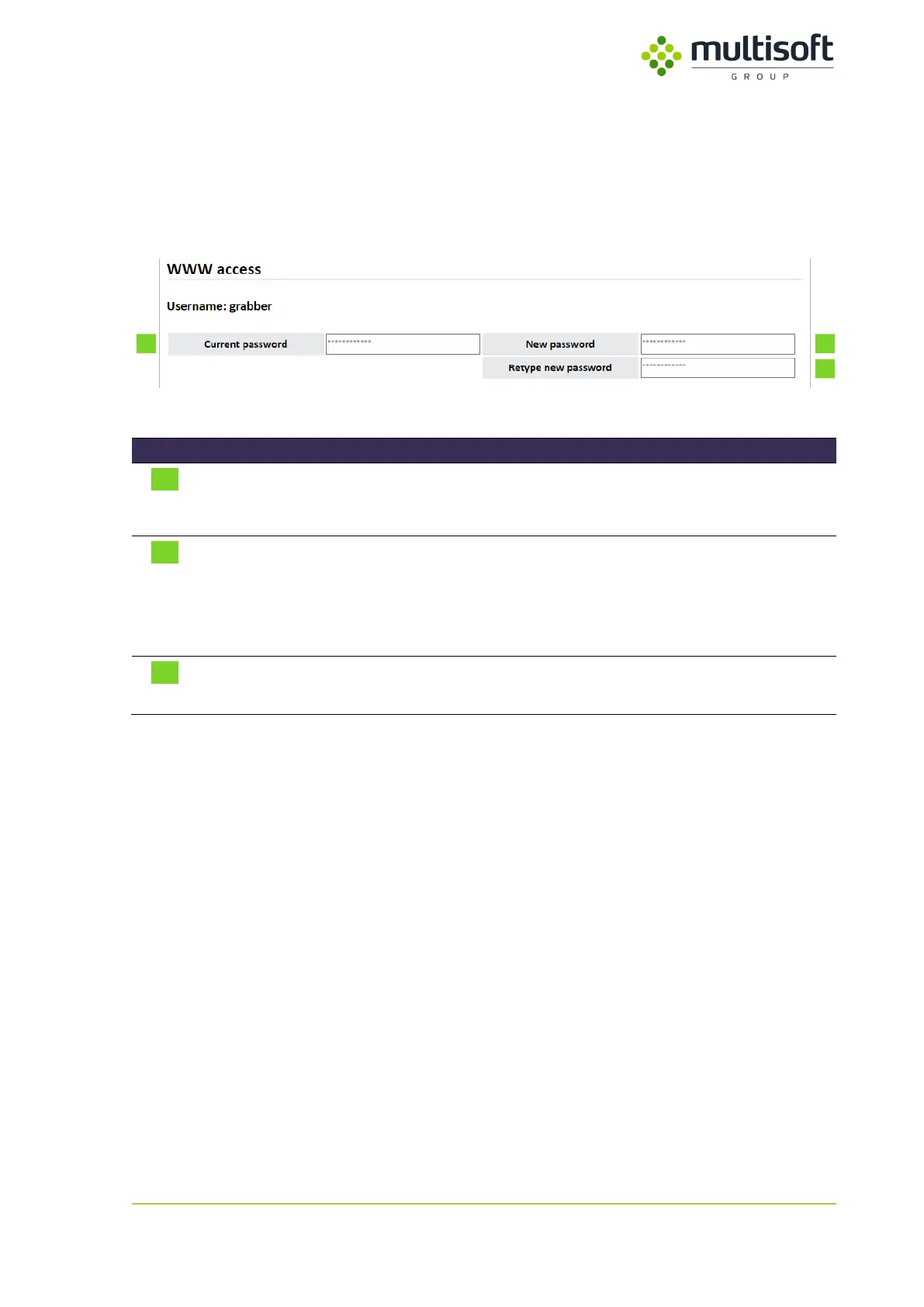
In the WWW access section user can change the access password to the WWW interface. For the new
password to be applied old password has to be provided. This precaution is required so that only
authorized user is allowed to change the password.
Figure 44: WWW access section on the Administration page.
Textbox for the current password.
In order to change the password, currently used one has to be
provided.
Textbox for new password.
New password must comply to the complexity requirements:
- Length between 8 and 64 characters
- Only ASCII characters between 032 (space) and 126 (tilde) are
allowed
Textbox for new password confirmation.
To avoid mistakes it is required to retype the new password in this box.
Table 30: Description of WWW access related parameters.



 To Next Page