Video Grabber DGR-1000 User Manual - v. 1.4 (FW 1.9)
4.2.5. Commands
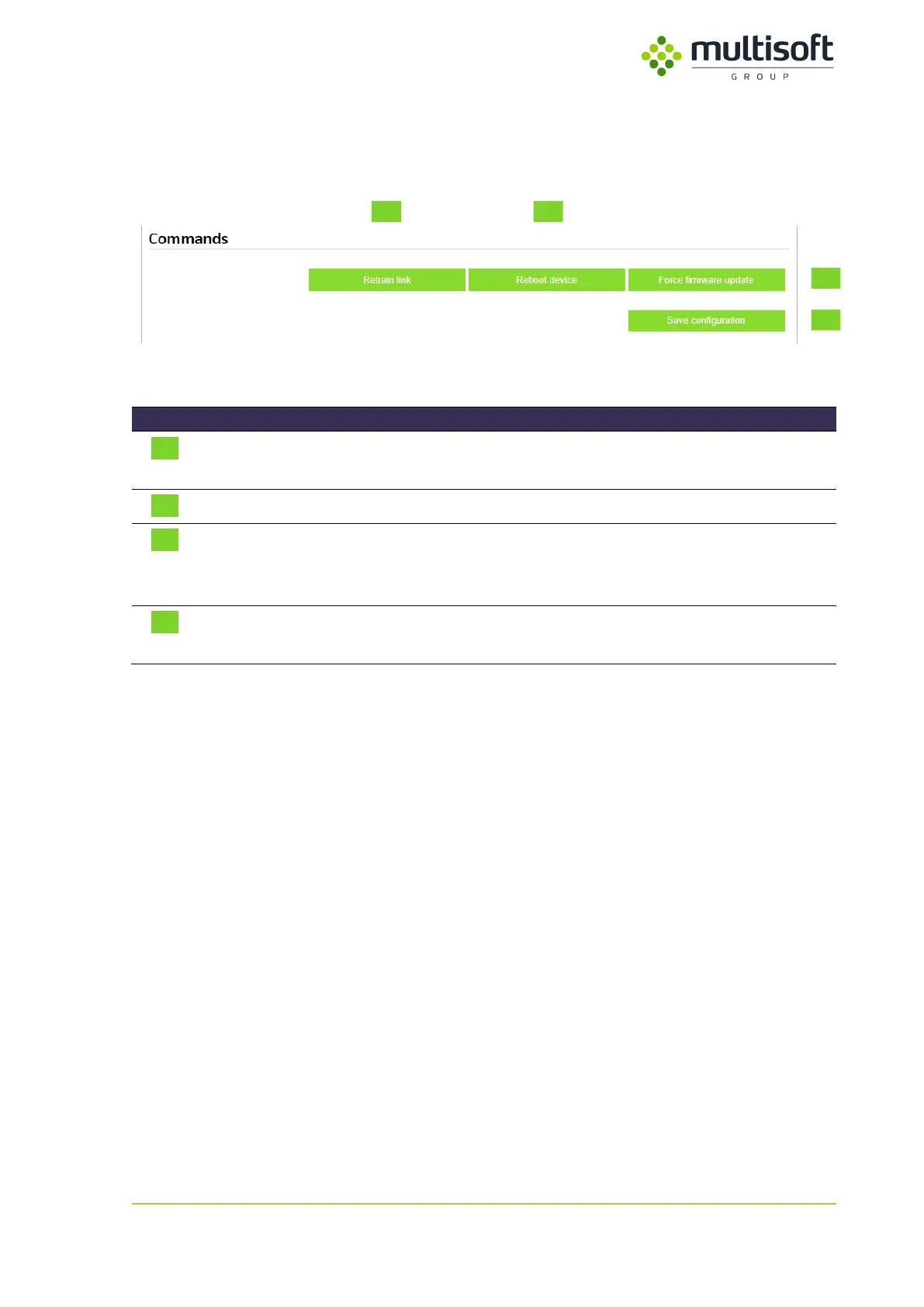
This section contains buttons that enable user to run few commands on the Video Grabber.
Figure 37: Commands section on the Configuration page
Makes the Video Grabber break the DisplayPort link between Graphics
Card and Monitor so that it has to be established again.
Triggers reboot of the Video Grabber
Triggers reboot of the Video Grabber and makes it start in ‘firmware
update mode’. See 6, p. 79 for details on Video Grabber firmware
update procedure.
Saves and applies settings currently set on the Configuration page.
Table 24: Description of the buttons available in the Commands section on the Configuration page



 To Next Page