Video Grabber DGR-1000 User Manual - v. 1.4 (FW 1.9)
4.1.3. Network
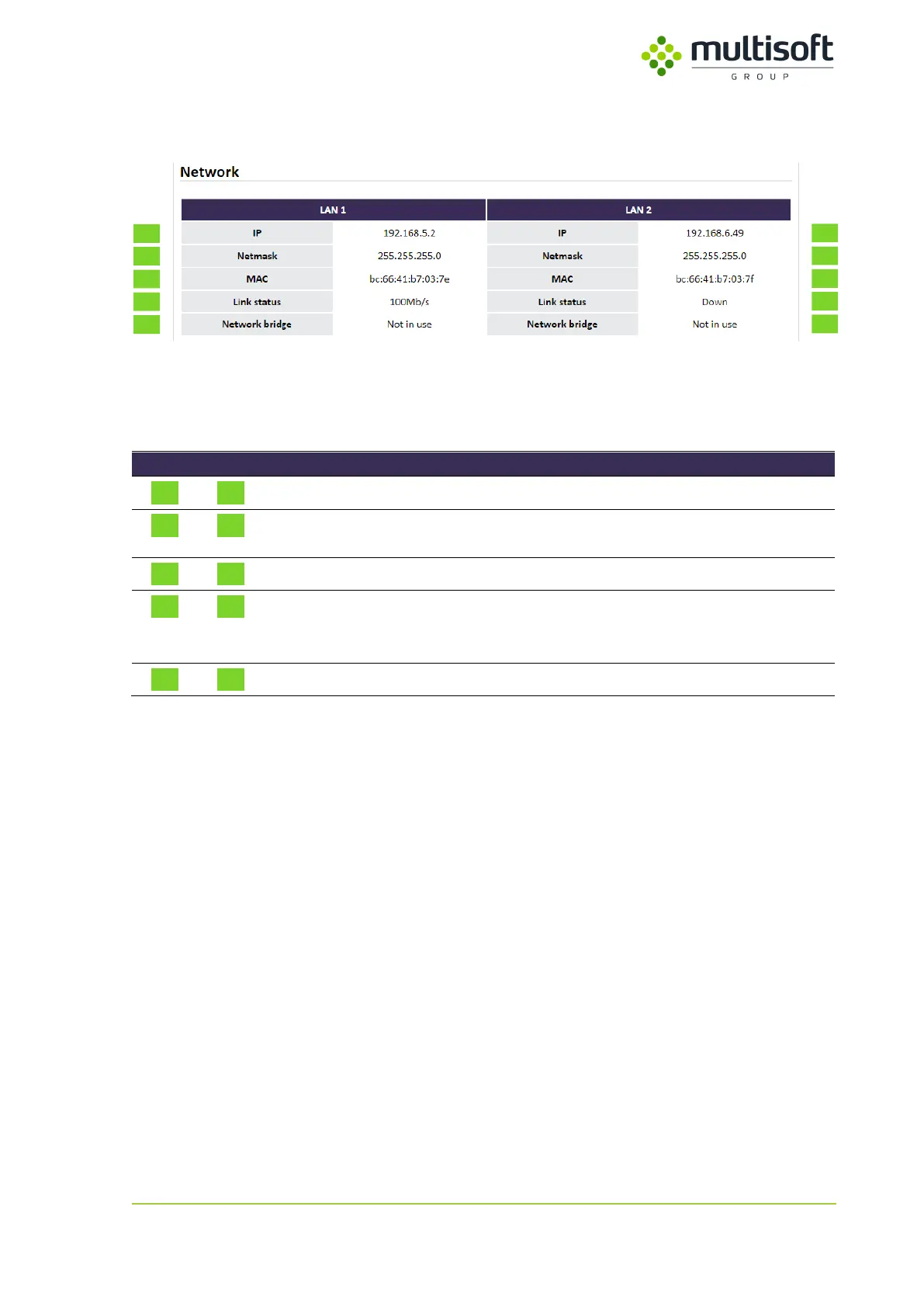
Figure 15: Network section on the Status page
The section is organized in columns so that corresponding interface’s settings belonging to either LAN
1 or LAN 2 can be easily compared.
Internet Protocol version 4 address (IPv4) set on the interface
Internet Protocol version 4 subnet mask (IPv4 netmask) set
on the interface
Media Access Control address of the interface
Status of the LAN port. If the link is active then maximum
transmission speed is shown. If the link is not active then the
status is labeled as ‘Down’
Status of the Network bridge on the LAN interface
Table 4: Description of the parameters available in the Network section on the Status page



 To Next Page