Video Grabber DGR-1000 User Manual - v. 1.4 (FW 1.9)
4.2.1. General
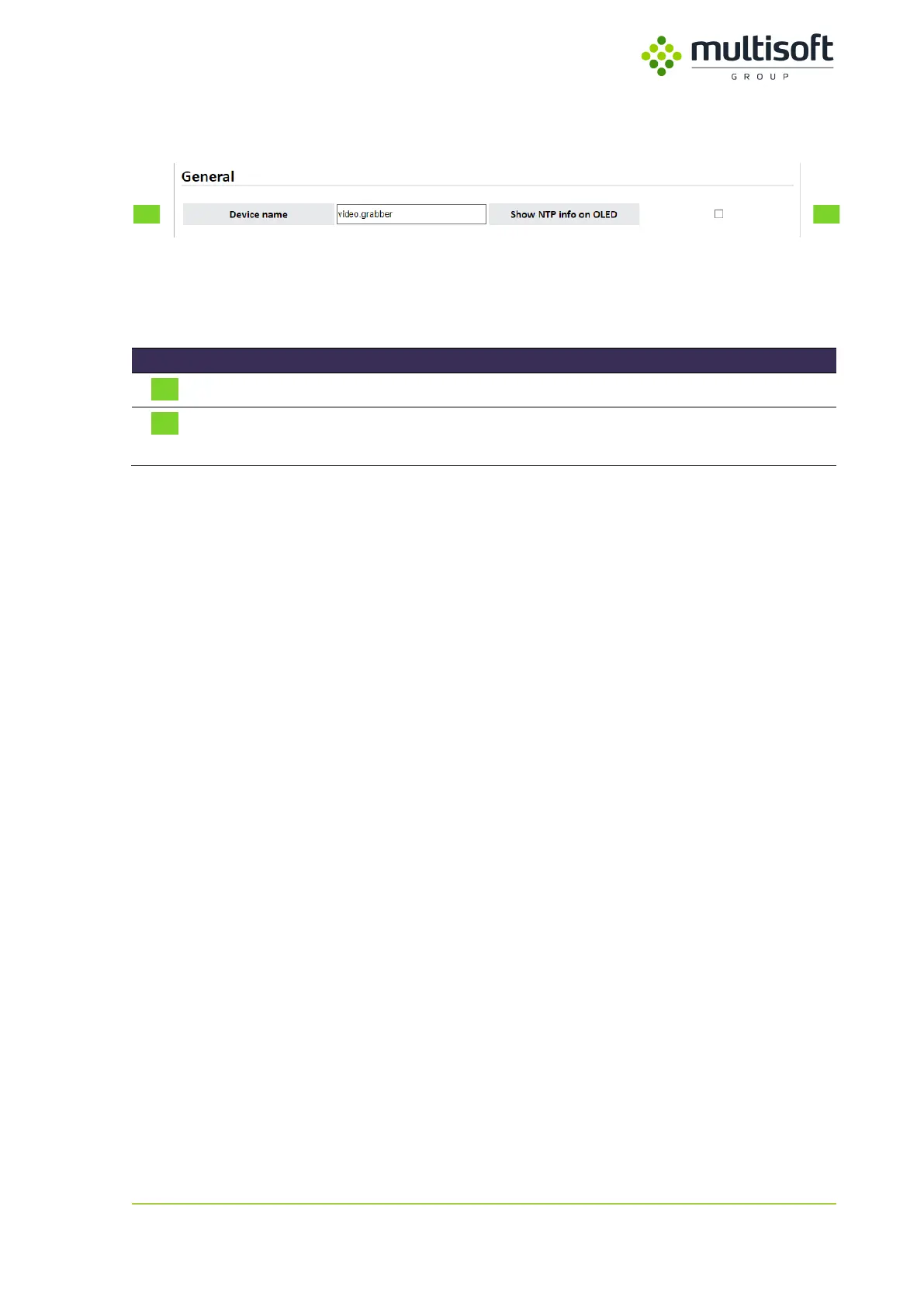
Figure 23: General section on the Configuration page
In the General section one can find settings related to the built-in OLED screen. See the description of
available parameters in the table below:
Name of the device that is shown on its OLED screen
When checked the NTP related parameters will be shown on the
device’s OLED screen
Table 12: Description of the parameters available in the General section on the Configuration page



 To Next Page