Video Grabber DGR-1000 User Manual - v. 1.4 (FW 1.9)
When network bridging is configured then the amount of necessary network connections is limited to
1 per network. Remaining connections are done directly between Video Grabbers. While this solution
limits the amount of network connections needed it does have two main drawbacks:
1. In case of network connection failure all Video Grabbers that are using it will lose network
connectivity while in standard setup one network connection failure affects only one Video
Grabber.
2. With limited amount of network connections comes limited bandwidth available to each
Video Grabber.
4.2.3. Video
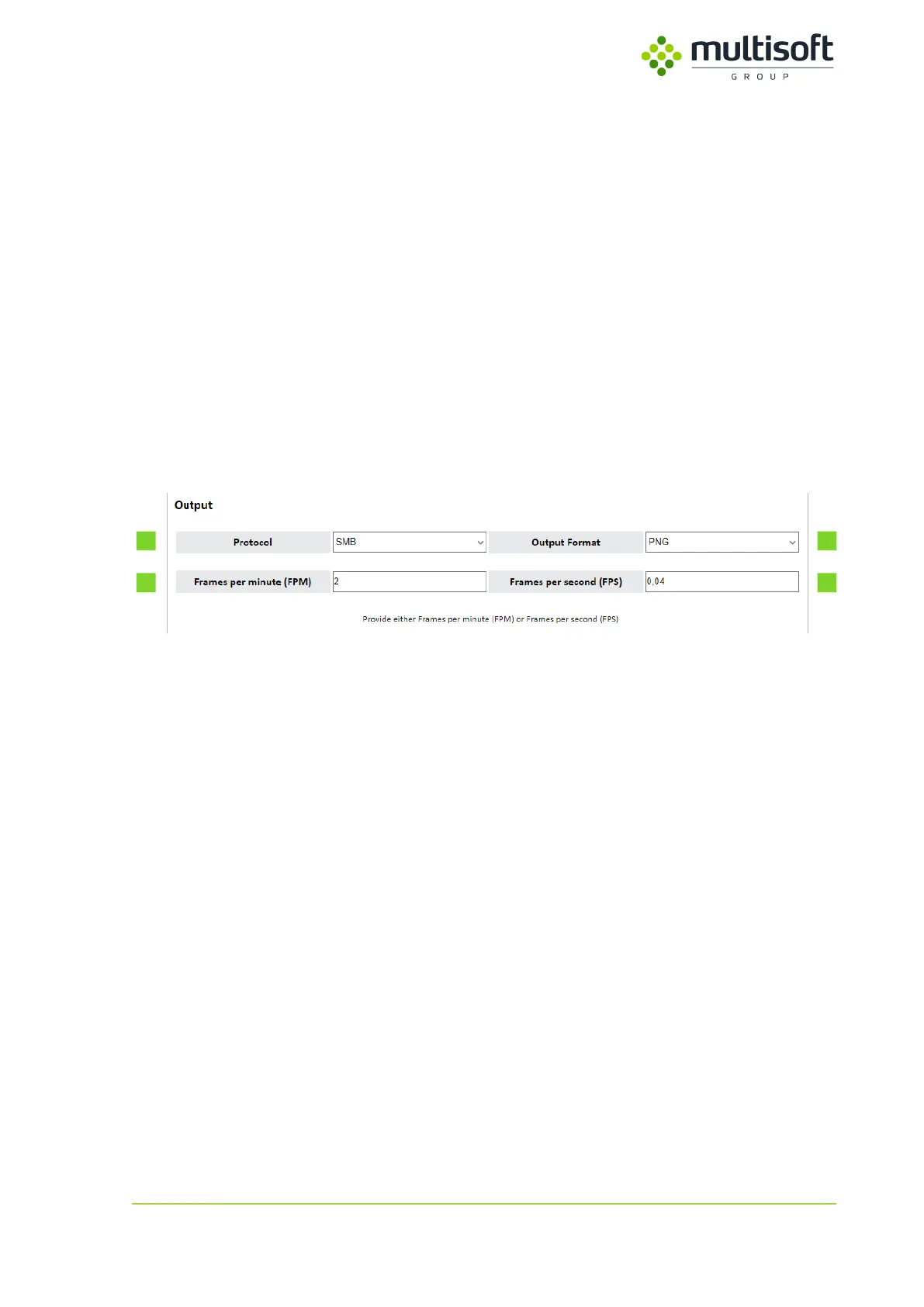
The Video section of the Configuration page contains two subsections – Output, where user can set
the basic settings such as protocol used and capture frequency, and Protocol settings in which –
depending on the protocol chosen – it is possible to fine tune the output provided by the Video
Grabber.
Figure 27: Output subsection in the Video section on the Configuration page



 To Next Page