Video Grabber User Manual - v. 1.19 (FW 1.29)
4.2.1.2. Frames per minute
Frequency of video signal capture is set using ‘Frames per minute’ parameter. It defines how many
times the signal will be captured and encoded within a minute. The captures will be done at equal
intervals. Only Integer values are accepted (1 – 9999).
Example
If user sets Frames per minute parameter to 60 then Video Grabber will capture the video signal 60
times within a minute – once every second. If then user sets the output to e.g. SMB and format to e.g.
PNG will cause the Video Grabber to save an image containing the captured video signal on the
configured SMB share every second.
4.2.1.3. Output format
When user chooses Broadcast, NFS or SMB protocol then there is also an additional option to choose
the output format. Currently there are six output formats available:
1. BMP – Bitmap Image file.
2. PNG – Portable Network Graphics file.
3. JPEG – lossy image file.
4. JPEG2000 – newer version of the JPEG format.
5. H.264 – lossy video compression format.
6. LOSSLESS – Multisoft’s proprietary lossless video compression format.
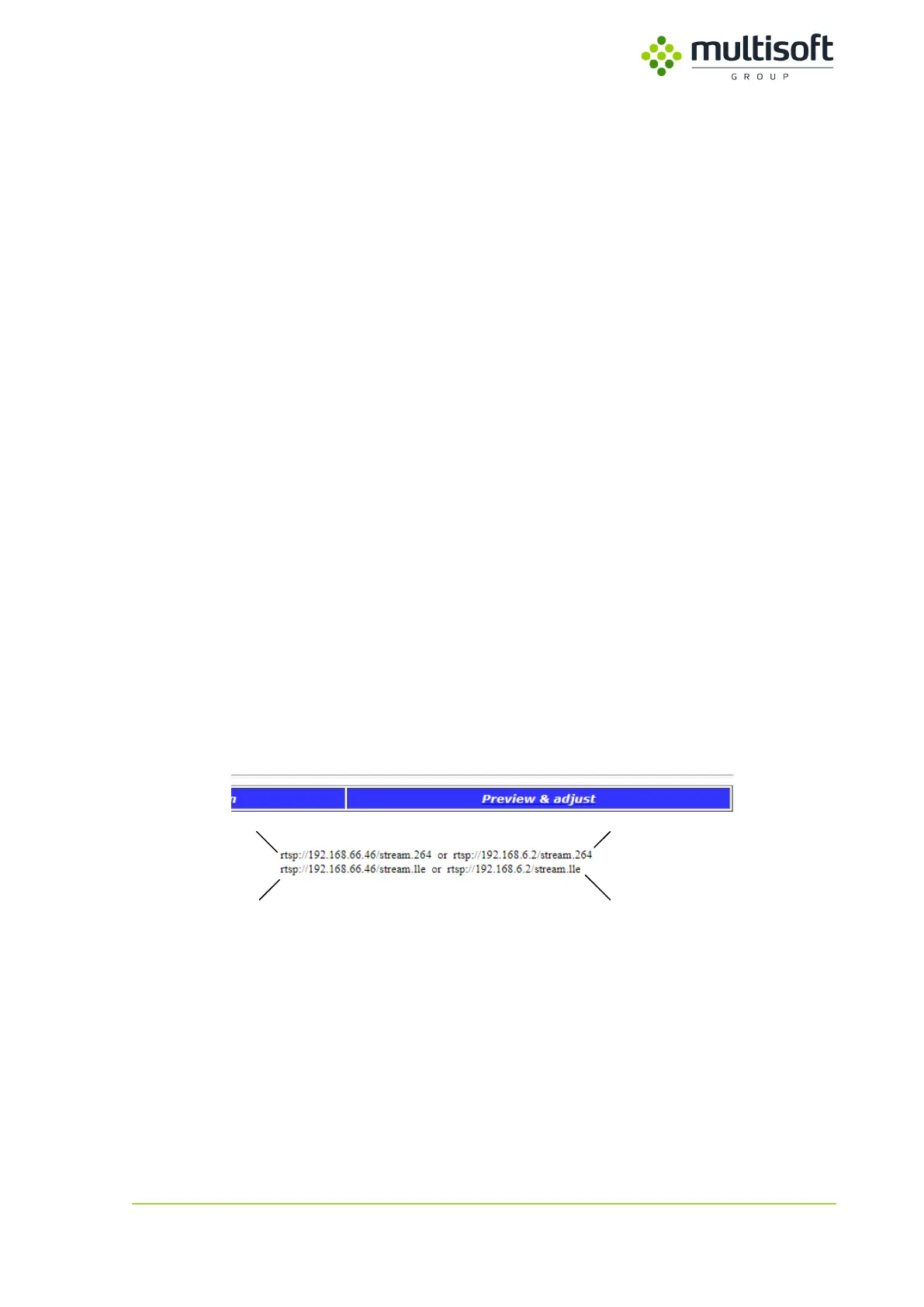
When user chooses the RTSP protocol then the format is automatically selected depending on the RTSP
connection stream chosen by the user. The connection streams are shown once RTSP protocol is
selected and follow the format:
rtsp://Video Grabber’s_IP_Address/stream.format
Figure 16: Sample connection strings along with their location on the Configuration page
1. RTSP connection string for H.264 format available on LAN1
2. RTSP connection string for H.264 format available on LAN2
3. RTSP connection string for Lossless format available on LAN1
4. RTSP connection string for Lossless format available on LAN2



 To Next Page