Section 50 00-02-0329
01-09-07 - 15 -
Run Mode
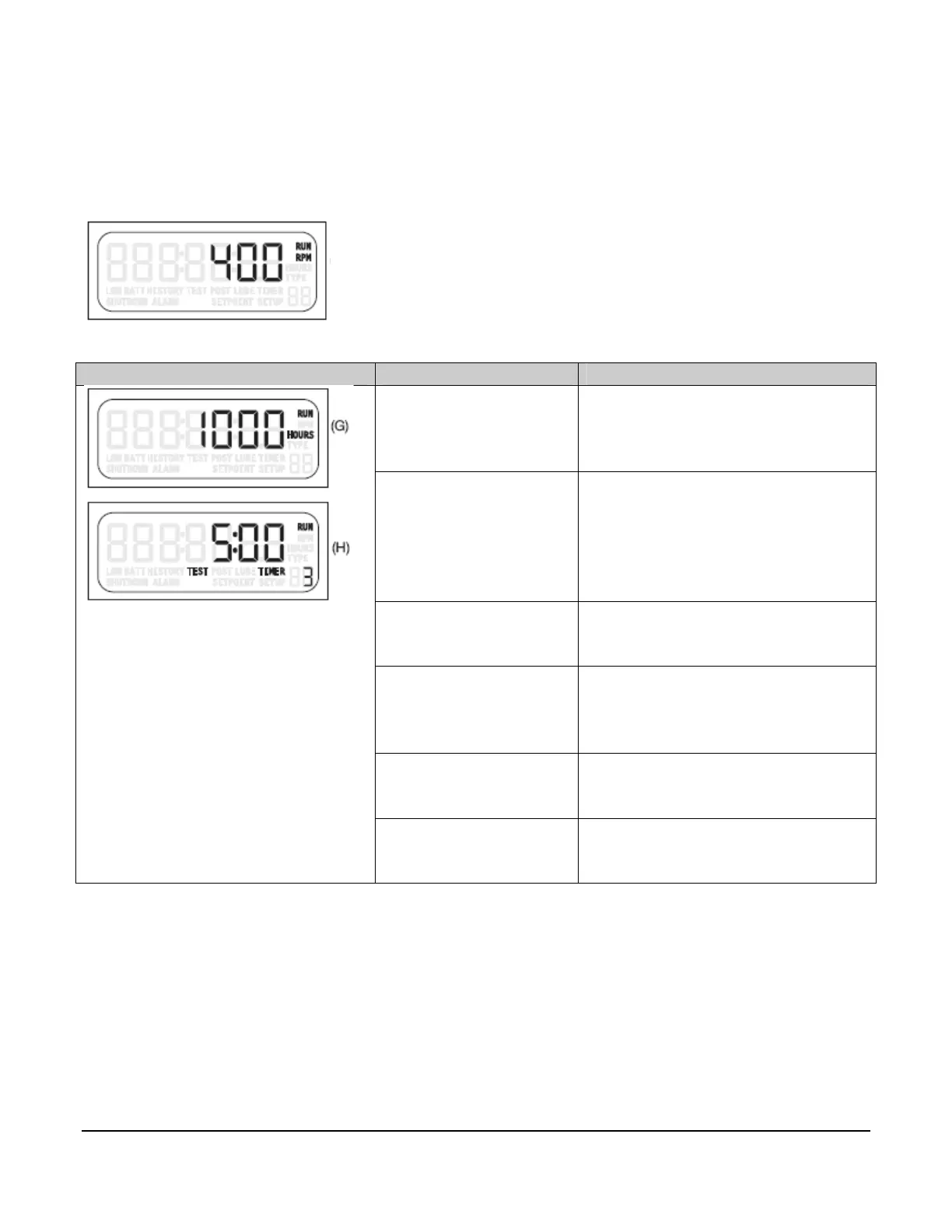
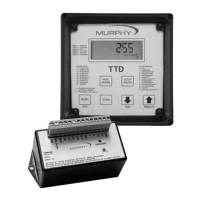
The condition on the display indicates the RUN and RPM icons are shown and the ALARM
icon may be on.
Key Function
Read Hours
(G) Shows the current operation
hours. RUN icon indicates the
hour meter is in increment mode.
Setup/Enter
Press and hold the key for 5
seconds to access the Setup
Menu: The model number
displays and then the SETUP
icon displays.
Timer 0 / Up Arrow
Press [TIMER 0} to clear the
active displayed timer.
Test / Down Arrow
Press [TEST} to enable the Test
Mode and/or reset the test timer.
(H)
Reset
Press [RESET] to reset the active
displayed timer.
Stop
Press [STOP] to begin the
Shutdown sequence.
To order call 1-800-548-1191 or visit www.partdeal.com - info@partdeal.com


 To Next Page