Correcting paper feed 29
[8]
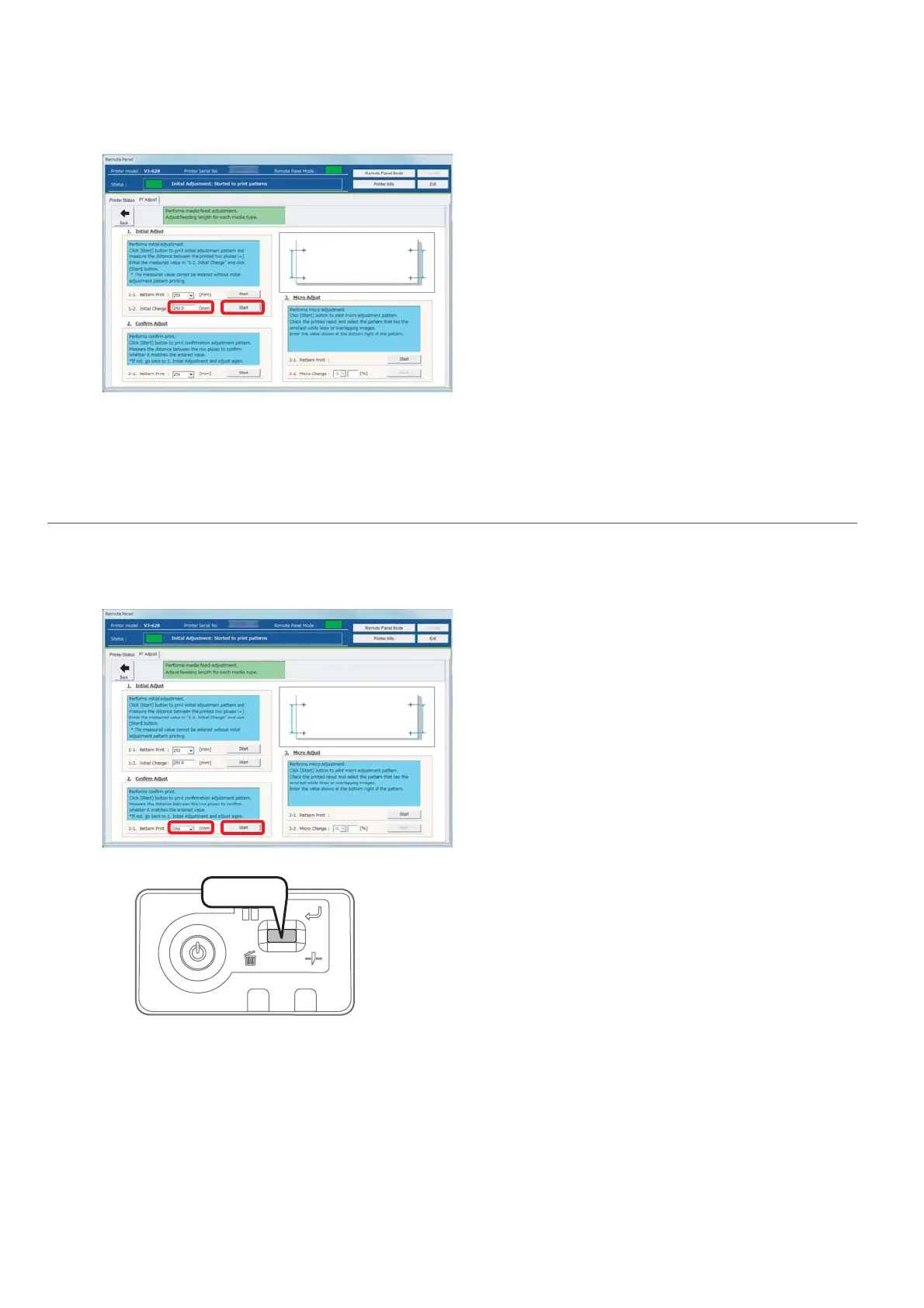
Enter a measured length to the length ([mm]) of [1-2. Initial Change], and click [Start].
• The initial change value is saved.
•Please proceed to "Confirming adjustment" on page 29.
2. Confirming adjustment
[1]
In [2. Confirm Adjust], select a length ([mm]) of [2-1. Pattern Print] from the dropdown menu, and click [Start].
• A pattern is printed.
[2]
Cut the media.
• Press and hold the operation key on the operation panel for
2seconds or more.
• The built-in cutter in this product cuts the media.
Press!















 To Next Page