Remote Controller Functions
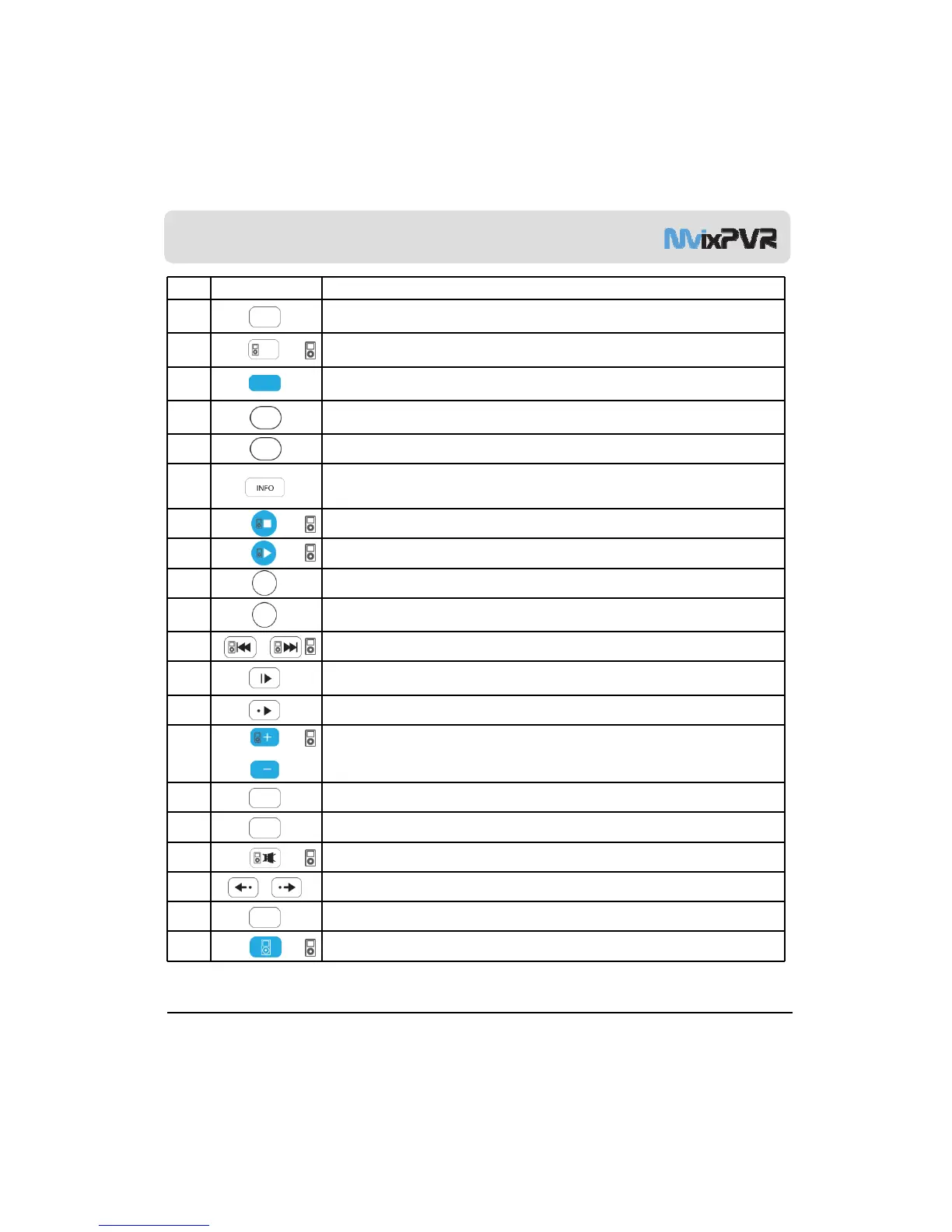
No. Button Function
19
PREVIEW: To turn on/ off preview screen automatically displayed in media play file search mode
20 Shuffle: To change play sequence to shuffle (for iPod only)
21
SETUP: Function available when playing media file or using menu’s in VIDEO IN screen
To display various setup screens
22 MVIXLIVE: Shortcut to MVIXLIVE menu
23 RECORDINGS: Shortcut to RECORDINGS menu
24
INFO: To display the current status
Function available while recording is in play/ repetitive pressing for displaying
network status/ to hide or display OSD of TIME SHIFT function
25 STOP: To stop file in play
26 PLAY: To play the selected file
27 HOME: To go to main screen or to display the projected main screen
GOTO: To select file in the same title or to execute shortcut to the already designated
chapter position/ shortcut to the desired time position
29 PREV/NEXT: To move to previous file (list) or next file (list)
30
SLOW: Repetitive pressing for play in slow motion by 3/4x / 1/2x / 1/4x / 1/8x / 1/16x / 1x in
sequence
31 SKIP ->: To advance screen in play by 30 seconds
32 VOL: To adjust volume
33 A-B: To set zone repetition
34 SUBTITLE: To change text coding language setup for reading subtitle files
35 MUTE: For mute function
36 SYNC <- / ->: To adjust sync of subtitle files played with film (100ms/ 0.1sec)
MvixUSA
16
37 FUNC: To implement the function of ~
38 iPod: To convert remote controller to iPod control mode/ repressing for returning to PVR mode



 To Next Page