Nasuni Edge Appliance Initial Configuration Guide 8.3 104
Procedure
7. Press Enter to access the Service menu. The login prompt appears. Enter the username and
password. The login username is service, and the default password is service. The Service
Menu appears.
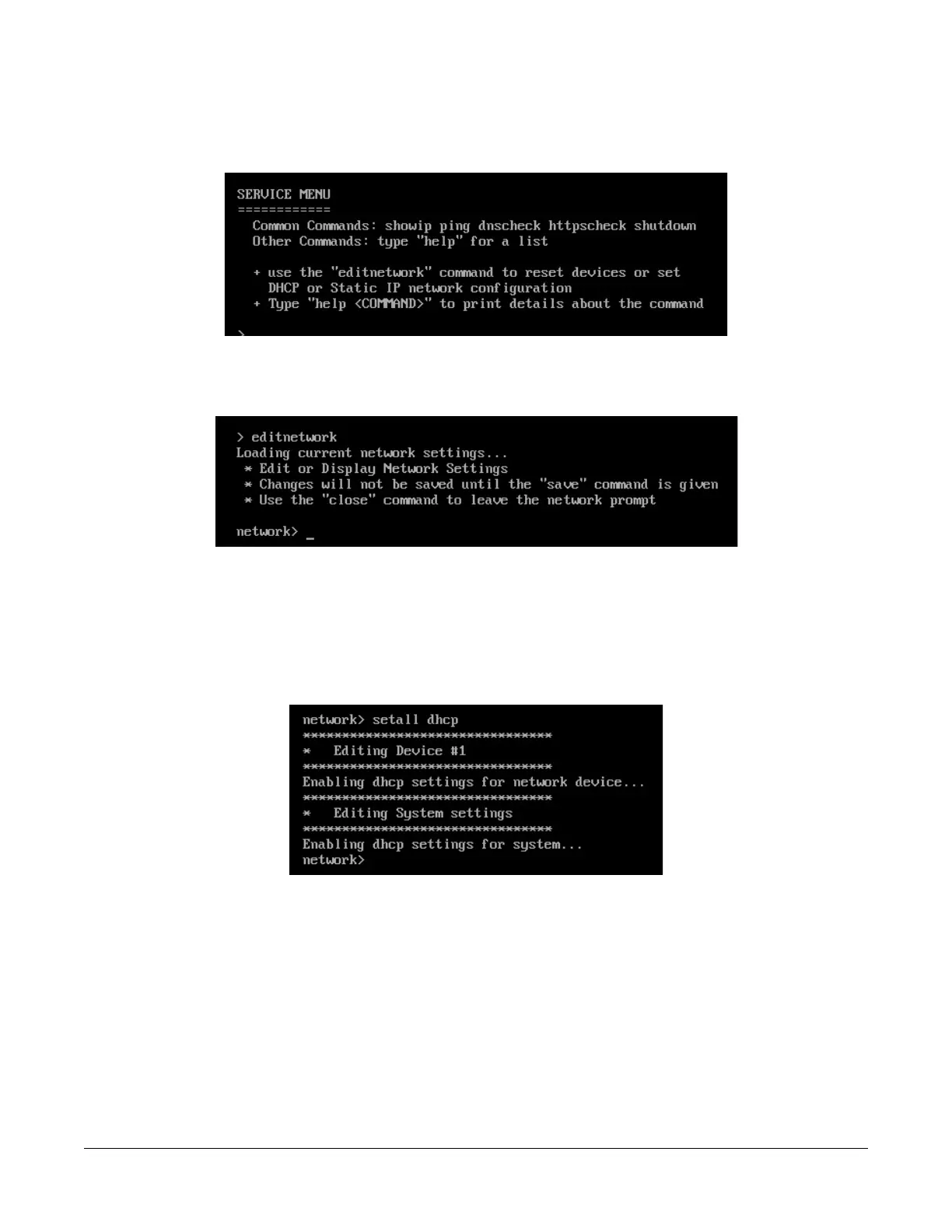
Figure B-5: Service Menu.
8. To access commands to change the network configuration, enter editnetwork at the prompt.
The network prompt appears.
Figure B-6: Network prompt.
9. The default is to use DHCP settings. To use DHCP settings for the network device and the
system, enter the following command:
setall dhcp
Press Enter. The setall dhcp command runs:
Figure B-7: setall dhcp command.
The network device and the system use DHCP settings. Continue with step 11.



 To Next Page