Nasuni Edge Appliance Initial Configuration Guide 8.3 38
Configuring the Nasuni Edge Appliance Setting Up Your Nasuni Edge Appliance
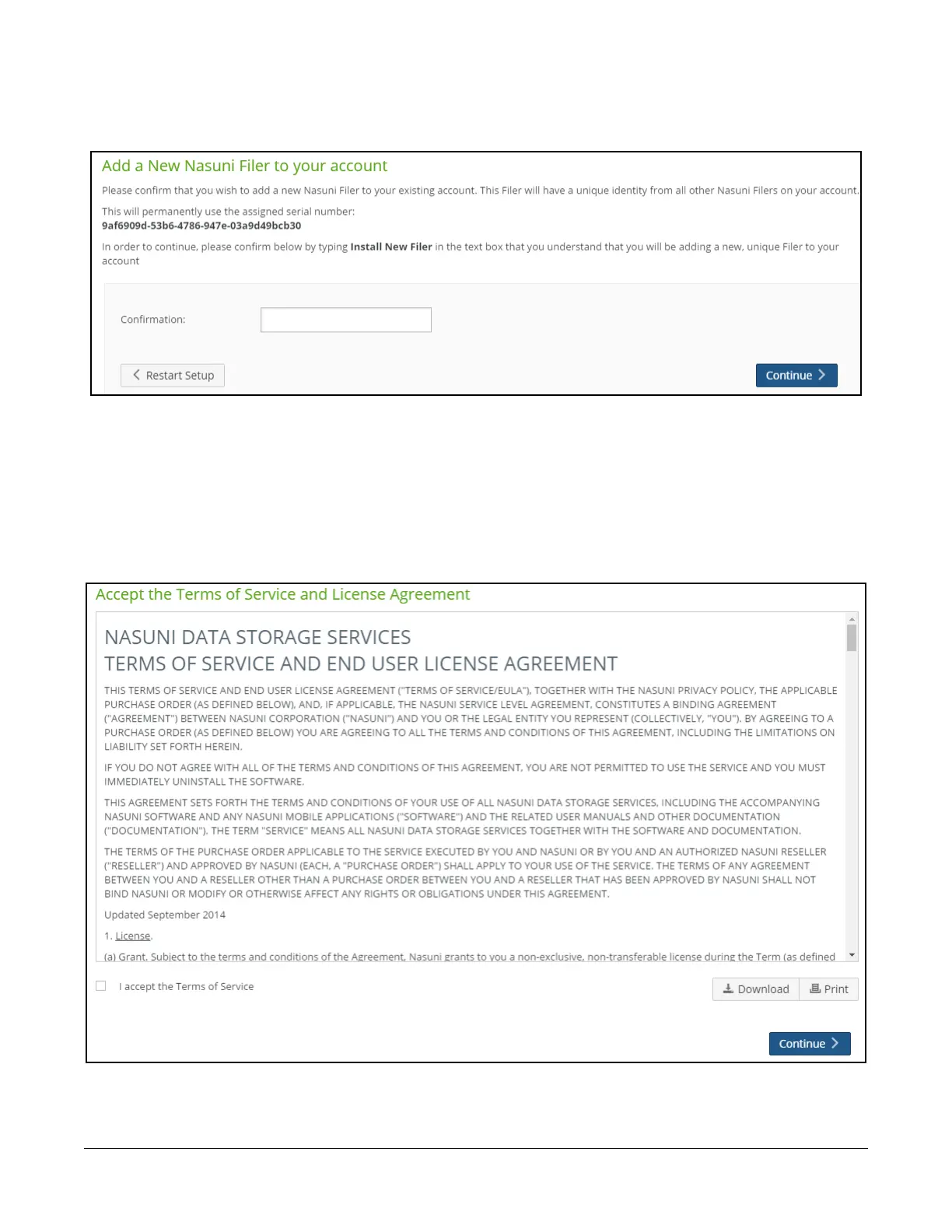
3. If this is a new Nasuni Edge Appliance, the “Add a New Nasuni Filer to your account” page
appears.
Figure 1-18: “Add a New Nasuni Filer to your account” page.
To add the new Nasuni Edge Appliance, type the words “Install New Filer” (without the
quotation marks) in the Confirmation text box, then click Continue.
4. If a more recent version of the Nasuni Edge Appliance software is available, a page appears to
notify you. Click Continue. A second page appears to notify you of the progress of the software
update.
5. The “Accept the Terms of Service and License Agreement” page appears.
Figure 1-19: “Accept the Terms of Service and License Agreement” page.



 To Next Page