Nasuni Edge Appliance Initial Configuration Guide 8.3 39
Configuring the Nasuni Edge Appliance Setting Up Your Nasuni Edge Appliance
You can print or download a copy of the Terms of Service and License Agreement by clicking
the appropriate icon.
Select “I accept the Terms of Service”, then click Continue.
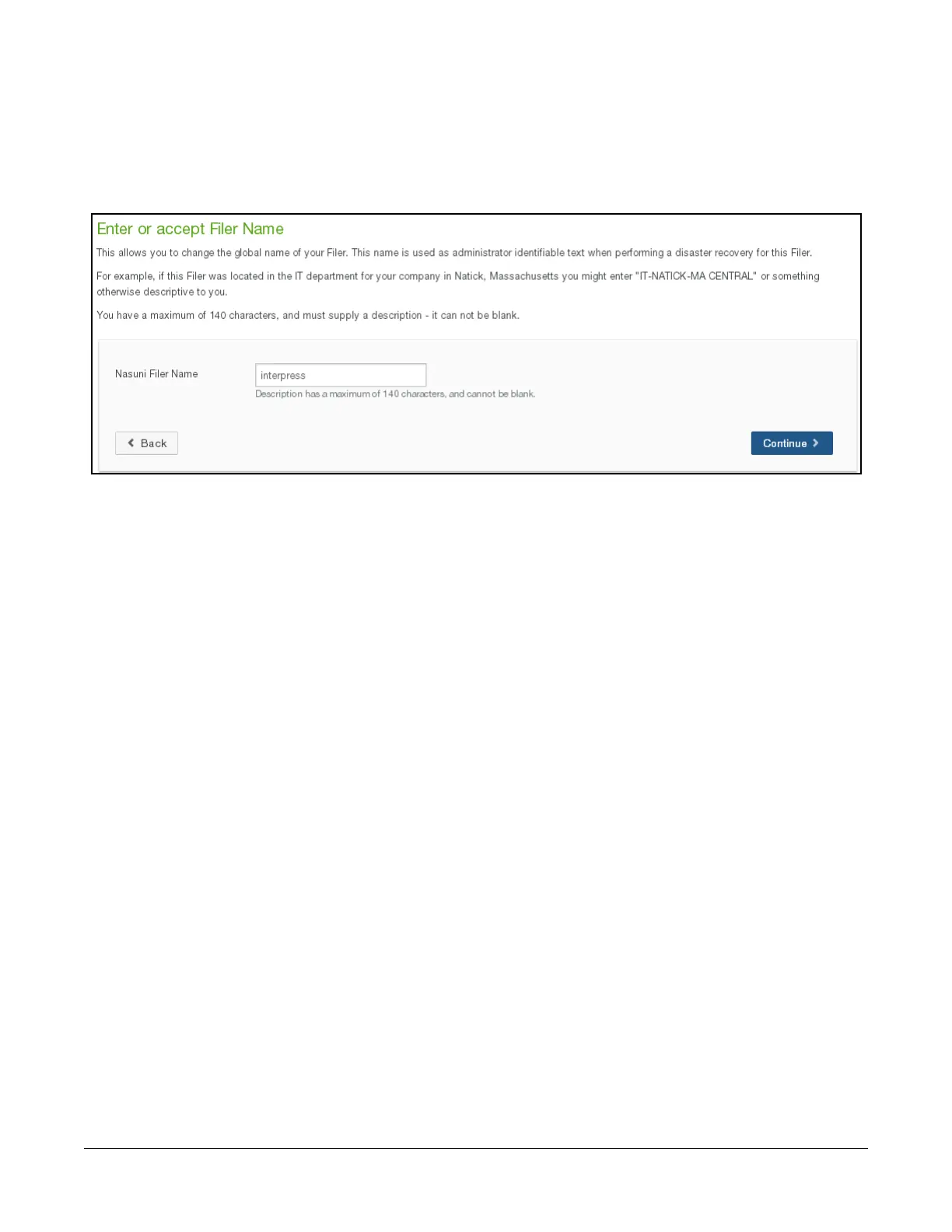
6. The “Enter or accept Filer Name” page appears.
Figure 1-20: “Enter or accept Filer Name” page.
To change the name of the Nasuni Edge Appliance, enter a new Filer Name. A descriptive and
distinctive name helps users and administrators to identify and distinguish specific Nasuni Edge
Appliances. Otherwise, leave the Filer Name unchanged. Click Continue.
Caution: Avoid using characters that systems, such as Active Directory, specify as
disallowed, including period (.), backslash (\), forward slash (/), colon (:), asterisk (*),
question mark (?), quotation mark ("), less than sign (<), greater than sign (>), and
vertical bar (|). Errors can occur for Nasuni Edge Appliances whose names include
such characters. For example, it might not be possible to configure the Nasuni
Edge Appliance for Active Directory access.
7. If this account has a Nasuni Management Console installed, a page appears asking if you want
this Nasuni Edge Appliance to join the Nasuni Management Console.



 To Next Page