Nasuni Edge Appliance Initial Configuration Guide 8.3 40
Configuring the Nasuni Edge Appliance Setting Up Your Nasuni Edge Appliance
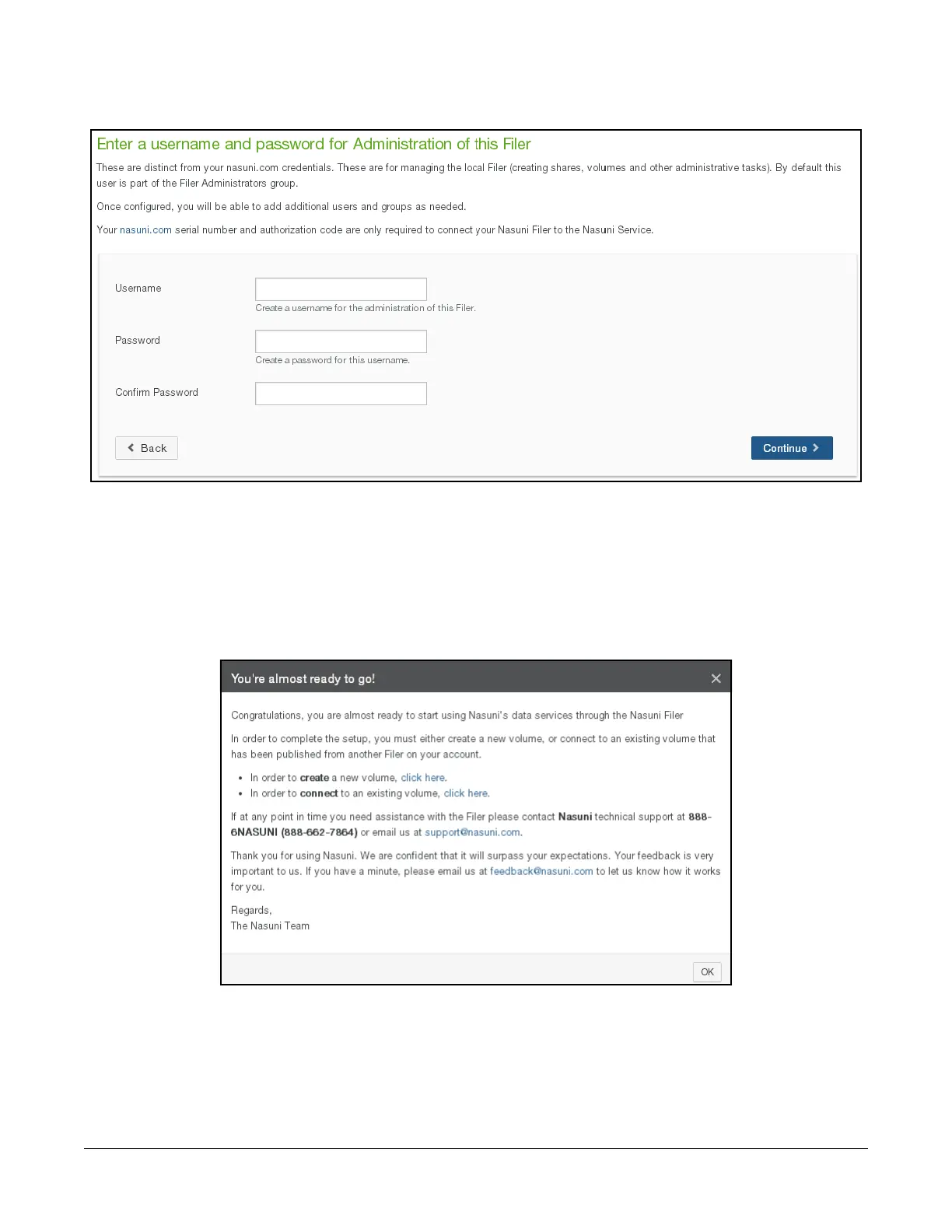
8. The “Enter a username and password for Administration of this Filer” page appears.
Figure 1-21: “Enter a username and password for Administration of this Filer” page.
Create a Username (case-sensitive) and a Password (case-sensitive) for the administration of
this Nasuni Edge Appliance. An indicator of password strength appears. Although password
strength is not enforced, you should use strong passwords. The newly defined user is
automatically a member of the Filer Administrators permission group for this Nasuni Edge
Appliance. Click Continue.
9. The “You’re almost ready to go!” window appears.
Figure 1-22: “You’re almost ready to go!” window.
Click Ok to close the window.
10. The Nasuni Edge Appliance Home page appears. See “Nasuni Edge Appliance Home Page” on
page 42.



 To Next Page