Nasuni Edge Appliance Initial Configuration Guide 8.3 67
Accessing Volumes Web Access
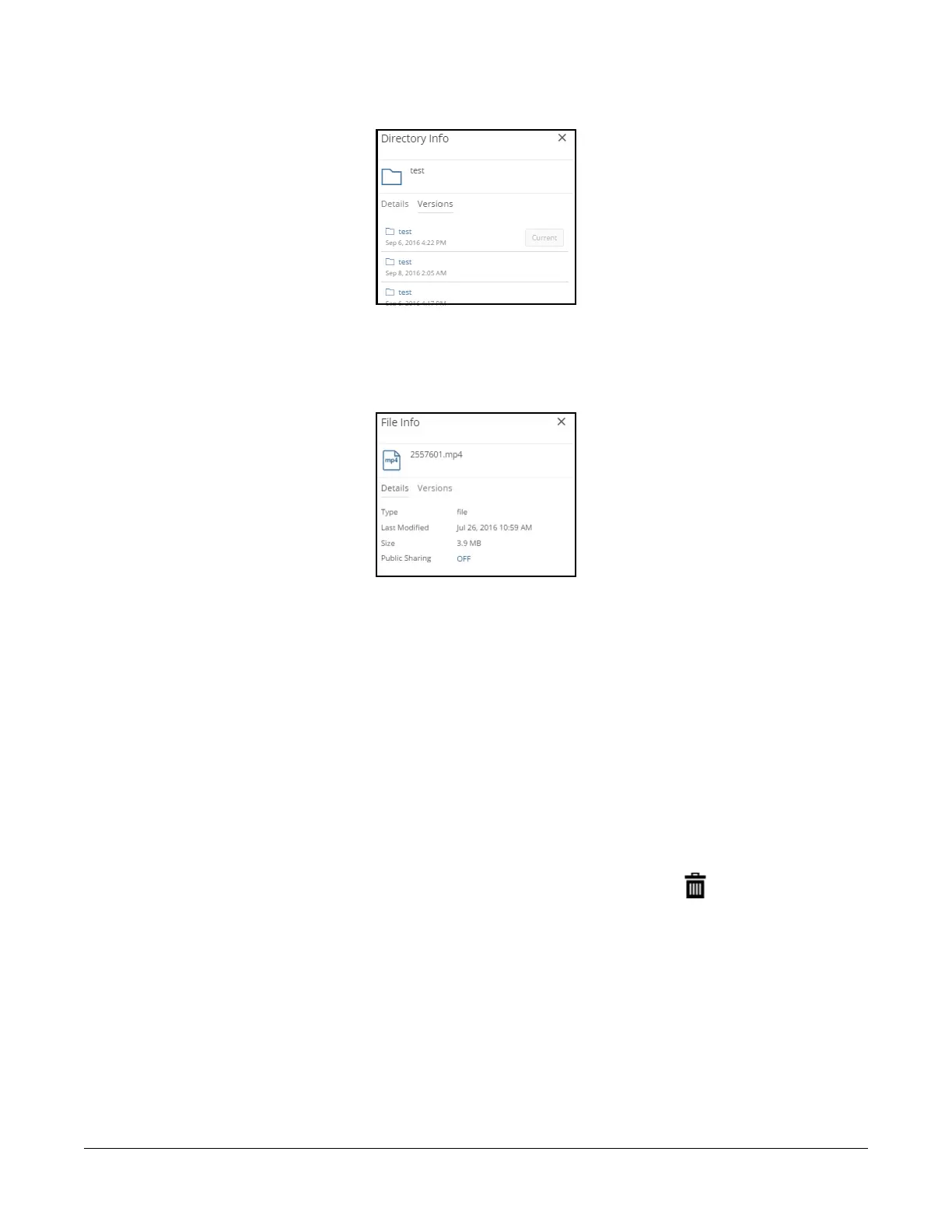
To view other versions of the directory, if available, click Versions. A list of available versions appears.
Figure 2-17: Directory Info Versions pane.
To open a previous version of the selected directory, click a version in the list. That version of the
directory is selected. To exit from the selected version, click “X” at the top of the page.
If the item is a file, the File Info pane appears.
Figure 2 - 1 8 : F i l e I n f o p a n e .
The name of the file appears, as well as the date last modified, the size, and an indication of whether
the file is shared.
Note: Nasuni’s display of size might differ from other indications of size, such as Windows
Explorer and other utilities. Typically, such utilities display only the size of the data currently
present in the local cache, while Nasuni displays the full size, regardless of where the data
is.
To view other versions of the file, if available, click Versions. A list of available versions appears. To
open a previous version of the selected file, click a version in the list. That version of the file is selected.
To exit from the selected version, click “X” at the top of the page.
Deleting file or empty directory
To delete a file or empty directory, select the item, then click the Delete button in the upper right. A
dialog box appears. Click Delete to delete the item.
Note: The directory must be empty before you delete it.
Tip: On a Nasuni Edge Appliance, non-empty directories that contain only blocked files appear
empty to a client, and might lead to unexpected behavior when attempting to delete those
directories. For example, if a directory contains only blocked files, and you try to delete that
directory, the directory is removed from view temporarily, but is not deleted, and reappears
upon refresh. In Windows, the Nasuni Edge Appliance sends the error
STATUS_DIRECTORY_NOT_EMPTY to report that the delete failed, but Windows does not
act on that error.



 To Next Page