Nasuni Edge Appliance Initial Configuration Guide 8.3 66
Accessing Volumes Web Access
Note: Streaming video does not work with self-signed certificates. To add a new certificate, see
“SSL Server and Client Certificates” on page 398 in the Nasuni Edge Appliance
Administration Guide.
Note: The document preview feature of Nasuni Web Access requires a minimum of 8 GiB and
version OS7 of the Nasuni Edge Appliance base operating system.
Note: The maximum file size for preview is 250 MB.
Previews appear in a separate display box. When the preview box appears, you can navigate to the
next and previous files in the folder using right and left arrows.
Audio and video previews include controls to start, pause, mute, unmute, adjust volume, and display
fullscreen.
You can scroll forwards and backwards through multipage documents using your mouse scroll
function.
If the file is of a format that the browser does not recognize, you are offered the option of downloading
the file.
If the display takes a while to present, a message appears offering you the option of downloading the
file. If the display takes longer than 20 seconds to appear, a message appears offering you the option
of downloading the file.
Viewing details
To view details of an item, select the item, then click the View Details button at the upper right of
the page.
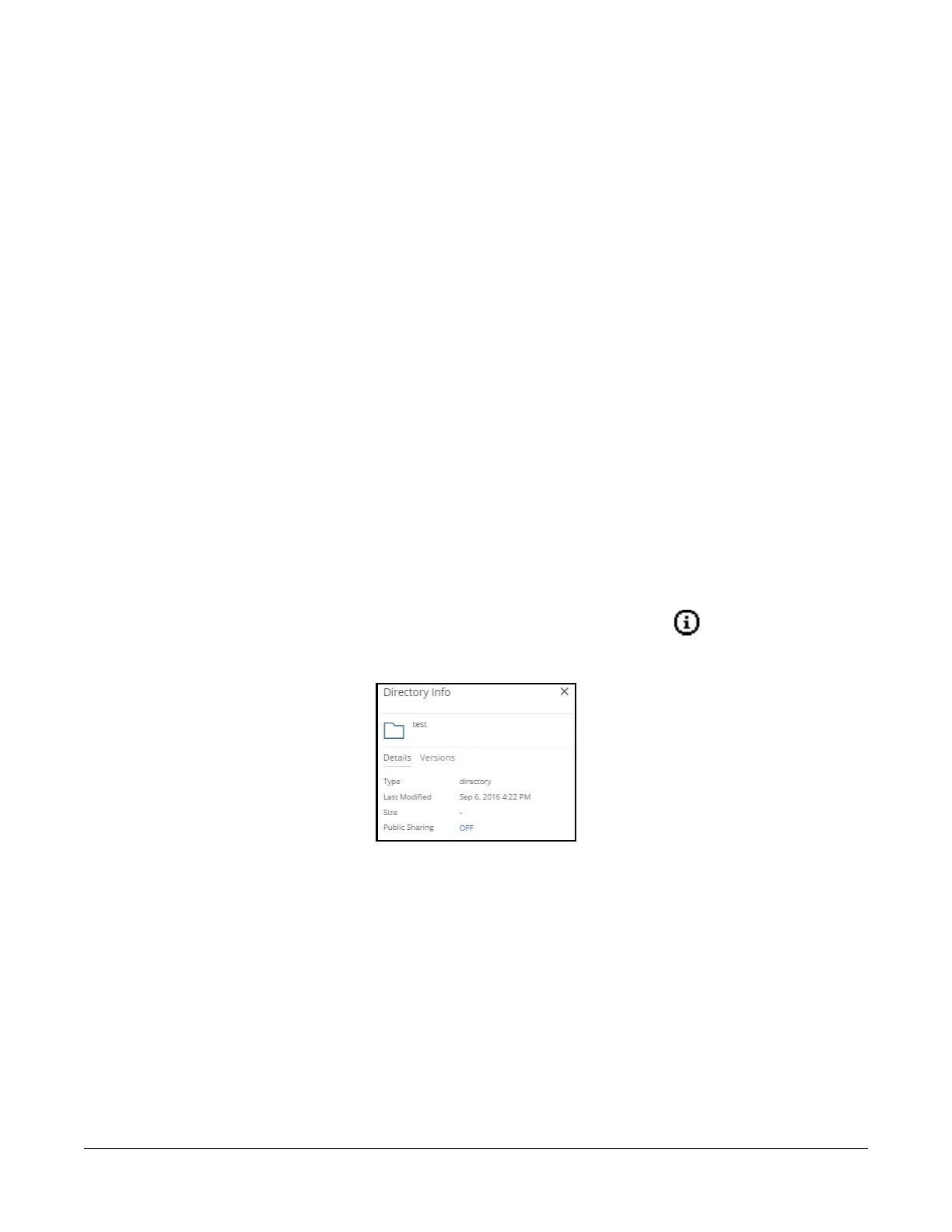
If the item is a directory, the Directory Info pane appears.
Figure 2-16: Directory Info pane.
The name of the directory appears, as well as the date last modified and an indication of whether the
directory is shared.



 To Next Page