Nasuni Edge Appliance Initial Configuration Guide 8.3 93
Overview
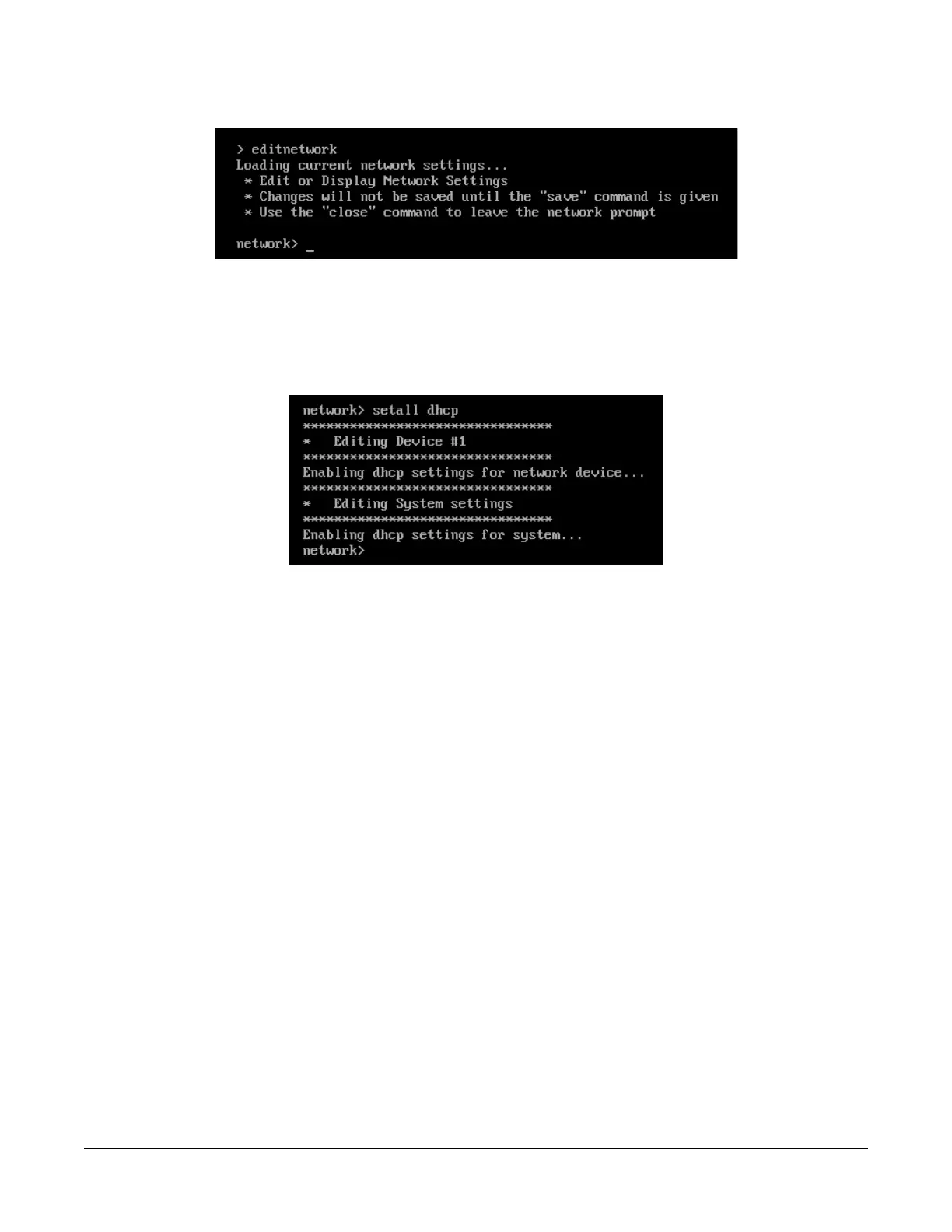
3. Enter editnetwork at the prompt. The network prompt appears.
Figure A-8: Network prompt.
4. To use DHCP settings for the network device and the system, enter the following command:
setall dhcp
Press Enter. The setall dhcp command runs:
Figure A-9: setall dhcp command.
The network device and the system use DHCP settings. Continue with step 6 on page 95.



 To Next Page