80
4. Using the Viewer
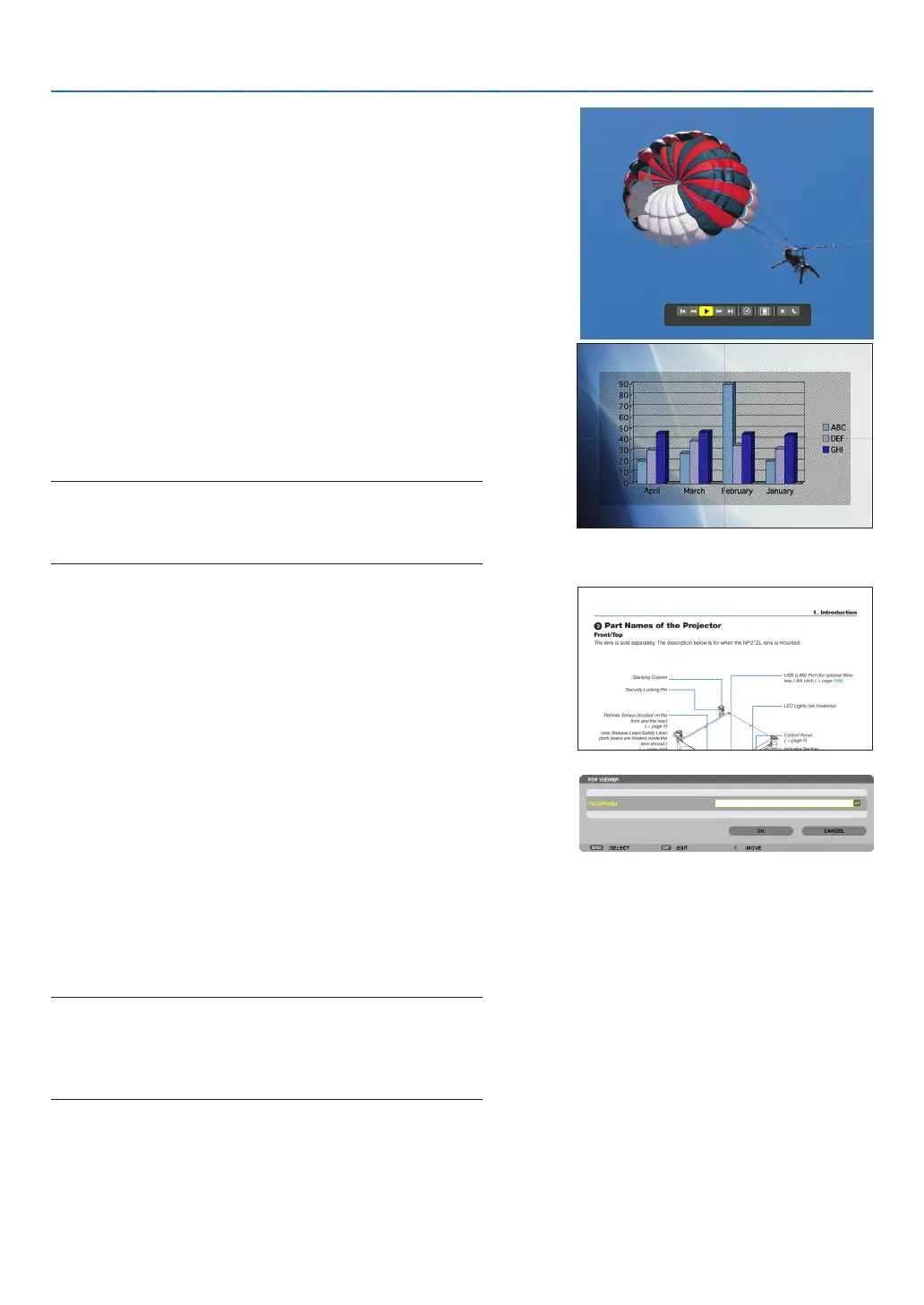
•Moviele
Themovielewillstartplaying.
Afternishingtheplayback,thescreenwillturntoblack.
PresstheEXITbuttontoreturntothethumbnailscreen.
• Pressing the ENTER button will display the movie’s
controlbarwithwhichyoucanpauseorfastforwardand
some other operations.
•MicrosoftPowerPointle
Theslideontherstpagewillbedisplayed.
Press ▶ to select the next slide; press ◀ to select the previ-
ous slide.
• Youcanalsousethe▼ or ▲buttontoselectapage.To
returntothethumbnailscreen,presstheEXITbutton.
NOTE:
• Files with slideshow or animation effects may not be correctly
displayedontheViewer.
See“SupportedPowerPointles”onpage75, 99.
•AdobePDFle
Therstpagewillbedisplayed.
• ThePDFlewillllthewidthofthescreen.
Pressing the ▼ or ▲buttonwillscrollthescreendownor
up.
ThePAGE▽orPAGE△buttonwillmovethescreenone
page down or up.
Toreturntothethumbnailscreen,presstheEXITbutton.
• Whenapassowordinputwindowisdisplayed,itmeans
thatthePDFleispassword-protected.
Pressing the ENTER button will show the software
keyboard. Use the software keyboardto enter your
password.
Select[OK]andpresstheENTERbutton.ThePDFle
willbedisplayed.
• Formoreinformationonthesoftwarekeyboard,seepage
153.
NOTE:
BookmarksandnotesthatwereaddedafterPDFconversionwillnot
be displayed.
IffontswerenotembeddedatthetimeofPDFconversion,thosefonts
will not be displayed.
TIP:
Ittakessometime(about30secondstotwominutes)todisplaya
largesizeleortoturnpagesofaPDFlethathasmanypages.



 To Next Page