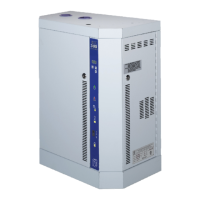
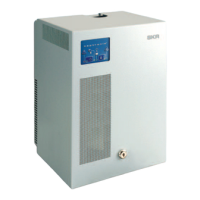
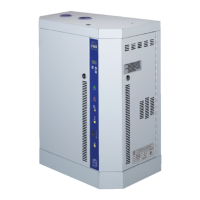
SKE4-E Steam Humidifier
Installation Instructions and User Manual
Idle Screen
When the controller is in operation, the unit displays the following information on the Idle Screen:
Table 12 - Idle Screen Display Description
Range
(* indicates no configuration; display only)
* (min: 0.00%, max: 100.00%)
Displays the current humidity demand
value.
* (Off, Normal, LowLimit, HighLimit,
NoAirFlow, Interlock)
Displays the current state of the safety
control circuit and whether the circuit has
been disconnected due to a safety
switch.
* (min: 0.00%, max: 100.00%)
Displays the measured power output of
the system as a percentage of the total
power.
* (Off, Idle, LineRinse, TankRinse, Filling,
Draining, Heating, Boiling, Alarm)
Displays the current state of operation of
the humidifier.
Illustration 49 - Idle Screen Display
Menu Access
x From the Idle Screen, the Main Menu can be accessed by pressing the Back/Menu button ,
enabling access to the General menu.
x To view other menu options and perform configurations to the system, press Enter while on
the Idle Screen to advance to the Login Screen, where a valid password must be entered.
x Four different passwords can be used, each granting access to an additional menu option
depending on the access level assigned to the provided password.
x If a password of higher access is provided, all menu options accessible with the use of a lower
level password will also be unlocked.
Table 13 - Access Levels
Grants access to General menu.
Grants access to General and User menus.
Grants access to General, User and Service menus.
Grants access to General, User, Service and Installation menus.
Grants access to General, User, Service, Installation and Integration menus.
Note: To modify or retrieve lost passwords, please contact factory.


 To Next Page