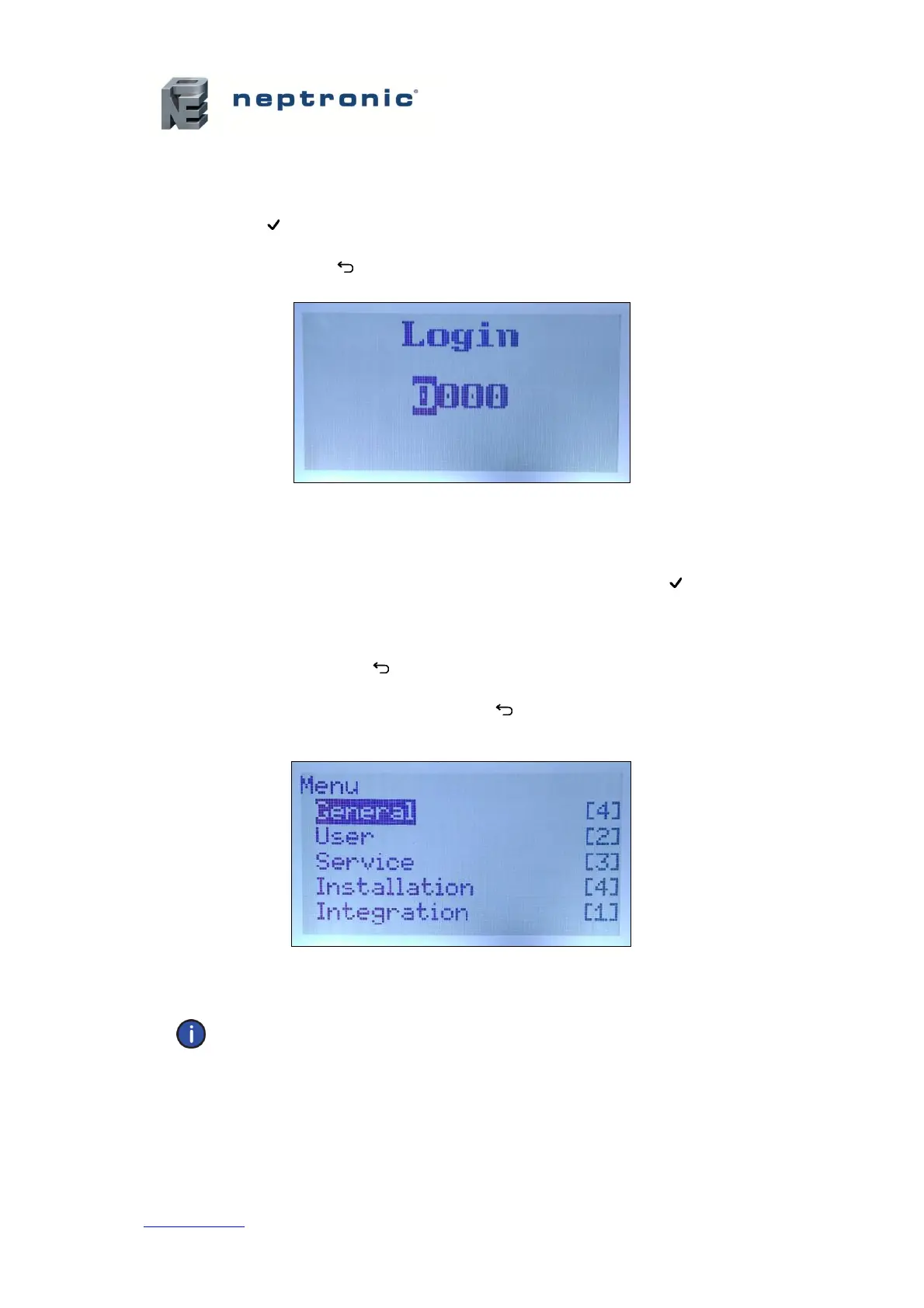
A. After accessing the Login Screen, use the + or - buttons to increase or decrease the value of
the number that is highlighted.
B. Ue he , b c he e e be.
C. Press Enter to confirm the password once completed. If you enter the wrong password, the
SKE4 controller displays a Lgi Faied message.
D. The Back/Menu button may also be used to return to the Idle Screen display.
Illustration 50 - Login Screen
Menu Navigation and Configuration
A. Ue he , buttons to select the desired menu category and press Enter to advance to
the next sub-menu.
B. Use the + and - b ceae ad deceae ae. Ue he , b c
the next or previous parameter. Values are saved as soon as a change is made.
C. Press the Back/Menu button to go back one menu. The current menu location is displayed
at the top of the screen.
D. To exit completely, press the Back/Menu button until you return to the Idle Screen. After 5
minutes of inactivity, the controller will automatically return to the Idle Screen.
Illustration 51 - Main Menu Page
Note: Available settings and range selections may vary depending on current
configuration. The tables in the following sections display all the possible selections. The
Description/Notes column indicates the conditions required for the associated setting to
appear.


 To Next Page