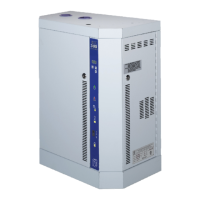
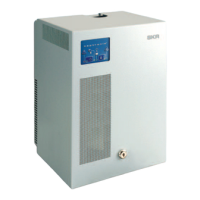
SKE4-E Steam Humidifier
Installation Instructions and User Manual
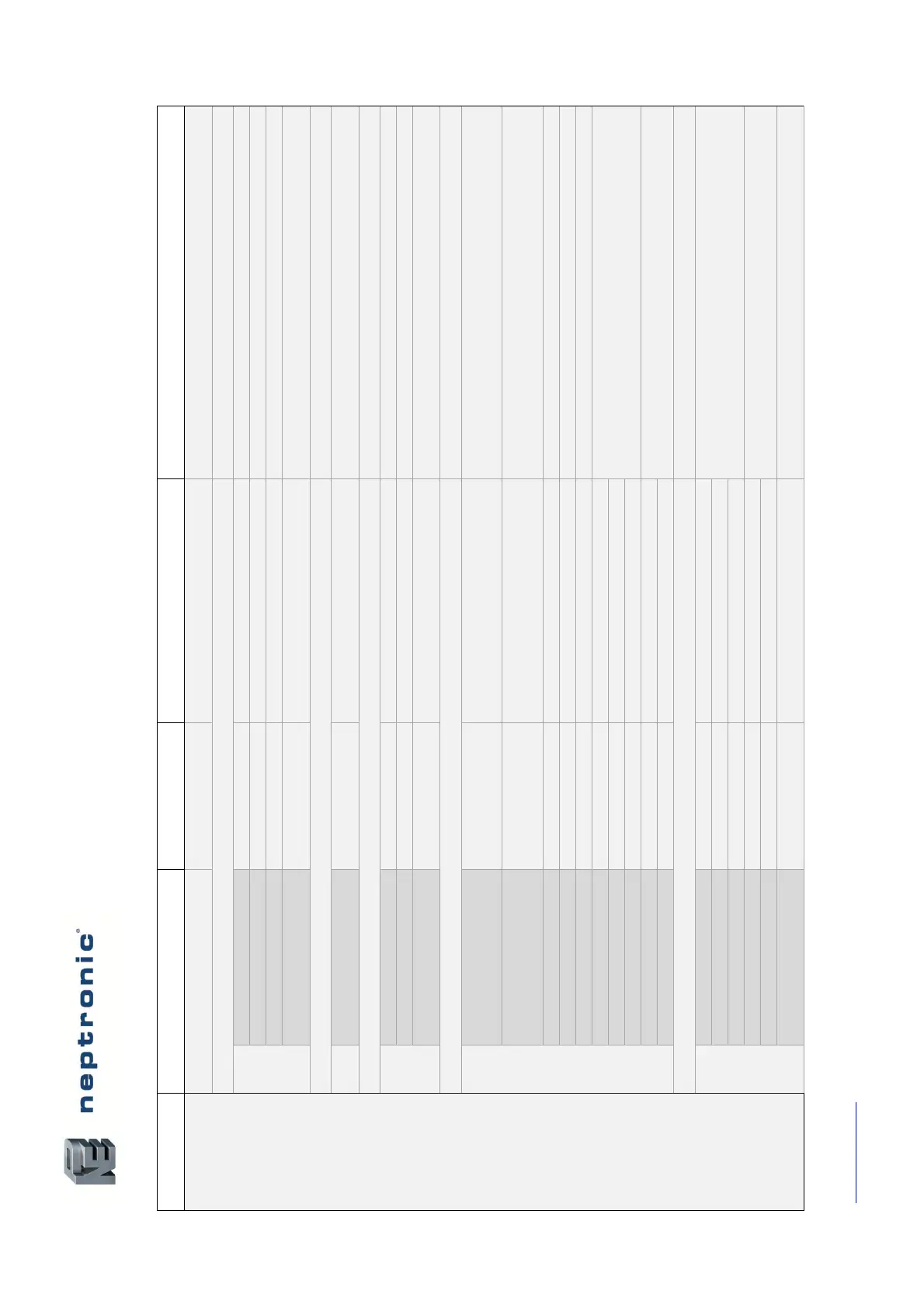
Menu - Integration [Level 5 - Requires level 5 password in order to access]
Range
(* indicates no configuration; display only)
Select whether to connect to a BACnet MS/TP or Modbus RTU
communication interface on terminal TB2 of the humidifier PCB.
Establish a name for the device.
Establish a designated location for the unit.
Establish a brief description for the unit.
Define the device instance value.
Select whether to use a metric or imperial system of units for the web
server.
For models connected to the BACnet network.
(Language options vary based on region.)
Select the language for the BACnet server.
Integrator, Advanced, Factory
Select the category of BACnet objects to display.
Select whether to use a metric or imperial system of units for the
BACnet server.
Only appears if NtwrkOption is set to BACnet.
Configure MaxMaster value to increase network efficiency when there
are less than 127 devices on the network. For optimal efficiency, set
value to the highest MAC address in the MS/TP network.
Configure the maximum number of information messages the
controller may transmit, before it must pass the token to the next
controller.
Enable or disable automatic baud rate detection.
9600, 19200, 38400, 76800
Select the baud rate for data transfer.
Set the MS/TP network MAC address.
Displays information on the received communication frames for
troubleshooting purposes.
Displays information on the transmitted communication frames for
troubleshooting purposes.
For models connected to BACnet IP.
Displays information on the received communication frames for
troubleshooting purposes.
Displays information on the transmitted communication frames for
troubleshooting purposes.
Set the User Datagram Protocol (UDP) port number.
BACnet port number is set by default.


 To Next Page