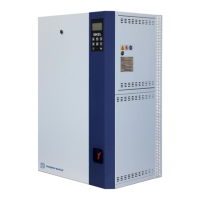
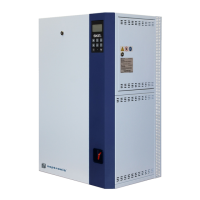
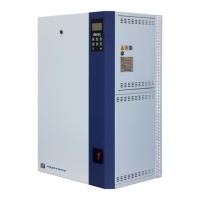
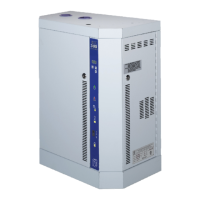
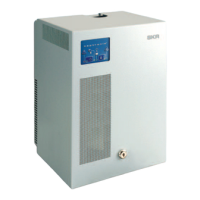
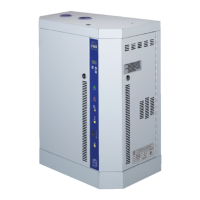
SKE4-E Steam Humidifier
Installation Instructions and User Manual
Menu - Installation [Level 4 - Requires level 4 (or higher) password in order to access]
Set the frequency of the drain cycle. In general, a more frequent drain cycle is
required as the water hardness level rises. The drain cycle setting does not affect the
AFEC system.
Set the amount of time the humidifier can remain in standby mode until an automatic
drain cycle is performed.
Define the rate of boiler blowdown or water dilution, in order to minimize water
impurities.
Set the time of operation before the humidifier calls for servicing.
Select whether to enable the unit to continue producing steam, even when it is due
for servicing.
When set to Allowed, the unit will continue operating even when a service alarm is
active.
Select the water filling method for the fill valve:
When set to OneShot, water will continuously flow.
When set to Pulsed, water will flow in short bursts.
ExternAnalog, ExternNetwork, InternAnalog,
InternNetwork, HRL, Custom
Select a preconfigured control mode profile for the modulating humidity demand.
Select the Custom option to configure individual settings.
(Network option only applicable for BACnet models.)
Disabled, ExternAnalog, ExternNetwork,
InternAnalog, InternNetwork, Custom
Select a preconfigured control mode profile for the modulating high limit demand.
Select the Custom option to configure individual settings.
(Network option only applicable for BACnet models.)
Only appears if ControlProfile is set to an internal control mode or
HumCntrlDemandSrc is set to RoomDemand.
Select the reading source for the room demand.
(Network option only applicable for BACnet models.)
None, Internal, ControlInput
Select the room demand setpoint source.
Only appears if ModHLProfile is set to an internal control mode or
HumCntrlHLSrc is set to SupplyHLDemand.
None, SupplyHLRH, Network
Select the reading source for the supply high limit demand.
(Network option only applicable for BACnet models.)
None, Internal, ControlInput
Select the supply high limit demand setpoint source.
Set the lower limit deadband value for the humidity demand.
Define the amount of time the humidifier may attempt to connect to the BACnet or
Modbus network before it stops operating due to a communication error.
(Only appears if ControlProfile or ModHLProfile are set to InternNetwork or
ExternNetwork.)
None, ControlInput, RoomDemand, Network
Select the humidity control demand source for modulating humidifiers.
(Network option only applicable for BACnet models.)
None, ControlInput, SupplyHLDemand,
Network
Select the humidity control high limit source for modulating humidifiers.
(Network option only applicable for BACnet models.)
Select the humidity control demand source for On/Off humidifiers.
Select whether to always display the RoomRHSigType setting, regardless of the
configuration selected in the ControlProfile setting.
Select whether to always display the SupplyRHSigType setting, regardless of the
configuration selected in the ModHLProfile setting.
0-10Vdc, 2-10Vdc, 4-20mA, 0-20mA
Select the signal type for the control demand analog input.


 To Next Page