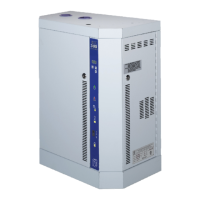
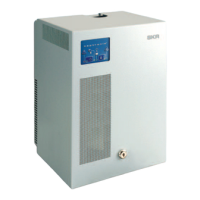
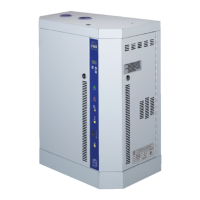
SKE4-E Steam Humidifier
Installation Instructions and User Manual
Menu - Service [Level 3 - Requires level 3 (or higher) password in order to access]
Range
(* indicates no configuration; display only)
Displays the total runtime of the unit.
Displays the total operating time of the unit.
Displays the runtime of the unit, since the last servicing.
Displays the operating time of the unit, since the last servicing.
Displays whether the humidifier is due for servicing.
00:00
Monday to Sunday
Event 1 to Event 6
Create a customized draining schedule with up to six events per day.
None, ResetAlarms, Drain, ResetCounters,
Filling, WaterCalib
Perform one of the following actions for the humidifier: reset service
counters, initiate a drain cycle, reset warning alarms, fill the evaporation
chamber or calibrate the water level sensor.


 To Next Page