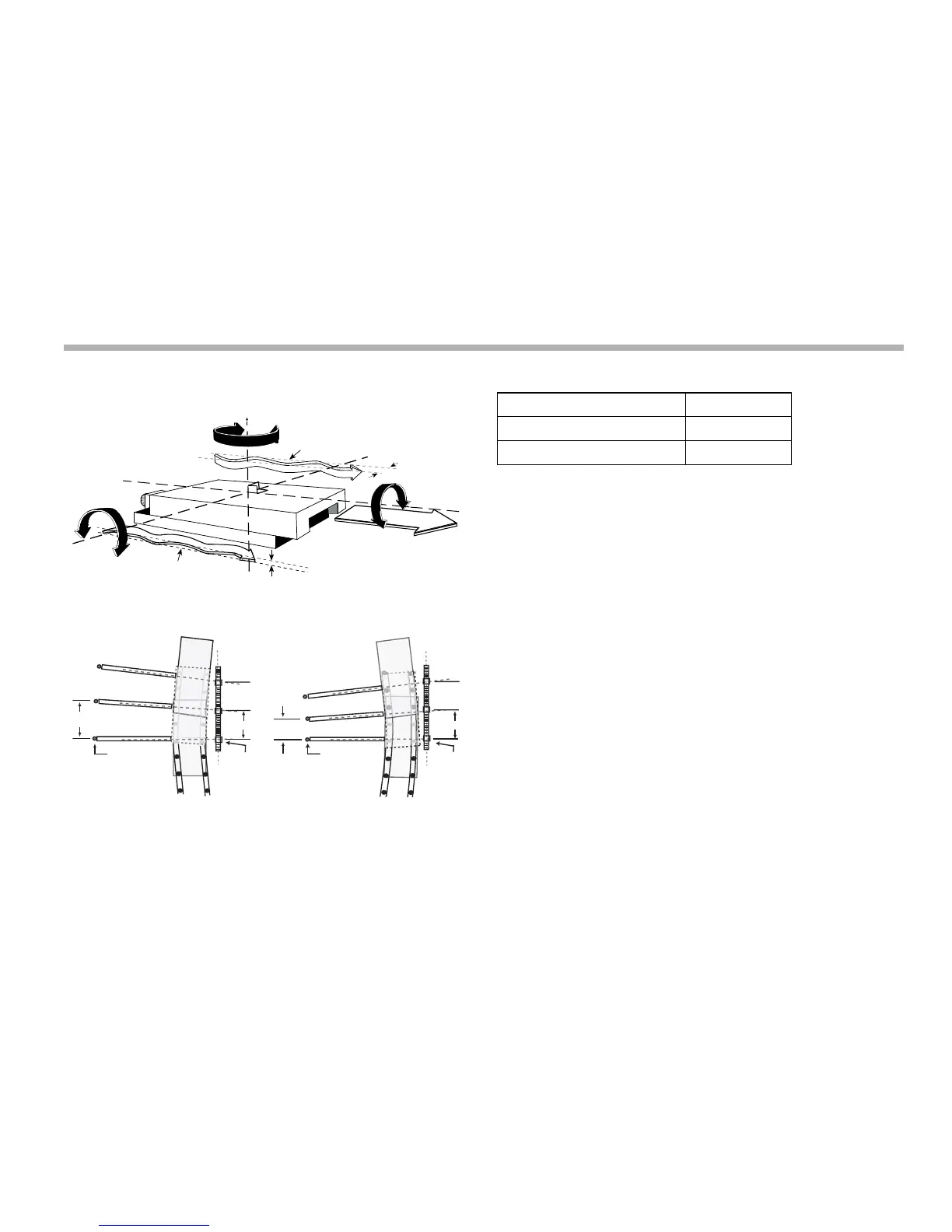
Error compensation
5-5
N
Way errors
Abbé error
There are three settings for each axis:
Press the Select Key next to the ‘X’, ‘Y’ or ‘z’ to cycle through
these settings.
Once you have set the error compensation you want to use on
all the axes, press the down navigation key. The middle display
changes to ‘Err SEt’.
If you set one or more axes to Segmented Error
Compensation, or Linear Error Compensation, then your
next set up option is to configure the compensation for each of
those axes.
If you apply Error Compensation, then you must ensure that it
is absolutely correct. If it is not correct, then errors could be
increased rather than reduced.
Once you have set up the Error Compensation, we advise you
to check its effect in normal operation.
Segmented error compensation
In this mode, you can break down the scale travel for each axis
into as many as 99 user-defined segments, with each segment
having its own correction factor. The correction factors are



 To Next Page