Set up
5-6
N
calculated by the C80 by comparison against known standards
that you supply.
When you apply power, the display for any axis that is set to use
Segmented Compensation shows ‘rESEt’.
If the machine has not been moved since the power was turned
off, press [ce], and the C80 restores the last positions that were
recorded.
Alternatively, you can set each axis close to the Reference
Point, to within: 6.3mm (0.25”) for a Spherosyn encoder or
2.5mm (0.1”) for a Microsyn encoder, and press the Select Key
next to the ‘X’, ‘Y’ or ‘z’. The C80 re-establishes alignment with
the correction parameters.
You need not apply Segmented Compensation over the entire
scale length. You can apply it to a length of high importance, or
to just one segment.
To ensure that you apply the correct compensation, you should
always reset the datum when you turn on the C80.
If you set one or more axes to Segmented Error Compensation,
then you need to carry out the following procedure to configure
the compensation for each of those axes.
Identifying the correction parameters
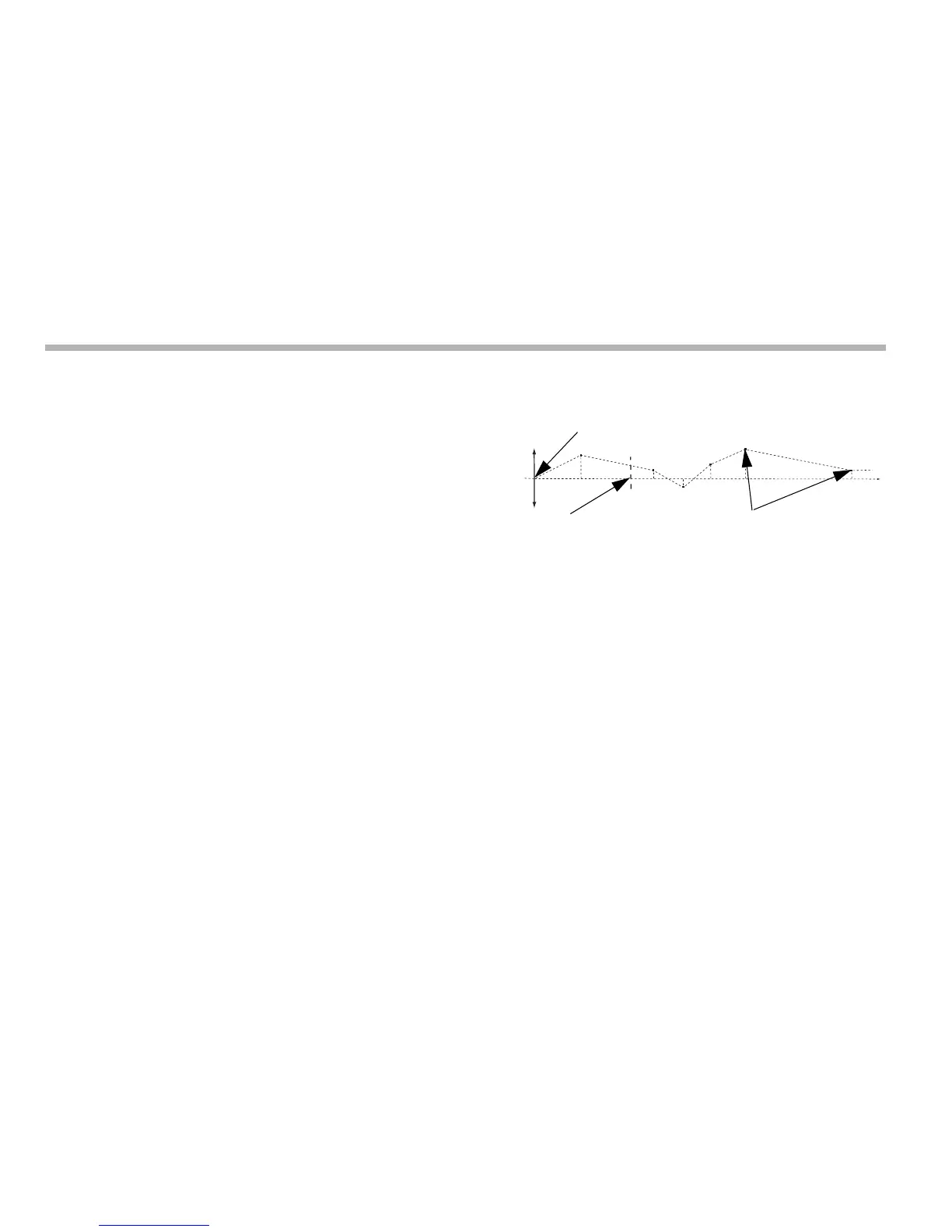
The scale travel is broken down into a number of segments that
you define, each with its own correction factor, measured
against a high-accuracy standard. You need to identify the
following parameters:
You measure each Correction Point with respect to the
Starting Point, zero. You usually set this close to one end of the
scale. You can set the Reference Point anywhere along the
scale. It does not need to coincide with either the absolute
datum or any of the correction points. However, you may find it
convenient to make the absolute datum and the reference point
the same.
Setting the correction points
As you follow the procedure you must ensure that you always
approach the Starting Point, Correction Points and
Reference Point from the same direction. If you do not, then the
size of the tool or probe renders the measurement inaccurate.
1. Set one or more axes to Segmented Compensation as
described in Error compensation on page 5-3.
The display shows ‘Err SEt’.



 To Next Page