PART 4
OPERATIONS
This iServer can be used and configured in several ways, depending on user’s
preference and network setup. It can be used in Telnet simulation mode where it
emmulates serial communication operation over a network cable or directly from a Web
browser, like Netscape or Internet Explorer.
If DHCP and DNS servers are used, the connection is very simple, you do not need to
worry about IP address, MAC address, or network conflicts, all of these issues are
resolved for you by your network DHCP and DNS server. All that is left for you to do, is to
use a straight/normal network cable to connect the device to a hub and power it up. Then
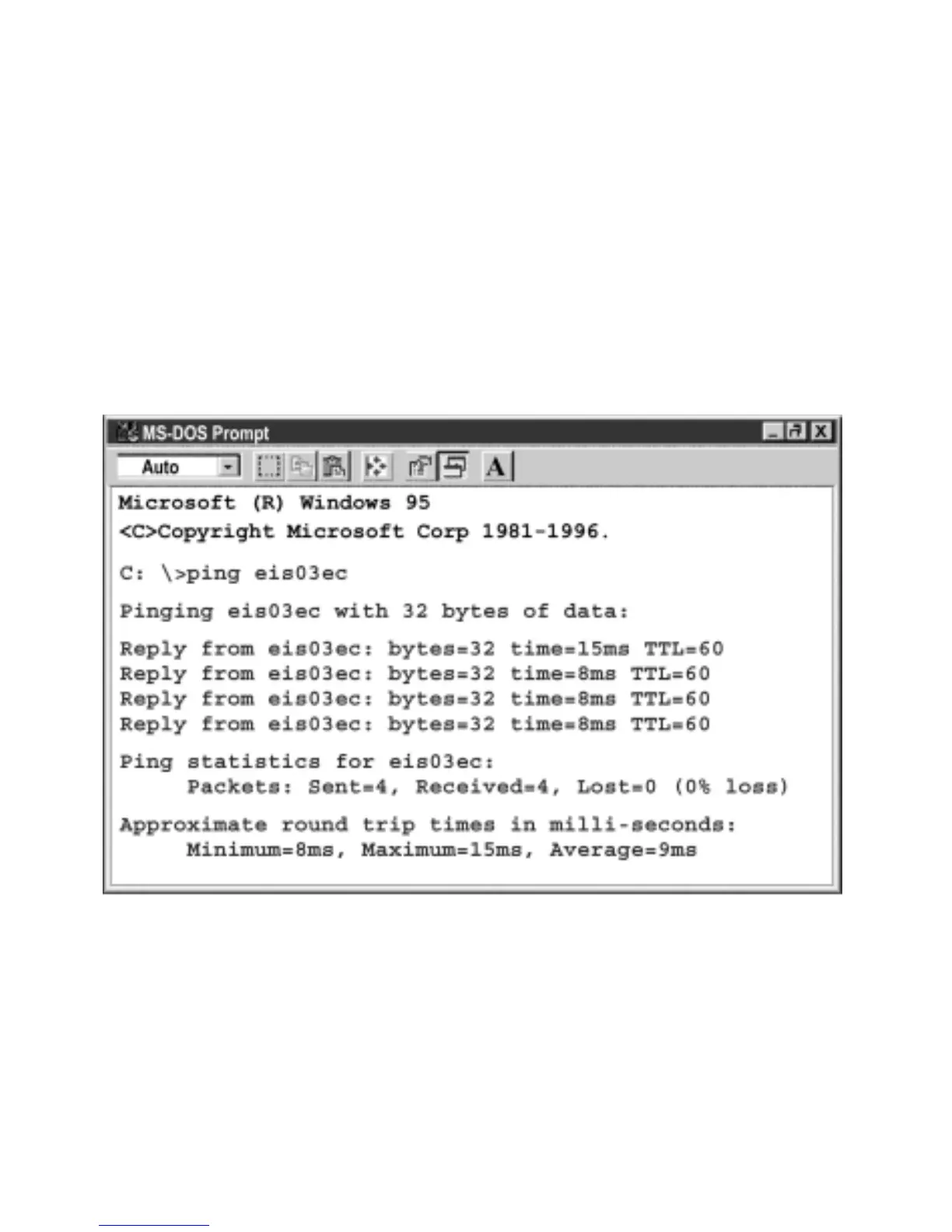
you can go to your computer that is connected over the same network and from the MS-
DOS Prompt window type "ping eisxxxx" followed by the last four digits from the MAC
address located on the side or back of the device.
Figure 4.1 Pinging eis03ec MS-DOS Prompt
This proves that the connection is proper and you can get into configuration or run mode
using the Telnet or Web browser.
12



 To Next Page