4.2 Setup and Operation Using Web Browser
• Start your web browser.
• In the URL field, type http://eisxxxx using the last four-digits from the MAC
address label located on the device if DHCP and DNS are used. If a static IP address
is used, then simply type http://x.x.x.x, where x.x.x.x is the iServer’s IP address.
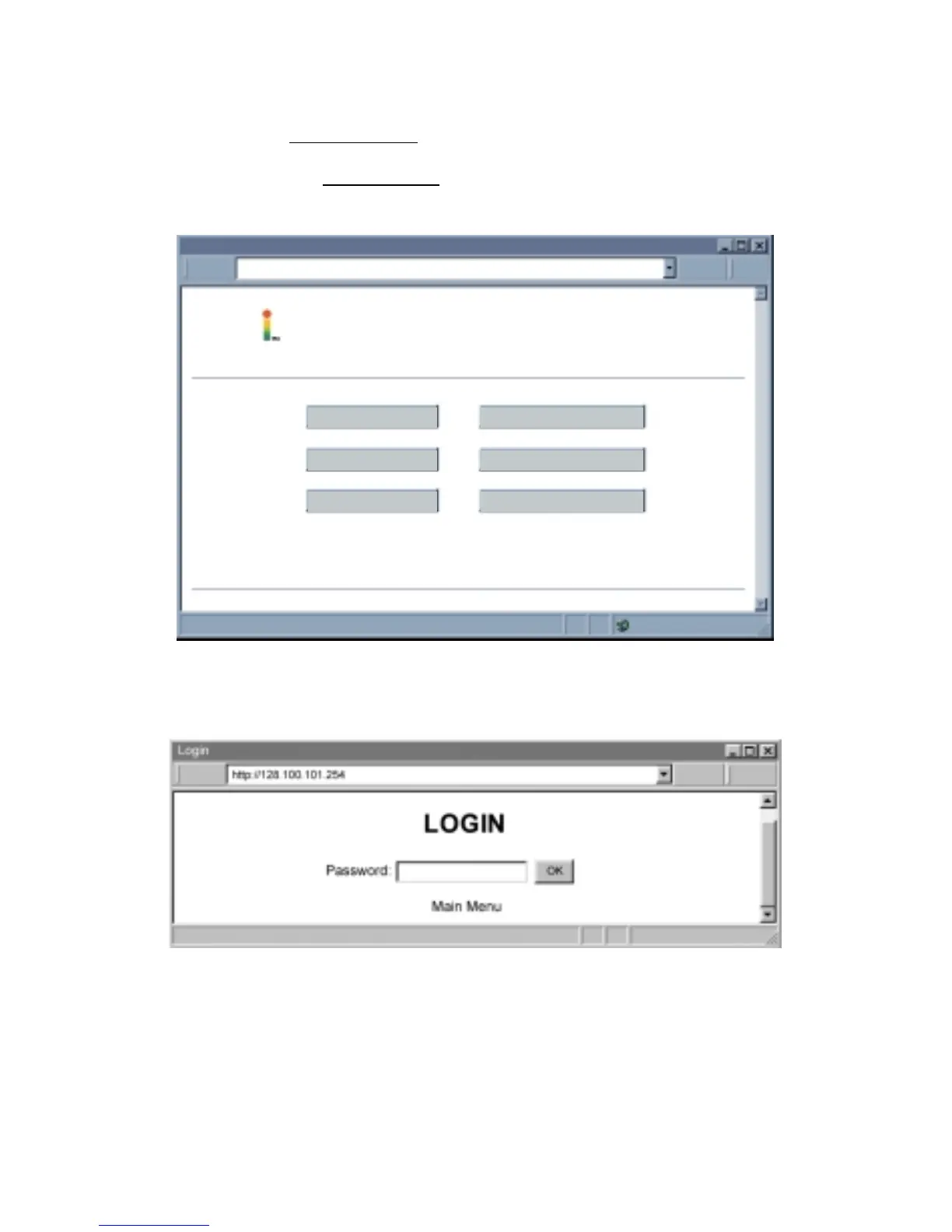
• The Home Page, shown below, will be displayed.
Figure 4.4 iServer Home Page
In order to access certain menu items of the iServer Home Page, users may be
prompted for a Login Password.
Figure 4.5 Login Password
Login Password: This allows users to access and modify all of the iServer Home Page
menu items, except “Access Control”, which requires an Administrator password (refer to
Section 4.2.5). The “Read Devices” does not require a password.
The default Login password is 12345678. This password can be up to 16 alpha-numeric
case-sensitive characters.



 To Next Page