36
4.11.2 Configurations (continued)
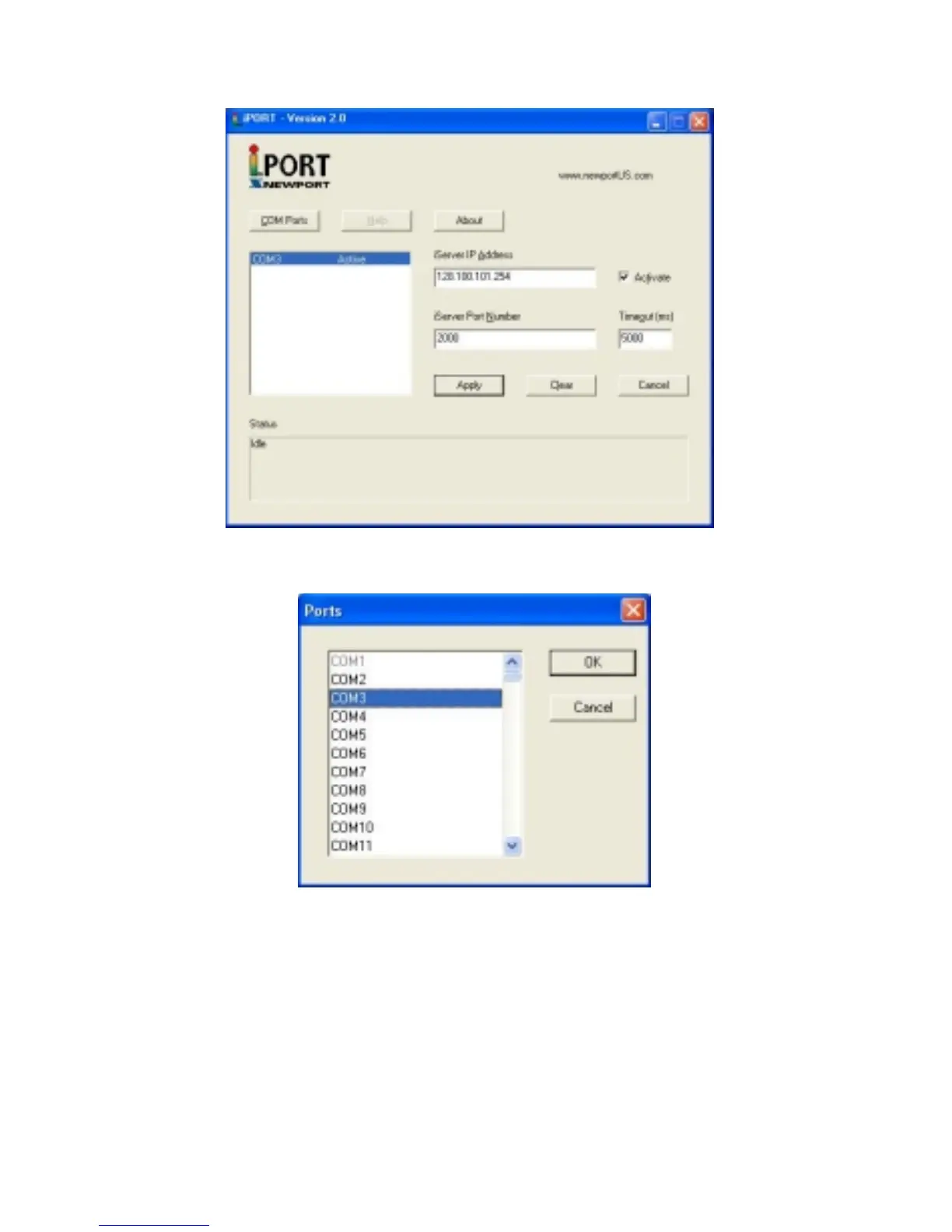
Figure 4.28 iPORT Main Window
Figure 4.29 COM Port Window
iServer IP Address – This is the IP address of the iServer that is connected to the serial
device on one end and attached to the Ethernet LAN on the other end. The iServer’s
default IP address is 128.100.101.254, which can be changed to fit your network IP
address range (see the iServer’s manual for details).
iServer Port Number – This is the port number for the iServer’s local serial port. The
default value is 2000. If this port number is changed in the iServer’s Configuration page
(see the iServer’s manual for details), the same number should be placed in the iPORT
window.
Activate – If this box is checked, the selected COM port will be available for network
connection. If it is unchecked, the selected COM port will be in sleep mode.



 To Next Page