17
4.2.4 Configuration
This section describes the "Configuration" page of the iServers’s Web interface.
To get into the Configuration page, the user will be prompted with a Login Password. The
default Login password is 12345678 and is changeable, if desired.
When connecting your serial device to the iServer, the Serial Communications parameters
(baud rate, data bit, parity, and stop bit) must be the same on both, the iServer and your
serial device.
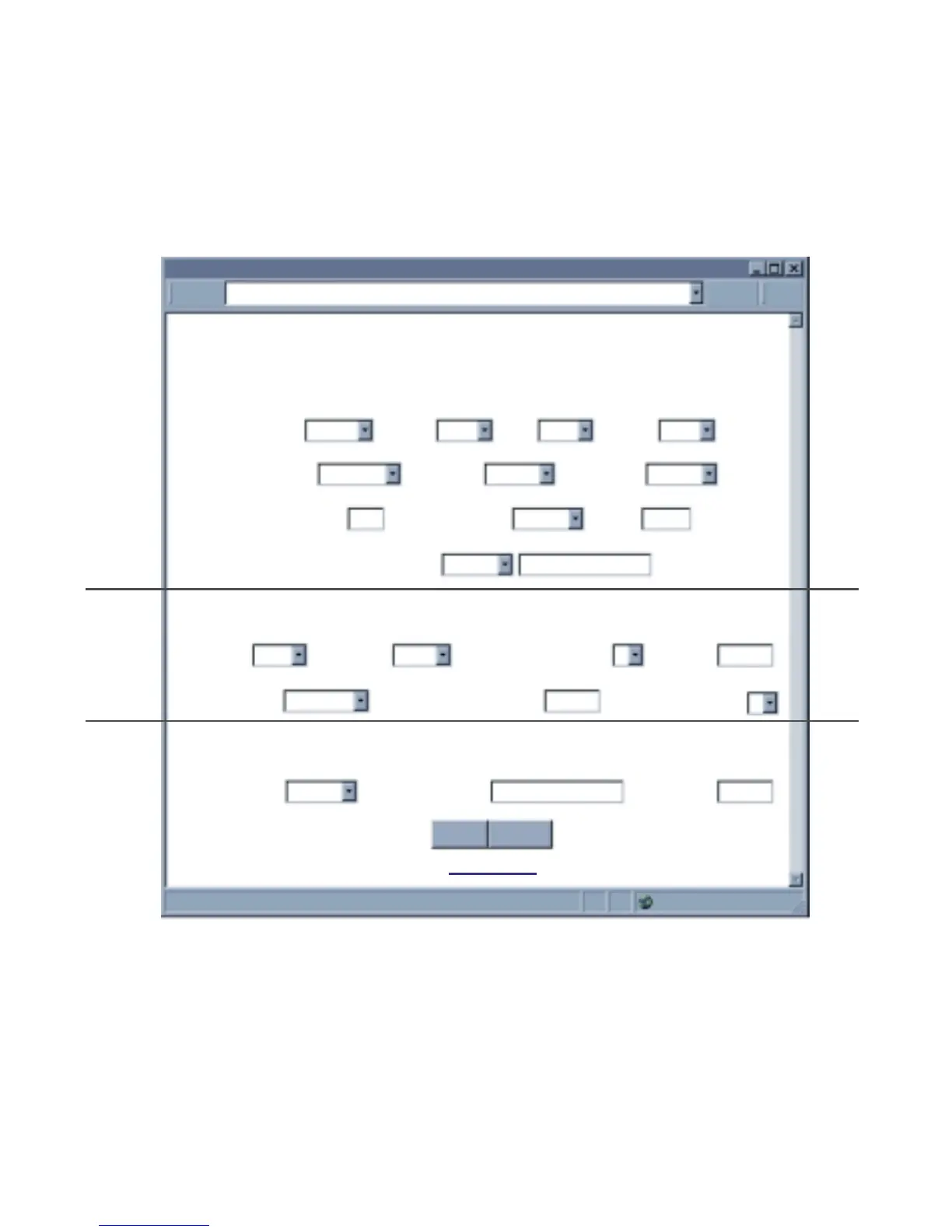
Figure 4.11 Configuration
4.2.4.A Serial Communication
Baud Rate: The serial port speed can be set from 300 to115,200 bits/s (default is 9600 bits/s.)
Data Bit: Options are 7 or 8 (default is 8 bits.)
Parity: Options are Odd, Even, and None (default is None.)
Stop Bits: Options are 1 and 2 bits (default is 1 bit.)
Flow Control: Options are Software Flow Control (Xon/Xoff), Hardware Flow Control
(CTS/RTS), and None (default is None.).
CONFIGURATION
CONFIGURATION
http://128.100.101.254
Address
Serial Communication
Remote Access (Tunneling)
Terminal Server
Main Menu
Save Reset
Baud Rate 9600 Data Bit 8 Bits Parity none Stop Bits 1 bit
Flow Control none Transciever RS-232
Modbus/TCP
disable
End Char (Hex) 00 Forward End Char enable Timeout 0 msecs
Serial Port Password disable 1234abcd
Connection Ctrl not used
Device No. 1
Connection Timeout 00100 msecs
TCP/UDP TCP Server Type slave Number of Connections 5 Local Port 02000
Remote Access
disable
Remote IP Address 0.0.0.0 Remote Port 02000



 To Next Page