4.7 Telnet Setup
Telnet stands for Telecommunications Network, is a protocol that provides a way for
users (or clients) to connect to computers (or servers) on a network, whether in the next
building or across the other side of the world.
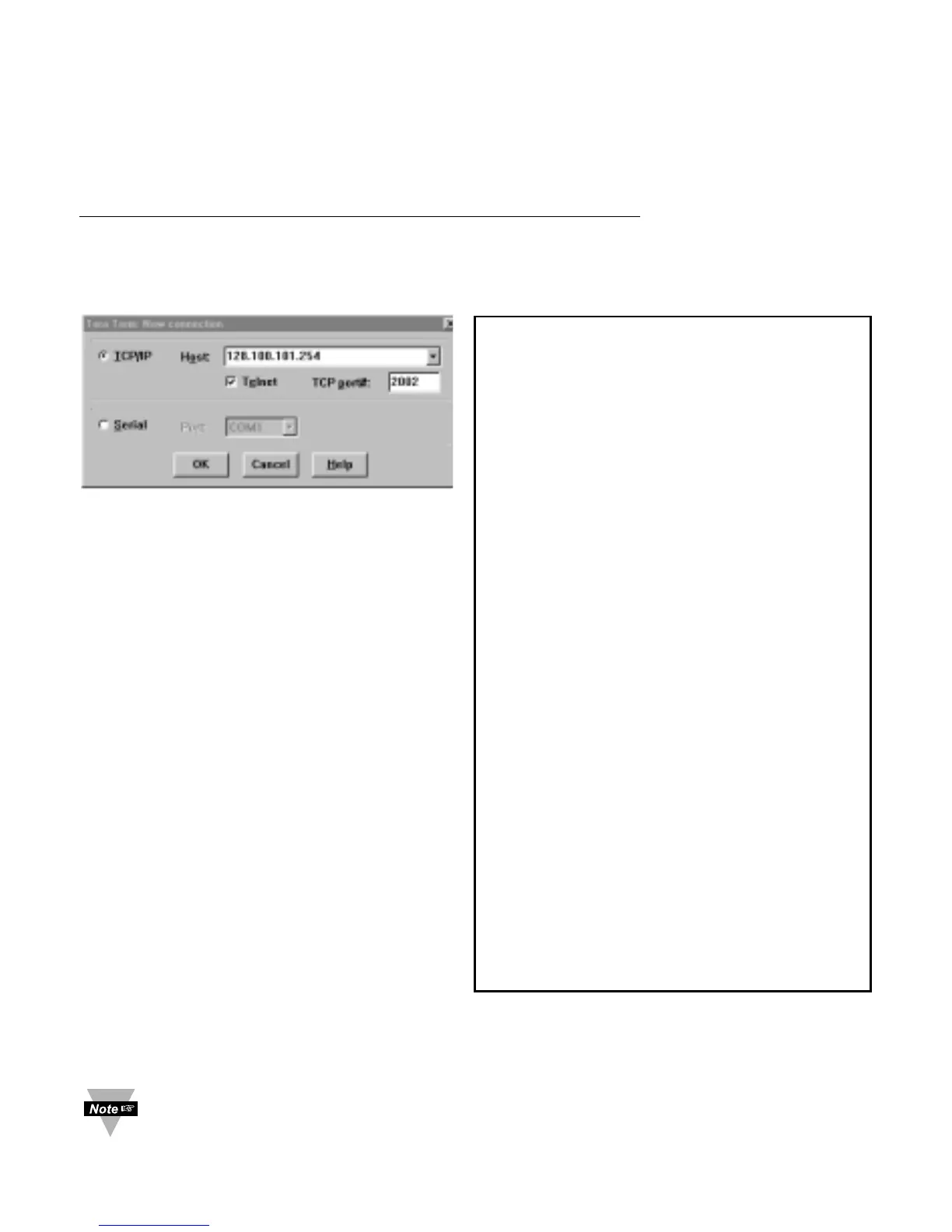
You can open a Telnet session using Tera Term Pro (can be download from
http://download.cnet.com/downloads/0-10062-100-890547.html.) Windows Operating
Systems include Telnet program as well. Once the Telnet mechanism is decided we can
open a session by simply typing the IP address of the iServer, and setting the Port on
2002 for logging into the iServer Configuration page or 2000 for accessing the serial
device connected to the iServer’s serial port.
Figure 4.19
Tera Term Telnet Connection Screen
Figure 4.20 Telnet Setup
iServer Configuration Page
The default password for Telnet Login is 00000000 and can be changed if
desired. Telnet works only in RS-232 mode
27
Firmware Version 4.0
Admin. Password:00000000
Admin. Login Successful
Configuration
Firmware Version 4.0
BD = 9600 (5)
PT = none(0)
ST = 1 bit (0)
DT = 8 bits (1)
MD = RS-232 (0)
TO = 0000
TT = SLAVE(1)
TN = 5
HN = eis1376
IP = 128.100.1
LP = 12345678
SP = 00000000
TP = iServer(0)
RE = disable(1)
RI = 0.0.0.0
RP = 02000
GW = 0.0.0.0
SM = 255.255.0.0
EC = 00
PP = 02000
FC = none (0)
MB = disable(0)
TU = TCP (0)
CC = not used(0)
CT = 01000
FE = enable (1)
EP = disable(1)
CP = 1234abcd
WB = enable (1)
MAC = 00:03:34:00:13:76
q
Quit



 To Next Page