16
4.2.2 Read Devices
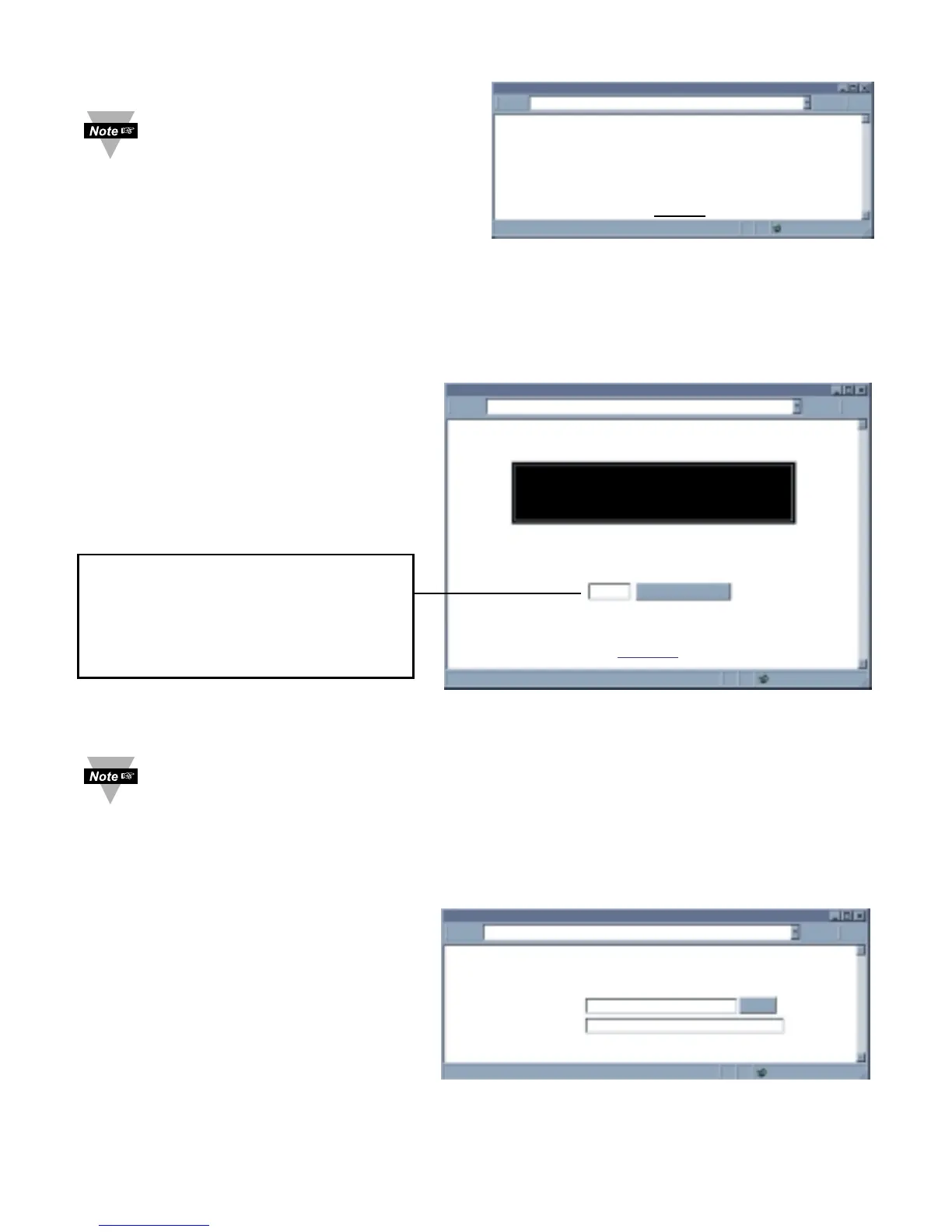
From the iServer home page, when
selecting “Read Devices” option, you
could be prompted with the following
error message.
To be able to select the “Read
Devices” option, you need to click on
the “Configuration” option and change
“Number of Connections” to 0
(see Figure 4.11). Make sure to
Save the page and click
“Read Devices” option again.
After adding the Parameters, including
the “Device Command” described in the
“Device Setup” page, the “Read Devices”
option allows you to monitor the
response back from the serial device.
4.2.3 Device Query
From the iServer Home Page, when selecting “Device Query” option, you could be
prompted with the following error message, shown in Figure 4.8.
To be able to select the “Device Query” option, you need to click on the “Configuration”
option and change “Number of Connections” to 0 (see Figure 4.11). Make sure to
Save the page and click “Device Query” option again.
The “Device Query” option allows you to
send a command to a single serial device
connected to the iServer and displays the
response back from that serial device. If
the connection is RS485, the RS485
node number must be typed before the
actual command.
Example: *01 is the RS485 node number
1 and the X01 is the actual command
requesting temperature value.
Figure 4.9 Read Devices
Figure 4.10 Device Query
If you have 000, click the Auto Update
button to manually refresh the page.
If you want to change the time
interval of the page refresh, enter the
amount of seconds in the box.



 To Next Page