4.3 Setting a New IP Address using the Serial Port (continued)
All that is left for you to do, is to use a straight/normal network cable to connect the
iServer to an Ethernet hub and power it up. Then you can go to your computer that is
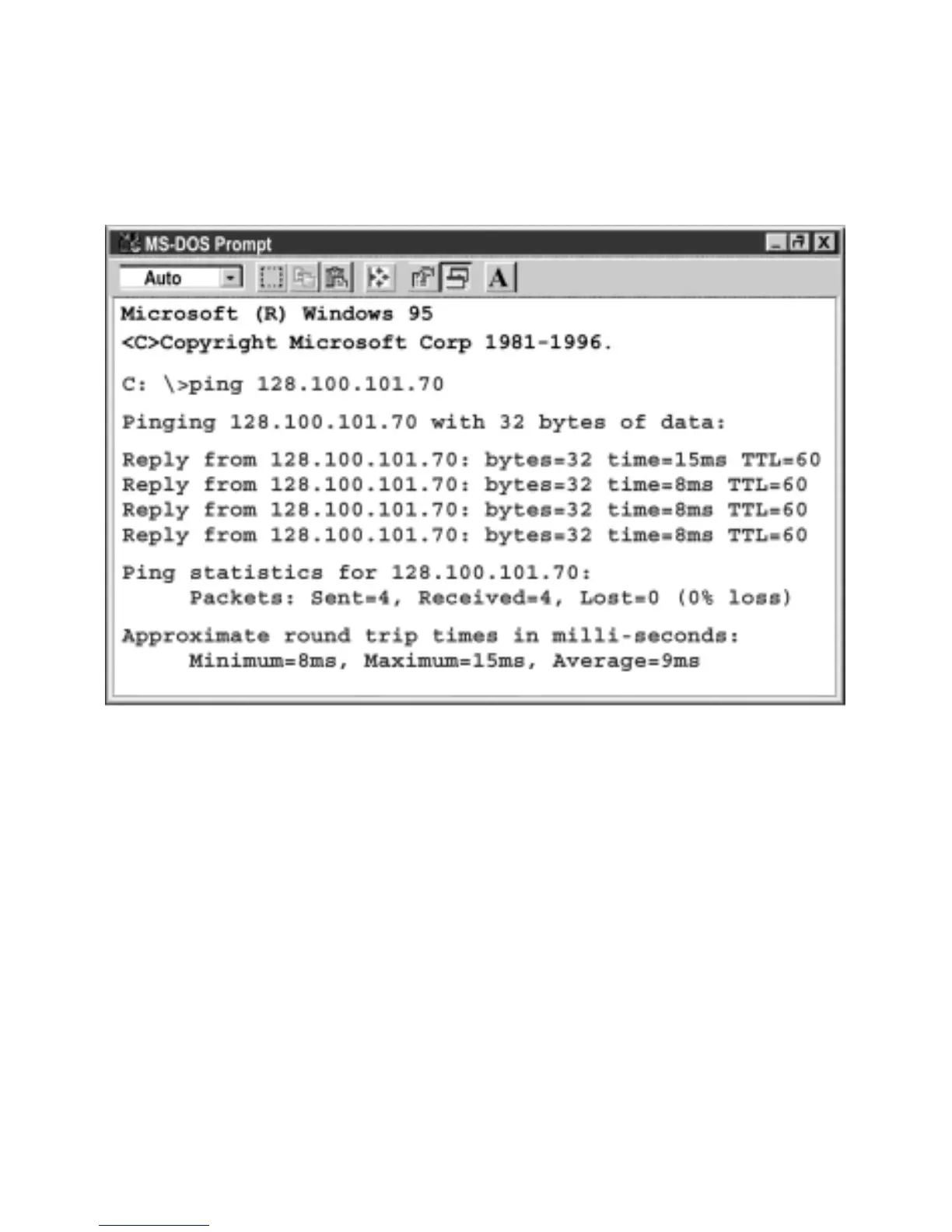
connected to the same network and from the MS-DOS-Prompt window type "ping
128.100.101.70" where 128.100.101.70 is the new IP address for the iServer.
Figure 4.15 Pinging 128.100.101.70 from the MS-DOS Prompt
This proves that the connection is proper and you can access the iServer using the
Telnet or Web browser.
23



 To Next Page