Page | 166
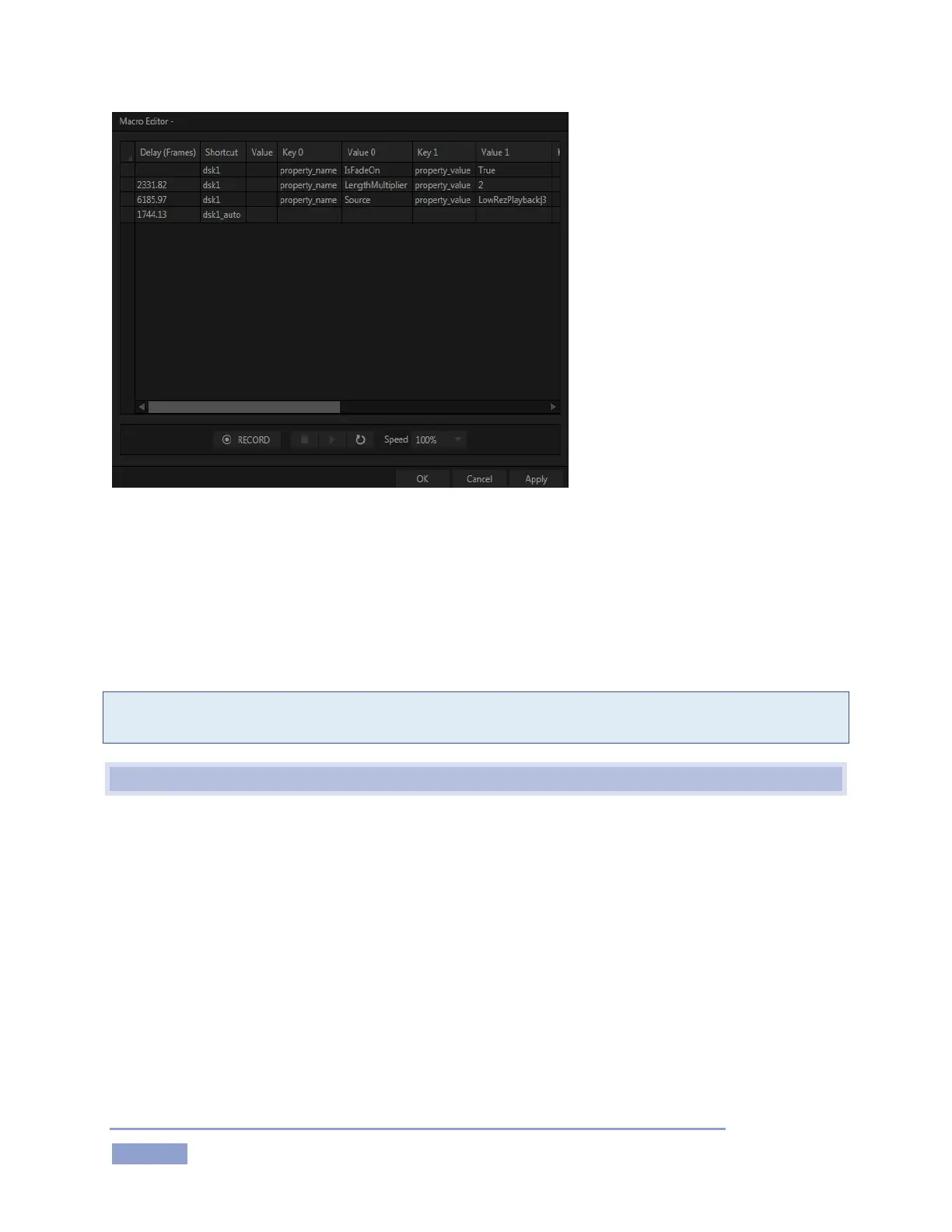
Figure 180
This deceptively simple editor presents the shortcut sequence your macro contains, along with all of its
values in a simple to comprehend ‘spreadsheet-style’ interface. Right-clicking opens the editor’s context
menu (the keyboard shortcut Ctrl + i also inserts a row). Standard copy and paste keyboard shortcuts are
supported as well. When done editing a macro, click Apply (or Cancel, to close the editor without saving
your changes).
Hint: Use the Record button in the footer of the Editor to insert newly recorded entries into the current at
the selected line.
17.10 AUTOMATION AND INTEGRATION
More advanced 3Play control methods, including TCP/IP are discussed in the comprehensive Automation
and Integration Guide, which can be found at https://www.newtek.com/downloads/.



 To Next Page