Page | 70
7.2.1 INPUT SETTINGS
VIDEO SOURCE AND FORMAT
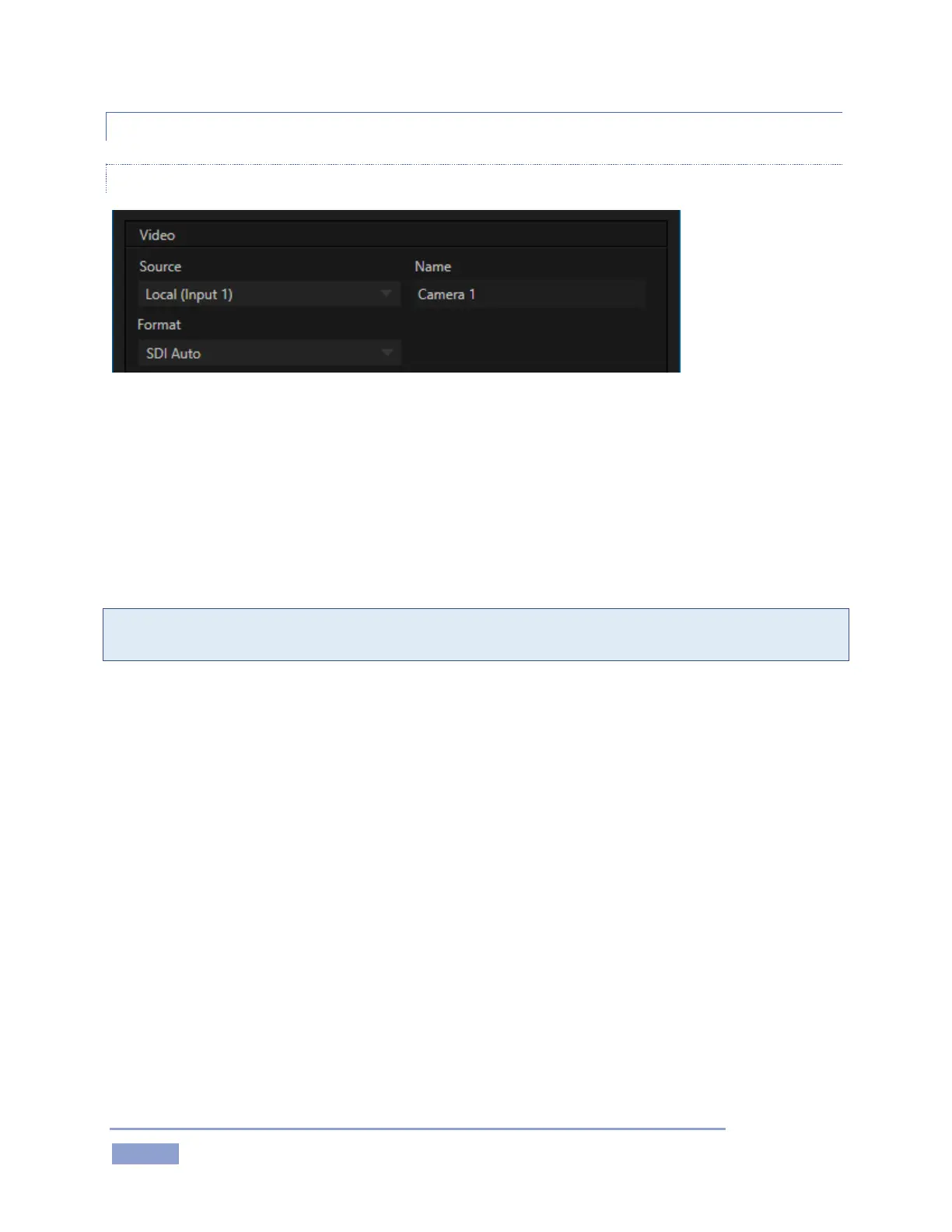
Figure 72
The Input Settings tab in the Input Configuration panel features a Connection Type menu at the top. The
available sources listing leads off with Local options, representing the hardware SDI input connections on
3Play’s backplane. After this you will see any available NDI® (Network Device Interface) sources on your
network listed.
Format options offered below the Source selector include auto-detection options suitable for most
sources, and manual options that vary with the session video standard, PAL or NTSC.
Hint: Changing from one video standard to another requires opening a new session. All connected
cameras must conform to the video standard of the current session.
The Format options provided in an NTSC session are as follows:
1080/59.94p
1080/59.94i
1080/29.97p
1080/29.97PsF
1080/23.98p
1080/23.98 Telecine
720/59.94p
720/29.97p
720/24p
480i (16:9)
480i (4:3)
The Format options provided in a PAL session are as follows:
1080/50p
1080/50i
1080/25p
1080/25PsF



 To Next Page